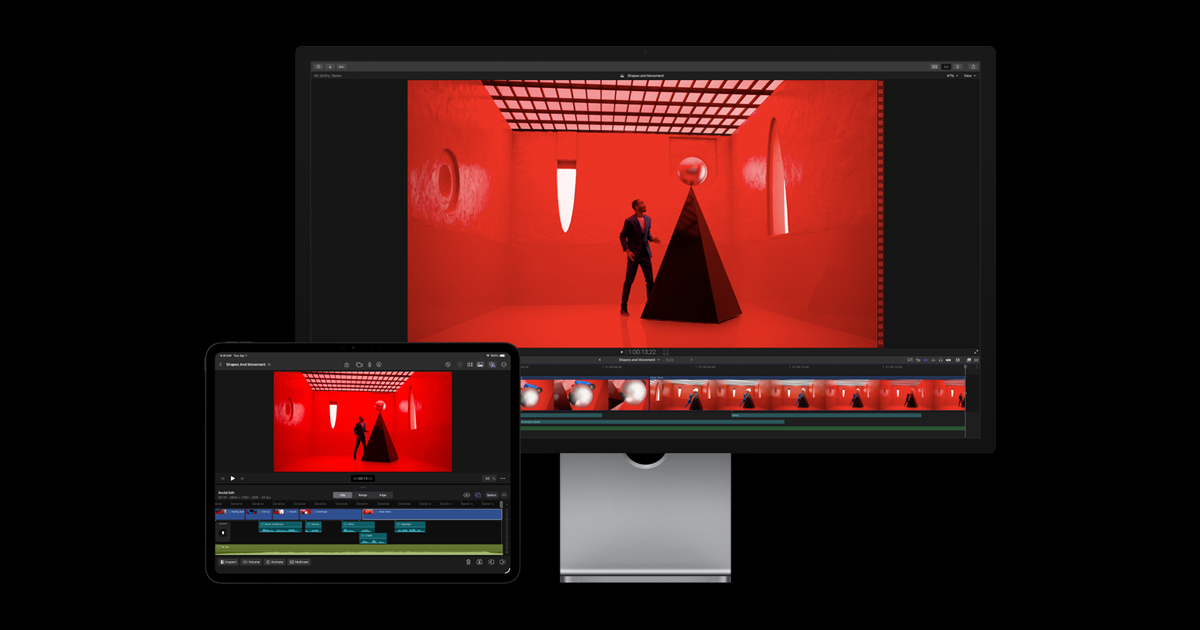
Final Cut Pro is the go-to for professional Mac editing as a one-time buy; outside the Apple ecosystem, a cross-platform editor fits better.
About
In practice. What you can do with Final Cut Pro.
Final Cut Pro is Apple's professional video editing software, sold as a one-time purchase (no subscription) and optimized to leverage Mac hardware (Apple Silicon chips). It's widely used by independent editors and YouTubers for its speed and magnetic timeline interface, different from Adobe Premiere's classic timeline.
The main trade-off: Mac only, which rules it out for anyone working on PC or collaborating with a mixed team.
Practical uses
Edit YouTube or client videos on Mac.
Leverage Apple Silicon for fast exports.
Edit on the go on iPad.
Features & use cases
Montage video
Creation
Color grading
Pros and cons. What Final Cut Pro does well, and what to expect.
Pros
One-time purchase, no mandatory subscription.
Excellent performance on Apple Silicon.
Smooth, productive magnetic timeline.
Built-in AI tools (visual search, beat detection).
Cons
Limited to the Apple ecosystem (macOS / iPad).
Limited multi-OS collaboration.
Different workflow from classic track-based editors.
When it makes sense. Keep Final Cut Pro, or challenge it?
Keep if
You edit on Mac and want a fast professional tool.
You prefer a one-time purchase over a subscription.
Challenge if
You work on Windows or in a multi-OS team.
You need advanced cloud collaboration.
Our verdict. What to know about Final Cut Pro.
Why this verdict
Average
Final Cut Pro is fairly easy to replace with an alternative, a free tier to test before paying, clearly documented use cases.