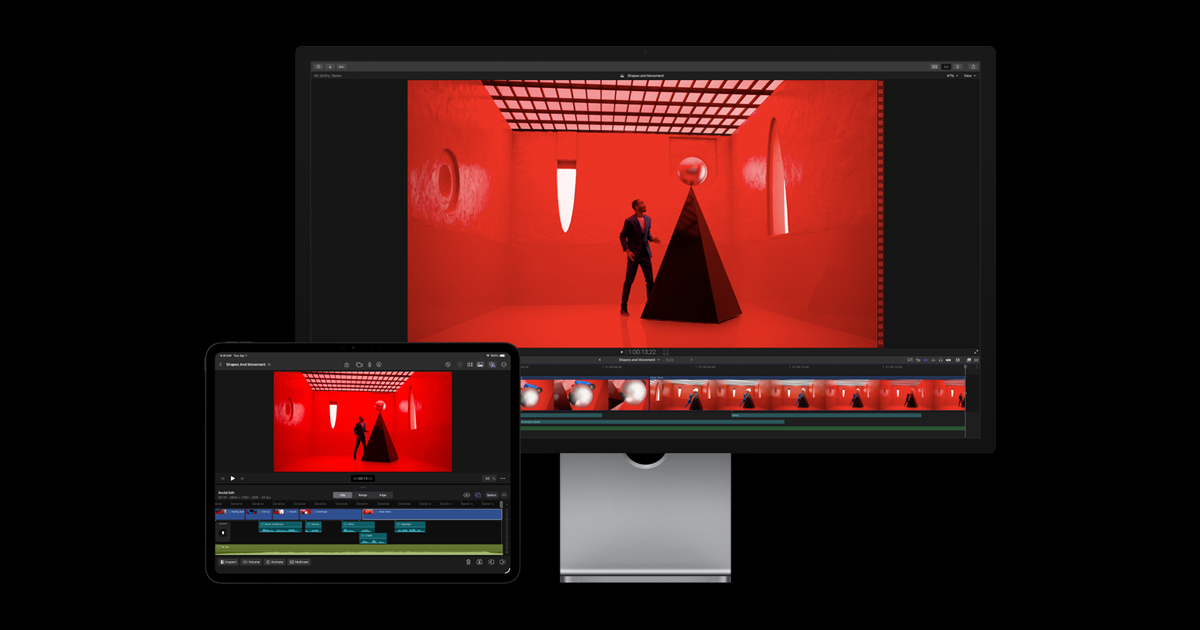
Final Cut Pro is Apple's professional video editing software, sold as a one-time purchase (no subscription) and optimized to leverage Mac hardware (Apple Silicon chips). It's widely used by independent editors and YouTubers for its speed and magnetic timeline interface, different from Adobe Premiere's classic timeline.
The main trade-off: Mac only, which rules it out for anyone working on PC or collaborating with a mixed team.
Practical uses
Edit YouTube or client videos on Mac.
Leverage Apple Silicon for fast exports.
Edit on the go on iPad.
Features & use cases
Video editing
Creation
Color grading
The case for and against. What Final Cut Pro does well, and when it costs too much.
For. What works in its favour.
One-time purchase, no mandatory subscription.
Excellent performance on Apple Silicon.
Smooth, productive magnetic timeline.
Built-in AI tools (visual search, beat detection).
You prefer a one-time purchase over a subscription.
You leverage Apple Silicon performance.
Against. What to plan for.
Limited to the Apple ecosystem (macOS / iPad).
Limited multi-OS collaboration.
Different workflow from classic track-based editors.
You need advanced cloud collaboration.
Very occasional editing doesn't justify the purchase.
Pricing. What does Final Cut Pro cost ?
PricingOne-time purchase of ~$300, no monthly subscription.
Alternatives. What could replace Final Cut Pro?
No established substitute
No tool in the catalogue covers the same need as Final Cut Pro. Rather than suggest an approximate match, here is the neighbourhood view.
Final Cut Pro added AI features (object tracking, background noise removal, automatic transcription), but remains a precise professional editing tool — AI speeds up some repetitive tasks, it doesn't replace creative editing.
Can AI replace it?
Replace Final Cut Pro with an AI? No: editing a video with precise narrative and pacing remains creative work AI doesn't do alone. It automates technical tasks (captions, audio cleanup), not editing choices. Verdict: AI augments technical productivity, creative editing remains a human skill.
Final Cut Pro Summary
Category
productivity tool.
Price from
Free.
Best for
professionals.
Avoid if
You work on Windows or in a multi-OS team; You need advanced cloud collaboration.
ToolTrim verdict
Final Cut Pro is the go-to for professional Mac editing as a one-time buy; outside the Apple ecosystem, a cross-platform editor fits better.
Frequently asked questions. What people ask about Final Cut Pro.
What is Final Cut Pro used for?
Professional Apple video editing (one-time purchase).
How much does Final Cut Pro cost?
ToolTrim has not verified Final Cut Pro's pricing yet; check the official page for current prices.
Is Final Cut Pro suitable for beginners?
Final Cut Pro suits most professionals. See the "Who is it for" section for details.
Is Final Cut Pro worth the price?
Final Cut Pro is the go-to for professional Mac editing as a one-time buy; outside the Apple ecosystem, a cross-platform editor fits better.