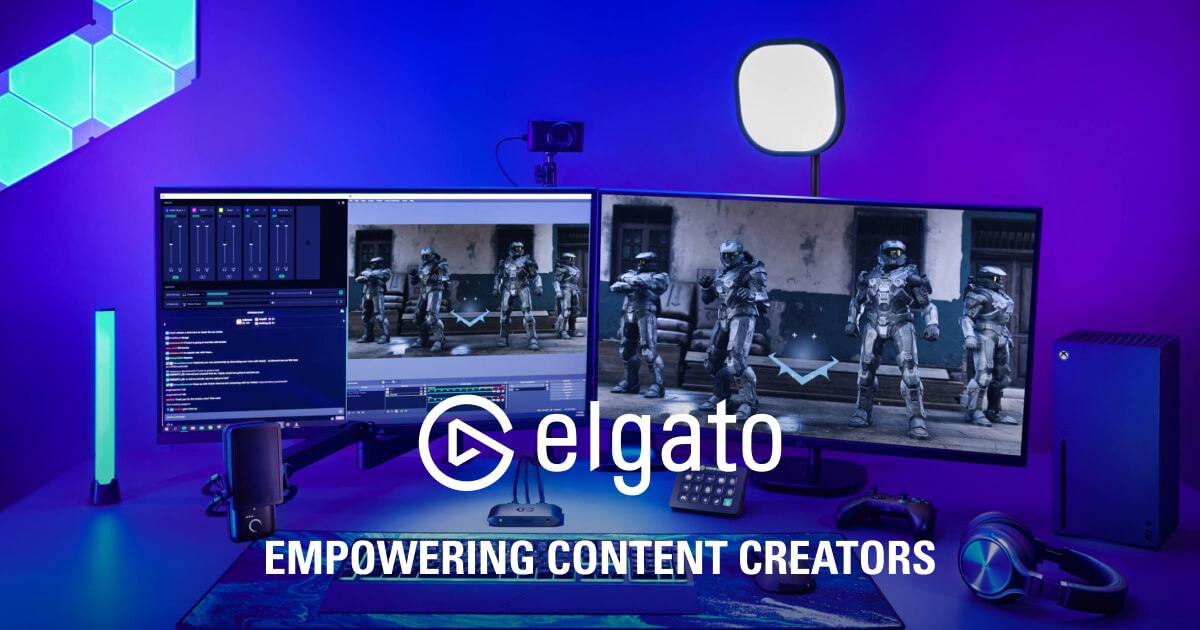
Elgato is the go-to for kitting out a streaming or creation setup; for occasional use, dedicated hardware isn't worth it.
About
In practice. What you can do with Elgato.
Elgato makes the reference hardware for streaming and video content creation: Stream Deck (programmable shortcut keypad), video capture cards, Key Light lighting, and microphones — the most recognized hardware ecosystem in the streamer community.
For a creator investing in a serious stream setup, Elgato hardware is often the default reference, at a higher budget than generic alternatives.
Practical uses
Drive OBS and live scenes via the Stream Deck.
Capture a console or camera to the computer.
Equip a studio (mic, lighting, green screen).
Features & use cases
Creator workflow
Pros and cons. What Elgato does well, and what to expect.
Pros
Complete hardware ecosystem for creators.
Highly customizable Stream Deck via plugins.
Control software provided free.
Reference-grade capture cards and lighting.
Cons
Upfront hardware investment required.
Products sold separately, costs add up.
Overkill for occasional use.
When it makes sense. Keep Elgato, or challenge it?
Keep if
You stream or record content regularly.
You want to automate actions via physical keys.
Challenge if
You want a software-only solution, no hardware.
Your use is too occasional to invest in hardware.
Pricing. What does Elgato cost ?
Price not publicOne-time hardware purchase, from ~$50 (basic capture key) to several hundred dollars (full setup).