Worth the Unlimited plan ($10/month, $84/year per seat) once the free plan's 60 MB storage cap becomes limiting.
1 / 2
About
In practice. What you can do with ClickUp.
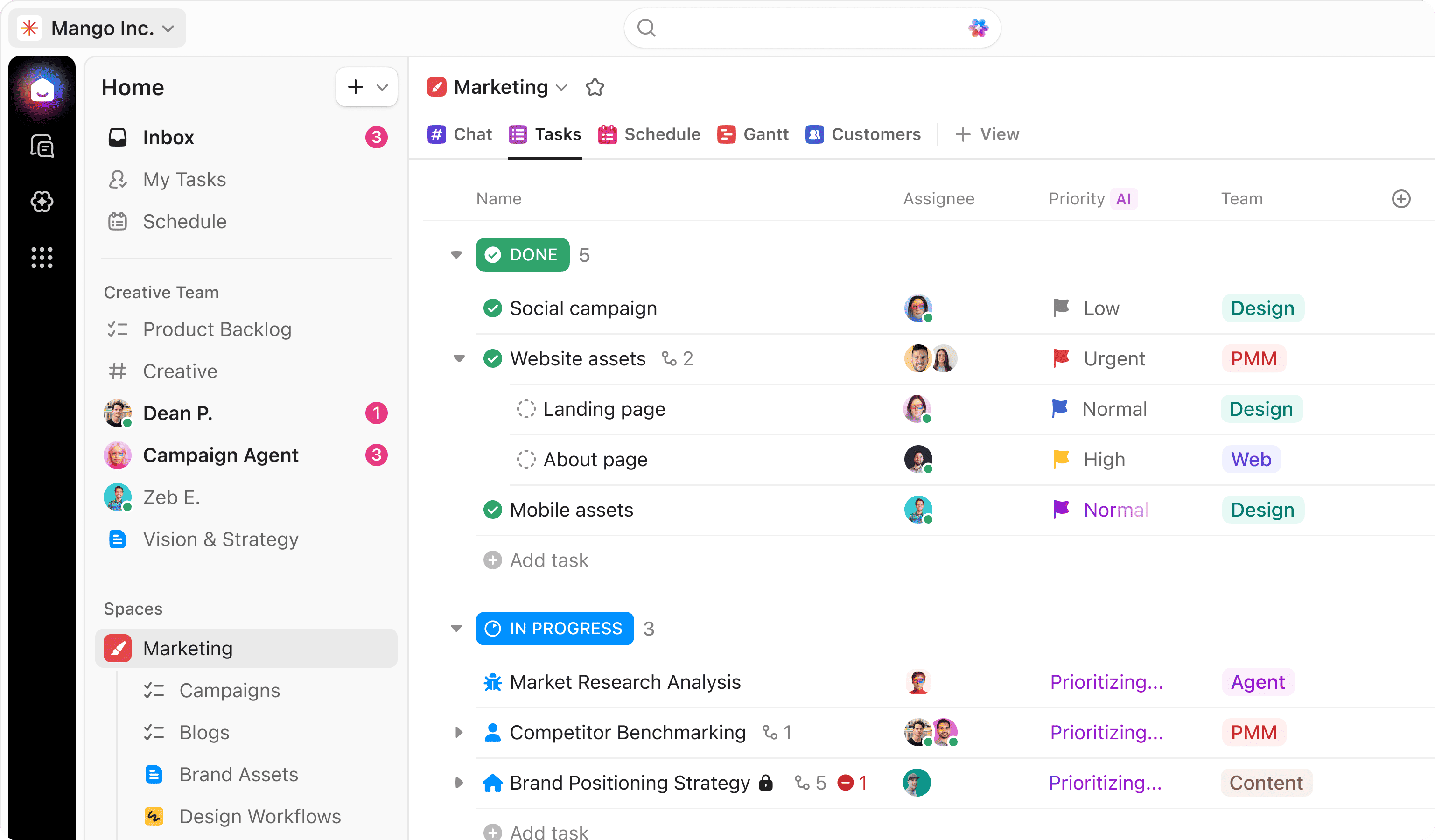
ClickUp combines tasks, docs, dashboards, chat and whiteboards in one customizable workspace, with native time tracking and configurable automations built in. The free plan covers unlimited tasks but caps storage at just 60 MB and automation runs at 100/month.
The entry paid plan, Unlimited, costs $10/month ($7 billed annually) and removes the storage cap. Business ($19/month, $12 annually) raises automation runs to 5,000/month and adds dashboards and mind mapping. A separate AI add-on (from $9/month) covers the assistant and agent features, which are not bundled into the base plans.
Practical uses
Team task trackingOrganize tasks, docs and dashboards for a small team in one workspace instead of several separate tools.
Process automationSet up automations (up to 5,000/month on Business) to move tasks between stages without manual updates.
Features & use cases
Collaboration
Planning
Task management
Project management
Pros and cons. What ClickUp does well, and what to expect.
Pros
Tasks, docs, dashboards and chat are unified in one workspace instead of several separate tools.
Native time tracking and automations are built into every paid plan, not sold as a separate module.
Cons
Free plan storage is capped at only 60 MB.
Full AI features require a separate paid add-on on top of the plan price.
When it makes sense. Keep ClickUp, or challenge it?
Keep if
Your team needs tasks, docs and dashboards unified in one tool and is willing to configure a customizable workspace.
ClickUp becomes worthwhile when
+You use it at least once a week
+The monthly cost ($7) is small next to the time it saves you
Challenge if
You want a simple board-based tool without a configuration phase, or need AI features bundled into the base price.
ClickUp becomes too expensive when
−You use it less than once a month
−notion (free) already covers the essentials for occasional use
Our verdict. What to know about ClickUp.
Why this verdict
Average
Added value
The free plan's 60 MB storage cap and the separately priced AI layer temper the value of the core plans, and the sources give no comparative ROI data.
Simplicity
Neutral score: onboarding time for a workspace this customizable is not covered by the collected sources.
Fit for purpose
Tasks, docs, dashboards, chat, whiteboards and native time tracking are documented as delivered across plans, matching the all-in-one promise.
Performance
Automation execution caps scale up to 250,000/month on Enterprise, with mind mapping and unlimited dashboards on Business, a broad capability ceiling.
Reversibility
Neutral score: data export formats and API access for migrating out of ClickUp are not covered by the collected sources.