    My stack

    Cal.com reviews

    Cal.com is an open-source scheduling tool: a free plan for individuals, paid plans adding team routing and compliance.

    Visit Cal.com
    ToolTrim verdict Very good

    Keep it if You're a solo consultant or freelancer who needs a reliable booking link with calendar sync and payment collection, for free.

    Compare alternatives
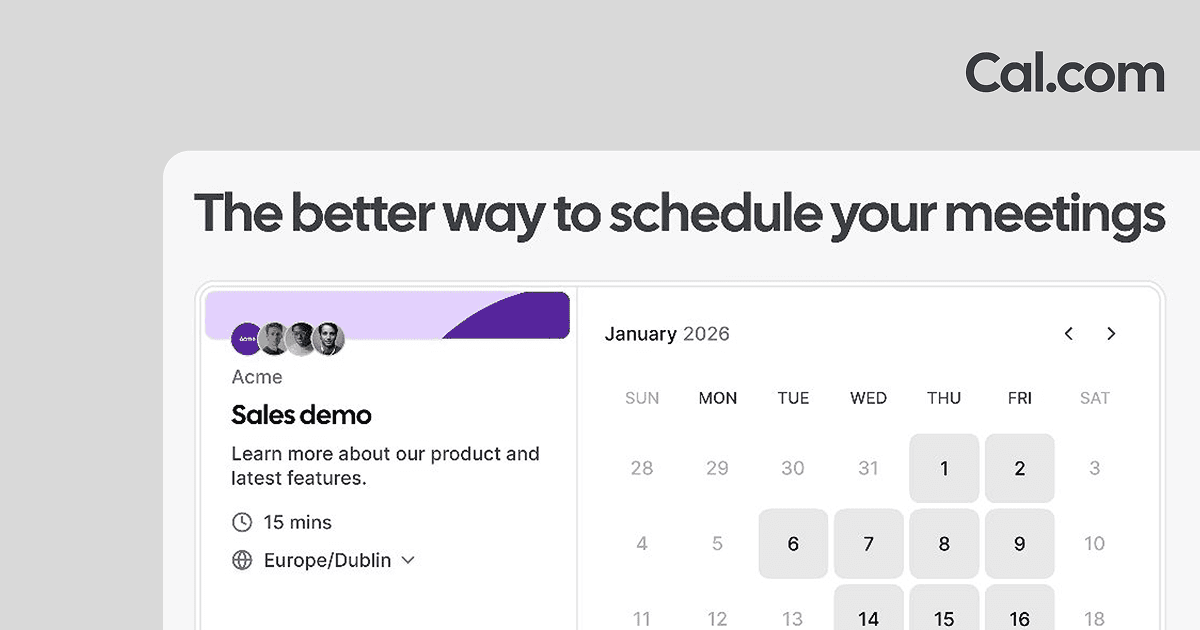
    Cal.com, preview 1
    About

    In practice. What you can do with Cal.com.

    Cal.com is an open-source alternative to Calendly: unlimited event types, calendar sync and 100+ app integrations, including Stripe/PayPal payments and two-way Salesforce/HubSpot sync, all on the free plan for a single user. A one-click importer migrates existing Calendly events.

    The Teams plan ($16/user/month, $12 annual) adds round-robin and collective scheduling for small teams; Organizations ($37/user/month, $28 annual) adds company subdomains, SAML SSO/SCIM and SOC 2/HIPAA/ISO 27001 compliance. It fits a freelancer or consultant who wants a booking link today and may add team scheduling later.

    Practical uses

    • Book client callsShare a booking link that syncs with your calendar so clients pick a free slot without back-and-forth emails.
    • Route team meetingsUse round-robin scheduling on the Teams plan so inbound booking requests are distributed across the team automatically.

    Features & use cases

    Scheduling
    Prise rendez vous
    Synchronisation calendrier

    The case for and against. What Cal.com does well, and when it costs too much.

    For. What works in its favour.

    • The free plan already includes payment collection and CRM two-way sync, features some competitors reserve for paid tiers.
    • Open-source codebase and a one-click Calendly importer lower the switching cost in both directions.

    Pays off from

    18 minsaved a month

    Cal.com costs $12/month. If your hour is worth $40, those 18 min cover it.

    Against. What to plan for.

    • Team scheduling (round-robin, shared team availability) is locked behind the $16/month Teams plan, not available solo.
    • Compliance certifications (SOC 2, HIPAA, ISO 27001) only appear at the Organizations tier, $37/user/month.

    Too expensive if

    • You use it less than once a month
    • cal-com (free) already covers the essentials for occasional use

    Our verdict. What to know about Cal.com.

    How the score breaks down

    Added value

    The free plan alone covers a solo consultant's full scheduling need (unlimited event types, 100+ integrations, payments) at no cost, and Teams adds collaboration for $16/user/month.

    Simplicity

    Sign up and get a working booking link immediately on the free plan, with no setup beyond connecting a calendar.

    Fit for purpose

    Delivers core scheduling, payment collection and two-way CRM sync as advertised on the pricing page without needing third-party add-ons.

    Performance

    Covers standard scheduling and team routing well, but advanced compliance (SSO, SCIM, SOC 2/HIPAA) is reserved for Organizations/Enterprise, a notch below category leaders built for large orgs from the start.

    Reversibility

    Open-source with 100+ integrations and a one-click Calendly import mentioned on the pricing page, suggesting lower lock-in than a closed-source competitor.

    Cal.comFrom $12/mo
    Visit site

    Your next step.

    Visit Cal.com