There's no price threshold: it's free and open source (MIT) either way, so the decision is about framework fit, not cost.
About
In practice. What you can do with Angular Material.
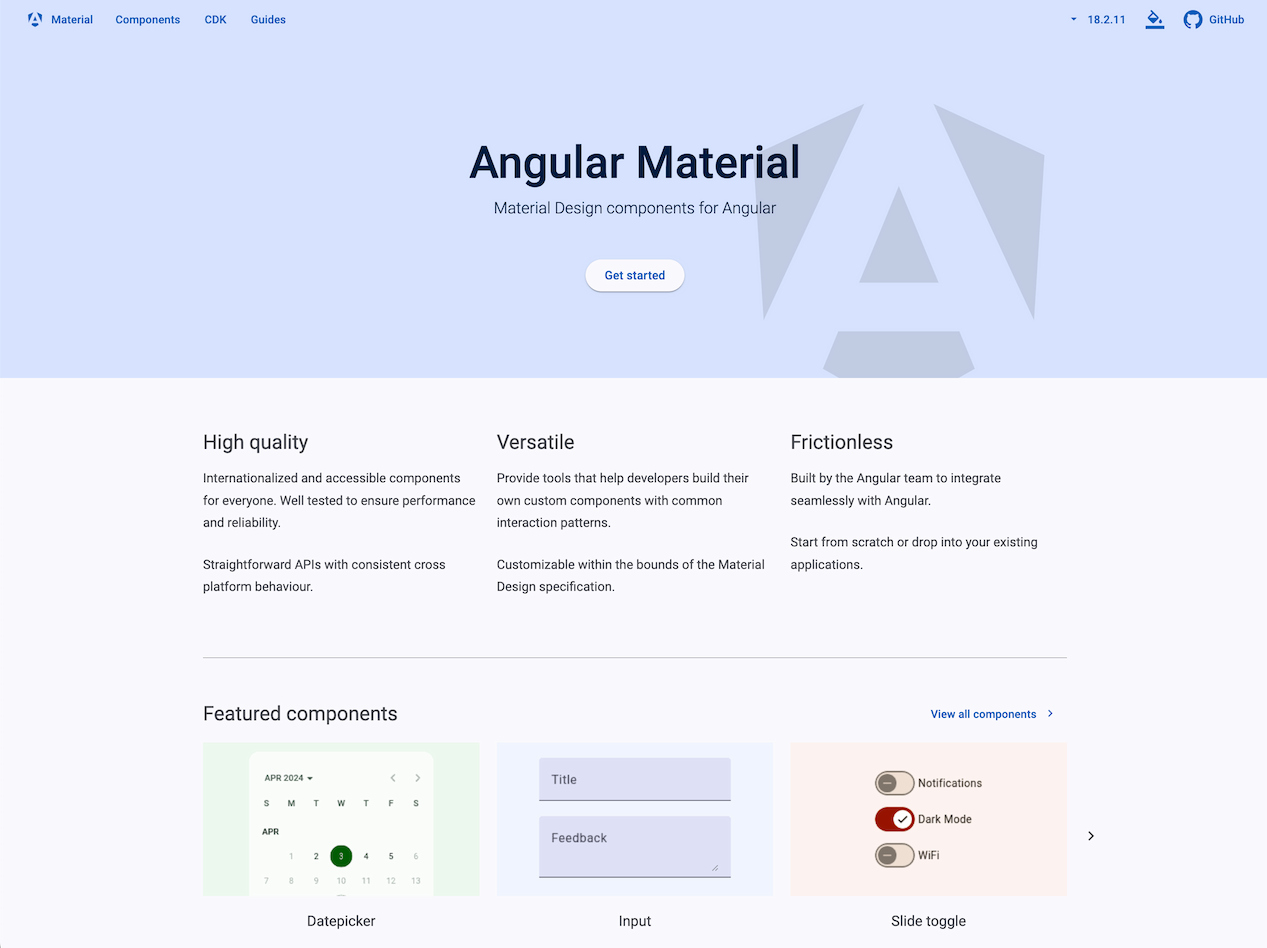
Angular Material provides a full set of Material Design UI components, forms, navigation, layout and data tables, for Angular applications. It ships alongside the Angular CDK, a set of behavior primitives (overlay, drag-drop, accessibility) for building custom components, and is maintained officially by Google's Angular team following the framework's own release policy.
It's free and open source (MIT), with no paid tier at all. It's Angular-only, so it doesn't help React or Vue projects, and visual customization beyond Material Design theming means overriding CSS/SCSS. It fits an Angular developer or team that wants a maintained, coherent component set rather than building UI from scratch.
Practical uses
Use caseBuild an Angular app's forms, navigation and data tables with ready-made Material Design components instead of coding them from scratch.
Use caseUse the Angular CDK's overlay and drag-drop primitives to build a fully custom component while keeping Angular Material for the rest of the UI.
Features & use cases
Design system
UI components
Pros and cons. What Angular Material does well, and what to expect.
Pros
Completely free and open source, with official Google/Angular team maintenance.
Ships with the Angular CDK for building fully custom components on solid behavior primitives.
Cons
Locked to Angular, unusable in a React or Vue codebase.
Moving away from the default Material Design look requires CSS/SCSS override work.
When it makes sense. Keep Angular Material, or challenge it?
Keep if
You're building an Angular app and want an officially maintained, coherent component set instead of assembling one yourself.
Challenge if
You're not using Angular, or you need a visual style far from Material Design without heavy CSS overrides.
Pricing. What does Angular Material cost ?
Open source
$0license
Infrastructure and operations on you
MIT-licensed, free to use with no paid tier.
Checked on September 25, 2026
Alternatives. What could replace Angular Material?
Fully free under the MIT license with no paid tier, and it ships a complete component set plus the CDK, a strong return for any Angular team.
Simplicity
Components work out of the box with Material Design defaults, but customizing the visual style beyond that requires CSS/SCSS overrides, adding friction to a first result.
Fit for purpose
It delivers a full Material Design component set and behavior primitives (CDK) as promised, for Angular apps specifically.
Performance
Covers UI components, layout, navigation, data tables and low-level behavior primitives (overlay, drag-drop, a11y) via the CDK, a wide surface for the category.
Reversibility
Neutral score: migrating an app's Material Design markup and theming away from Angular Material to another library is not covered by the collected sources.
Angular Material Summary
Category
productivity tool.
Price from
Free.
Best for
Angular developers who want an officially maintained, ready-made Material Design component library instead of building UI components from scratch.
Avoid if
You're not using Angular, or you need a visual style far from Material Design without heavy CSS overrides.