
    My stack

    Adobe Podcast AI reviews

    Adobe's suite of AI-powered audio tools for recording, editing, and enhancing voice and sound quality.

    Visit Adobe Podcast AI
    ToolTrim verdict Very good

    Keep it if You occasionally need to clean up voice recordings and want a free, instant, no-skill fix.

    Compare alternatives
    Adobe Podcast AI, preview 1
    Adobe Podcast AI, preview 2
    Adobe Podcast AI, preview 3
    About

    In practice. What you can do with Adobe Podcast AI.

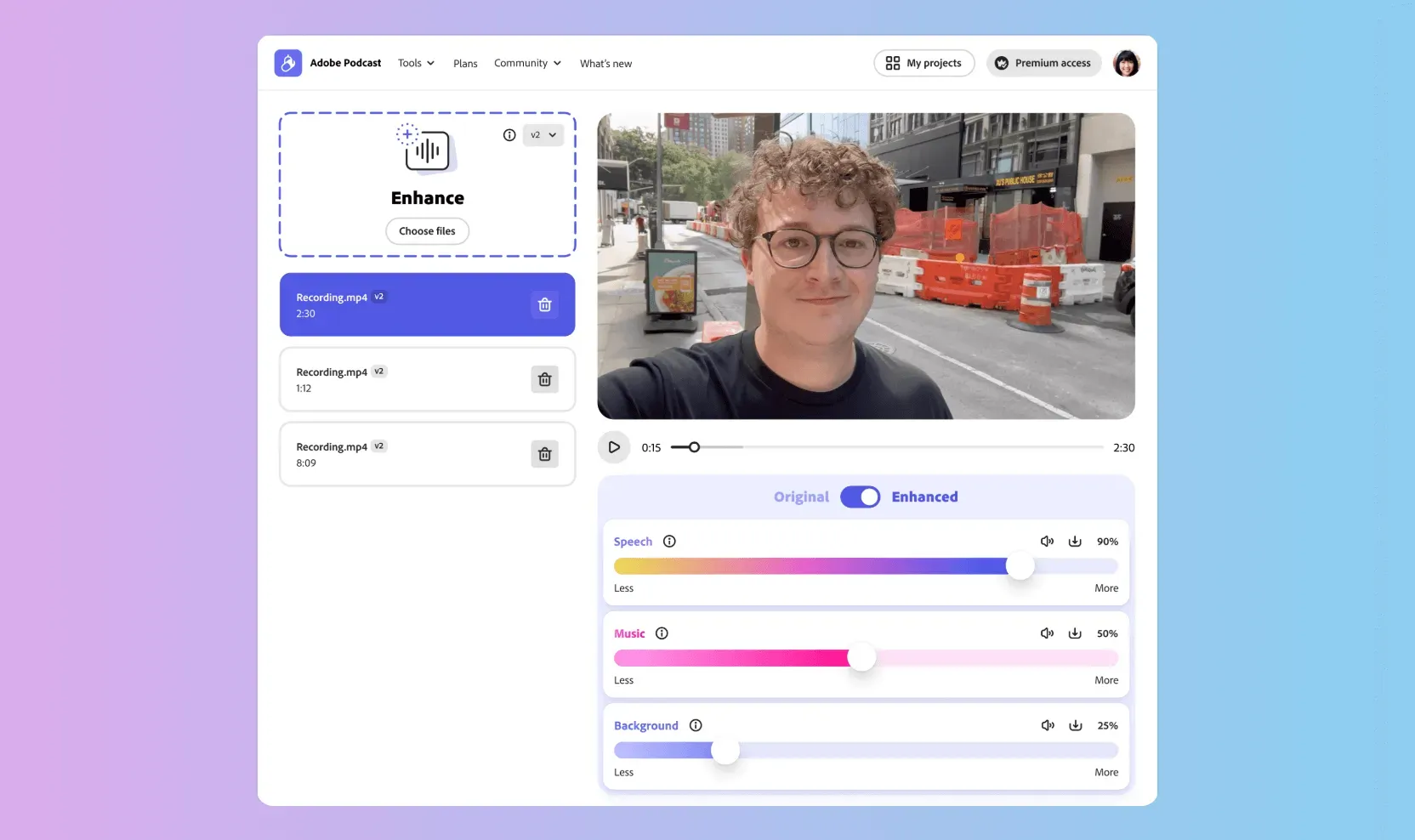
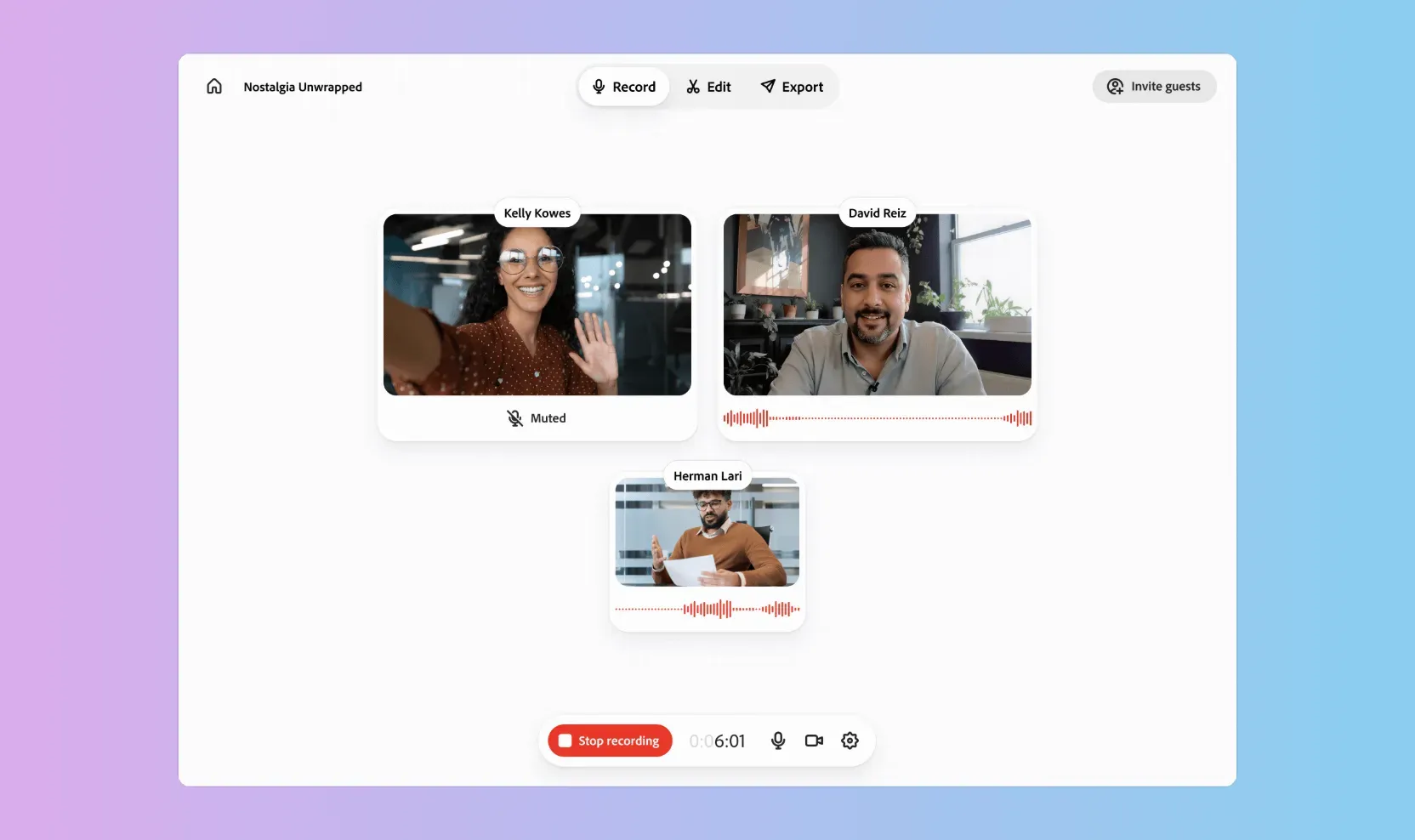
    Adobe Podcast is a free, browser-based tool built around Enhance Speech, an AI filter that strips background noise and room echo from voice recordings in a single click. It also includes Mic Check for testing your setup before recording and Studio, a lightweight multitrack recording and transcript-based editing tool for podcasts.

    The core cleanup feature is genuinely free with just an Adobe account, but usage caps (30-minute files, 1 hour of processing per day, audio only) push regular creators toward the $19.99/month Adobe Firefly Pro plan, which adds video support, bigger files, unlimited Studio downloads, and bundles Adobe Express Premium plus Firefly generative credits.

    It is best understood as a fast fix for one specific problem, cleaning up imperfect voice audio, rather than a full podcast production suite. Creators who need deeper editing, automation or an API should look at more specialized tools.

    Practical uses

    • Cleaning up a phone or laptop-mic voice recording before publishing a podcast episode or video voiceover.
    • Recording a remote podcast interview directly in the browserStudio, without extra recording software.
    • Testing a new microphone and room setupMic Check before an important recording session.

    Features & use cases

    Debruitage audio
    Montage audio
    Qualite podcast

    The case for and against. What Adobe Podcast AI does well, and when it costs too much.

    For. What works in its favour.

    • Genuinely free core feature with no credit card required to start
    • One-click result with no audio engineering skill needed
    • Paid tier (Adobe Firefly Pro) bundles Adobe Express Premium design tools and Firefly generative credits alongside Podcast Premium features

    Pays off from

    30 minsaved a month

    Adobe Podcast AI costs $19.99/month. If your hour is worth $40, those 30 min cover it.

    Against. What to plan for.

    • Free tier limits (30 min/day, audio only) are restrictive for regular podcasters
    • No API and no advanced mixing, so it does not replace a real DAW or podcast editor for complex projects

    Too expensive if

    • You use it less than once a month
    • A simple free version or a tool already in your stack would do

    Our verdict. What to know about Adobe Podcast AI.

    How the score breaks down

    Added value

    The core Enhance Speech filter is free and solves a real, common problem (bad room/mic audio) in one click, and the paid Adobe Firefly Pro plan at $19.99/month (which now bundles these features) is still cheap next to a full DAW workflow or hiring an editor.

    Simplicity

    Drag a file in, click enhance, download; no account setup beyond a free Adobe ID and no learning curve for the core filter.

    Fit for purpose

    Delivers audibly cleaner speech reliably for the common case (voice + background noise/room echo), though free-tier caps (30 min, 1h/day) can force workarounds for heavier users.

    Performance

    Good for cleanup and light multitrack recording, but it is not a full DAW: no advanced mixing, no plugin ecosystem, no API for programmatic processing.

    Reversibility

    Enhanced files download as standard audio/video files with no lock-in, but there is no API or bulk-export tooling to automate migration away from the platform.

    Adobe Podcast AIFrom $19.99/mo
    Visit site