After Effects plugin that exports shape-layer animations to the open Lottie JSON format for web and mobile.


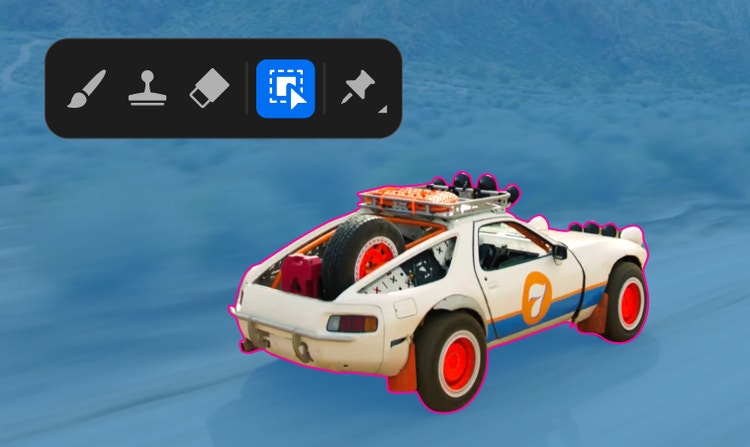

Adobe's visual effects, motion graphics, and compositing application (Windows/macOS).
40 tools ranked by relevance
After Effects plugin that exports shape-layer animations to the open Lottie JSON format for web and mobile.

Free, open-source character and prop rigging toolkit for After Effects, with built-in wiggle, bounce and walk-cycle automation.
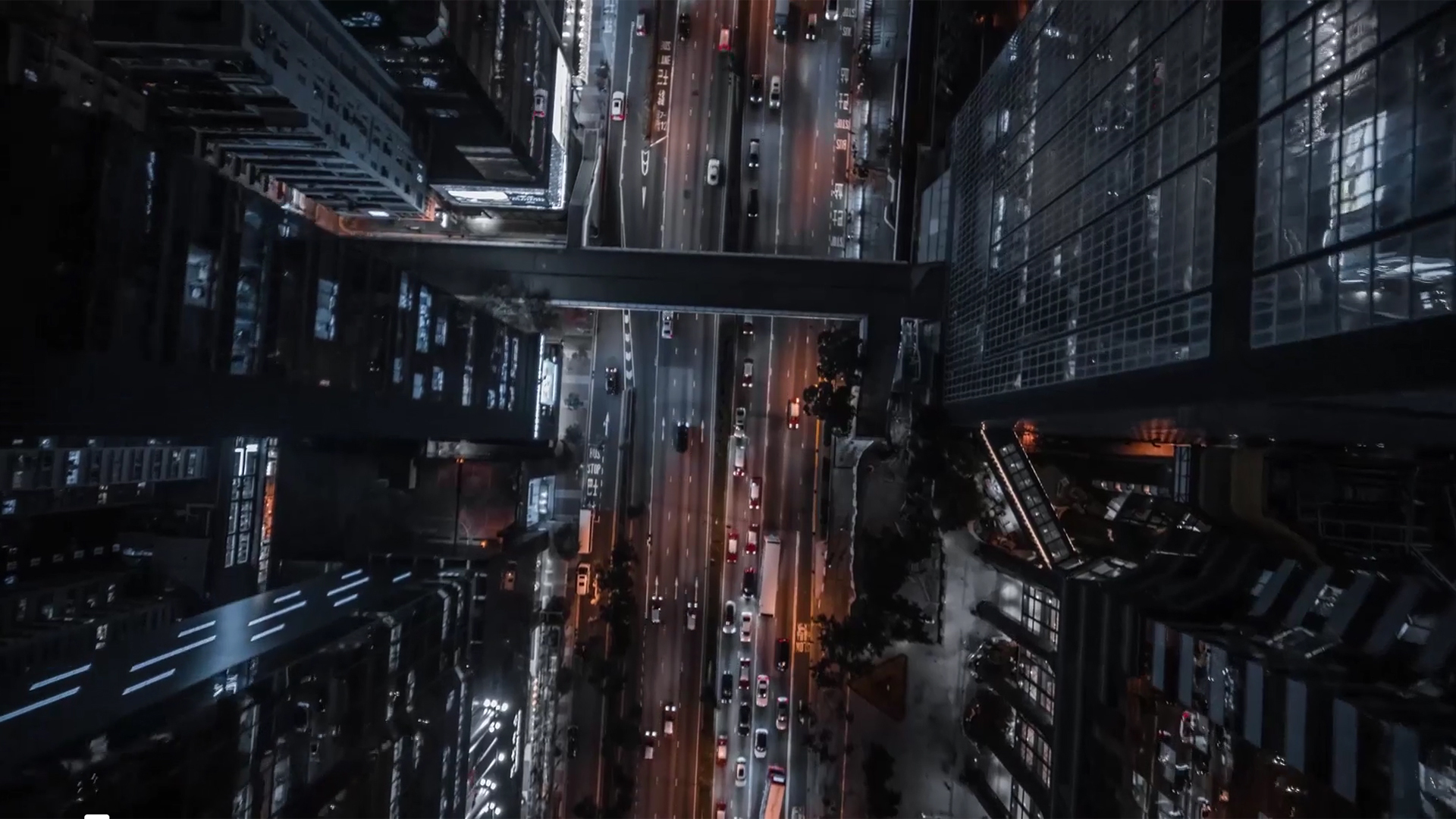
A color grading and film emulation plugin for video editors, bundled inside the Red Giant Complete subscription at an unpublished price.
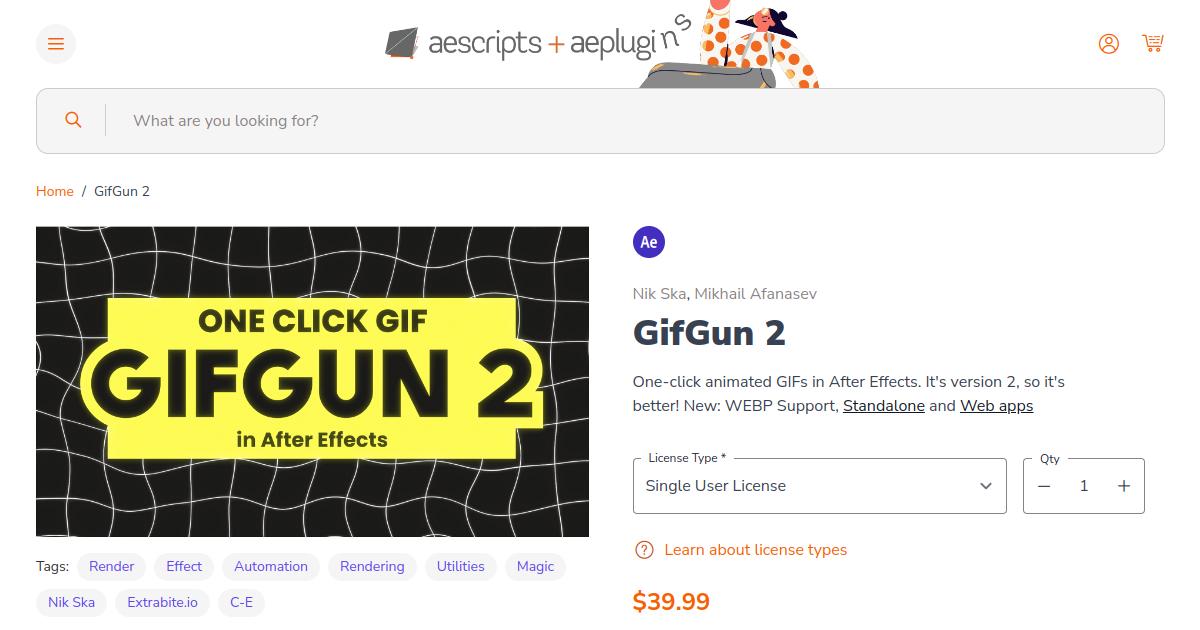
One-time-purchase After Effects plugin, desktop app and web app for exporting compressed GIF, WEBP, WEBM and MP4 files.
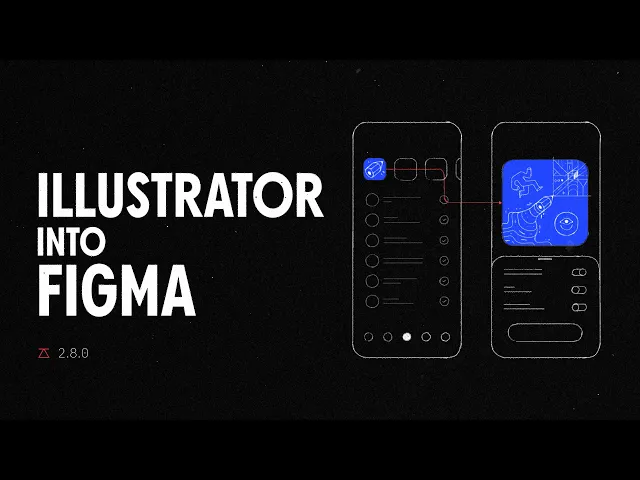
Overlord transfers layered designs from Figma, Photoshop and Illustrator into After Effects, keeping masks, text and styles editable.
Animation Composer is a Mister Horse plugin for After Effects and Premiere Pro that provides a browsable library of animation presets, free with 1,000+ assets or $16.50/month (annual) for 6,000+.
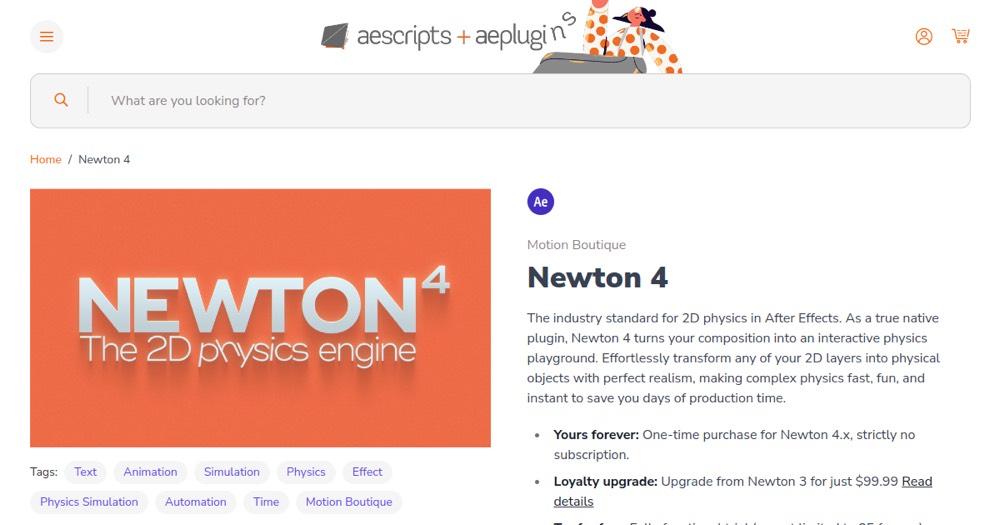
Newton 4 is an After Effects plugin that gives layers realistic 2D physics (gravity, collisions, springs) without manual keyframing, sold as a one-time license.

BAO Boa is an After Effects plugin that distorts layers precisely along mask paths for organic, smooth animated distortions.
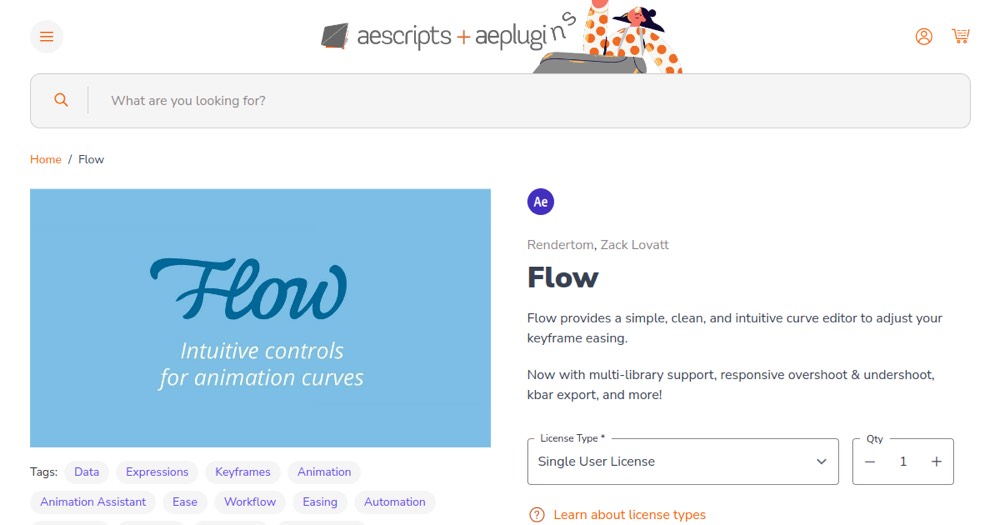
Flow is an After Effects extension that replaces the native Graph Editor with a modern easing-curve editor and a reusable preset library.
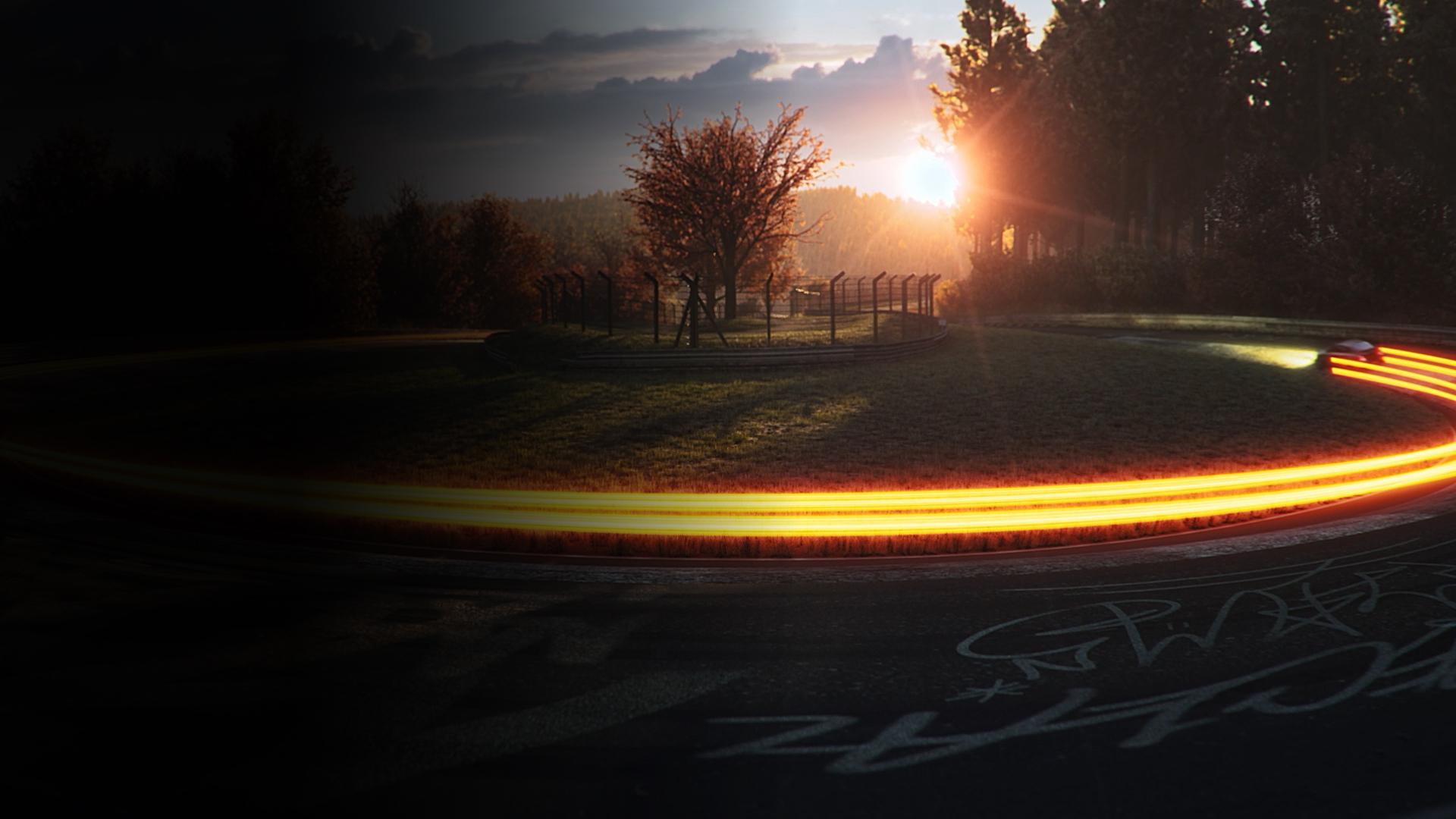
Red Giant is a professional suite of 50+ VFX and motion design plugins created by Maxon for After Effects, Premiere Pro, and video apps. Includes Trapcode (particles, lens flares, lights), Universe (transitions, effects), color tools, and specialized toolsets. Ships with monthly updates and Maxon Studio (templates).
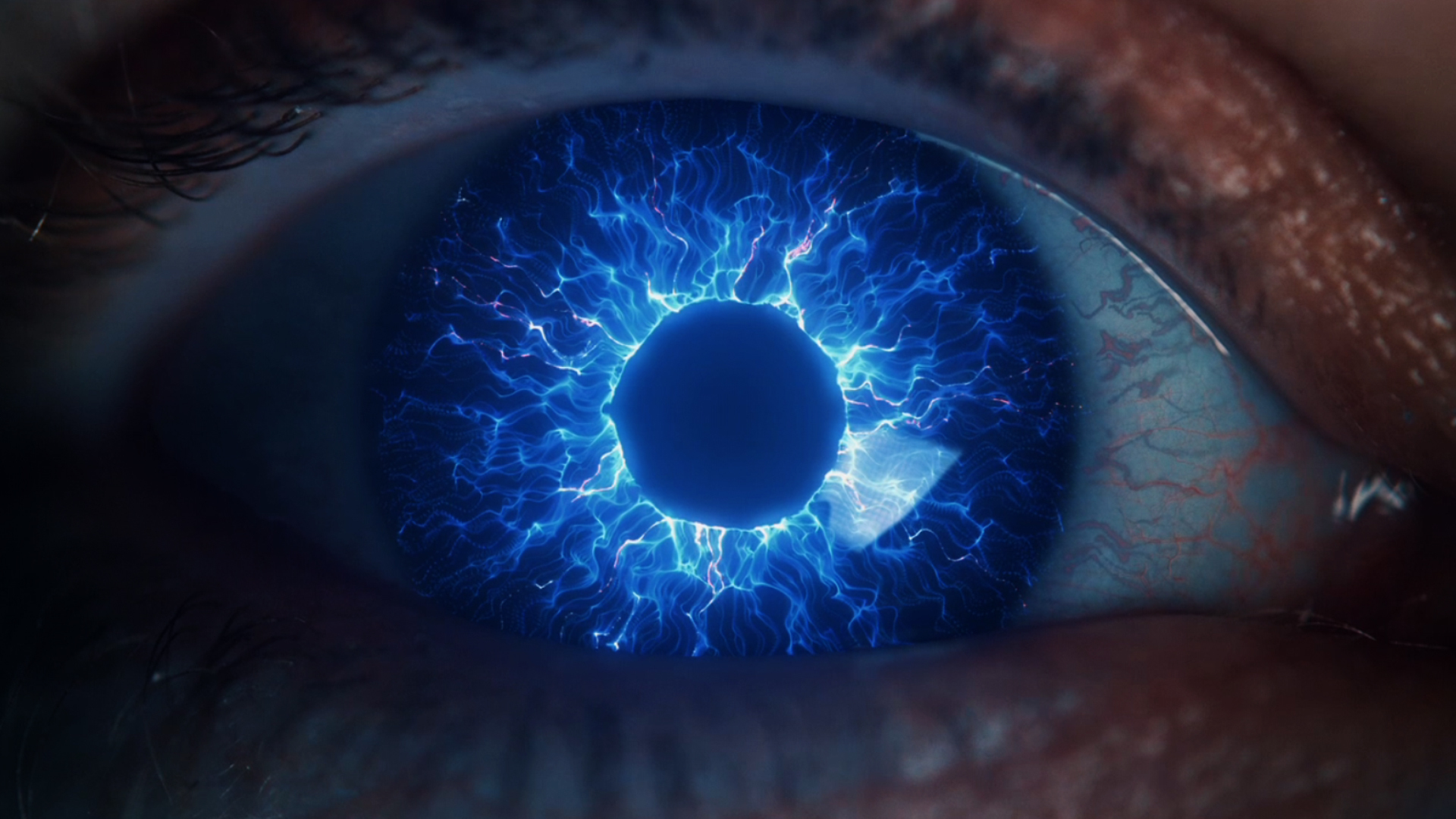
A Red Giant tool family for particles and motion graphics in After Effects.
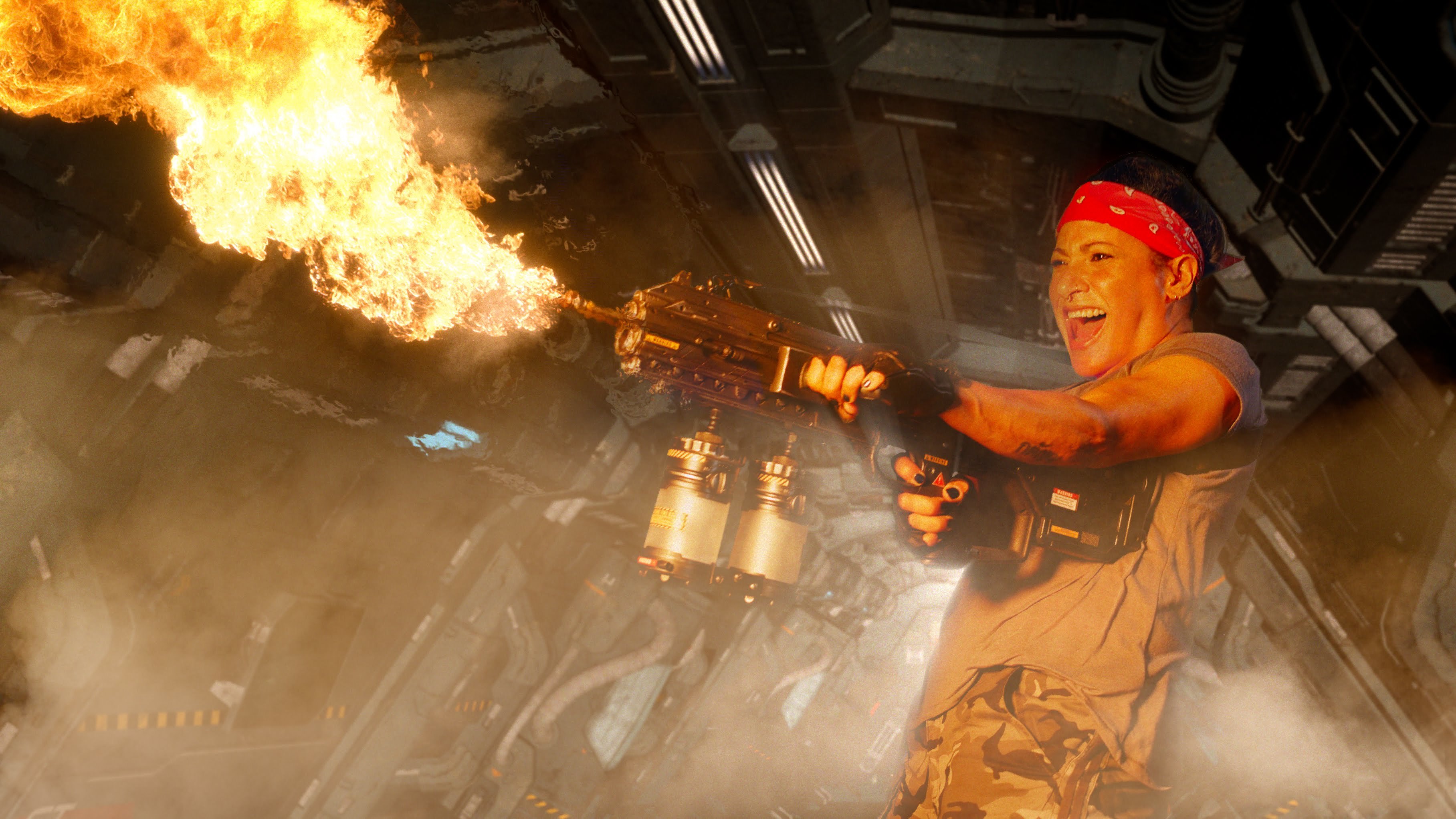
A Red Giant family for keying, tracking, cleanup and effects compositing.
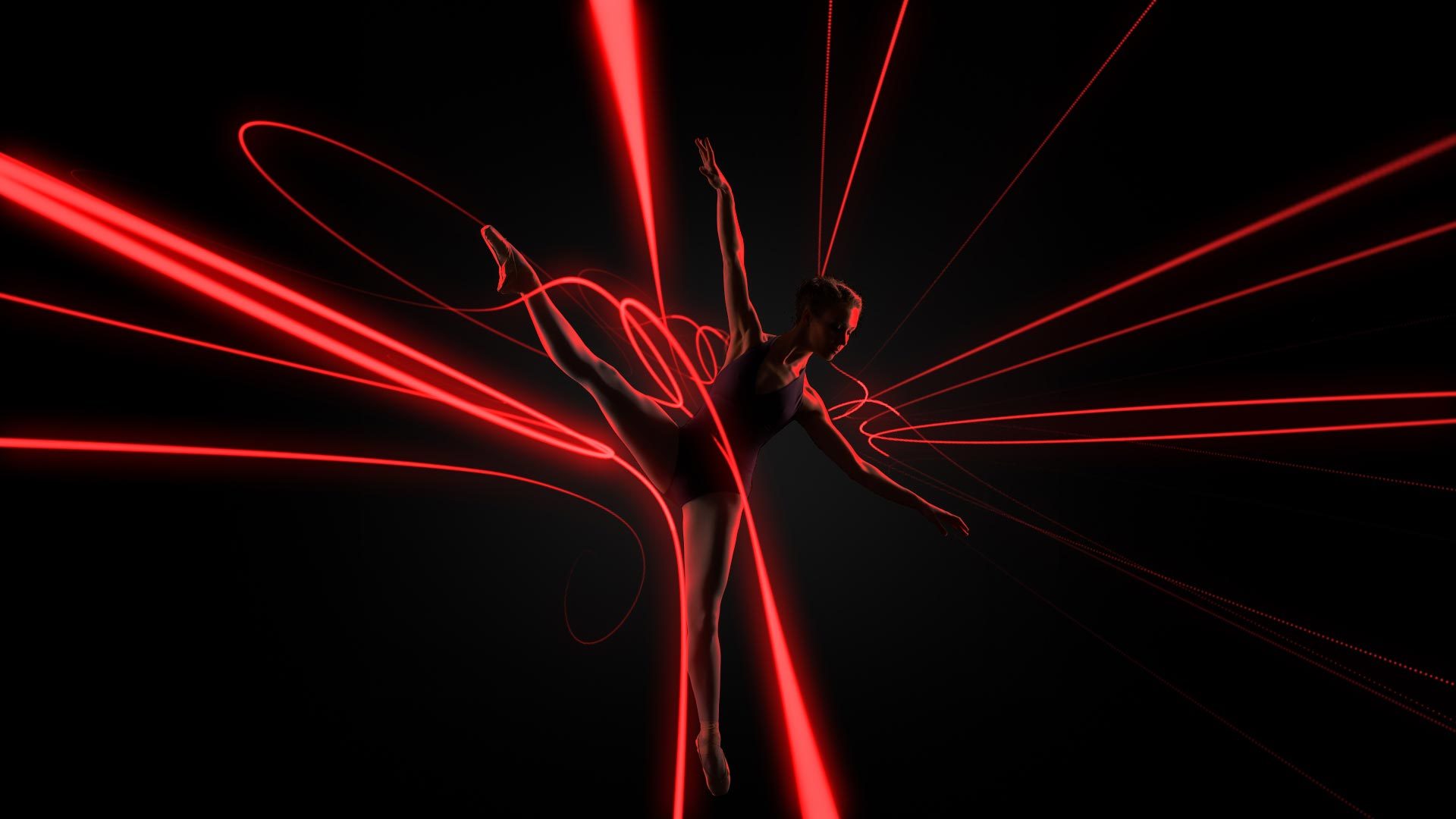
Animate paths with thickness, light and repeated strokes in 3D space.
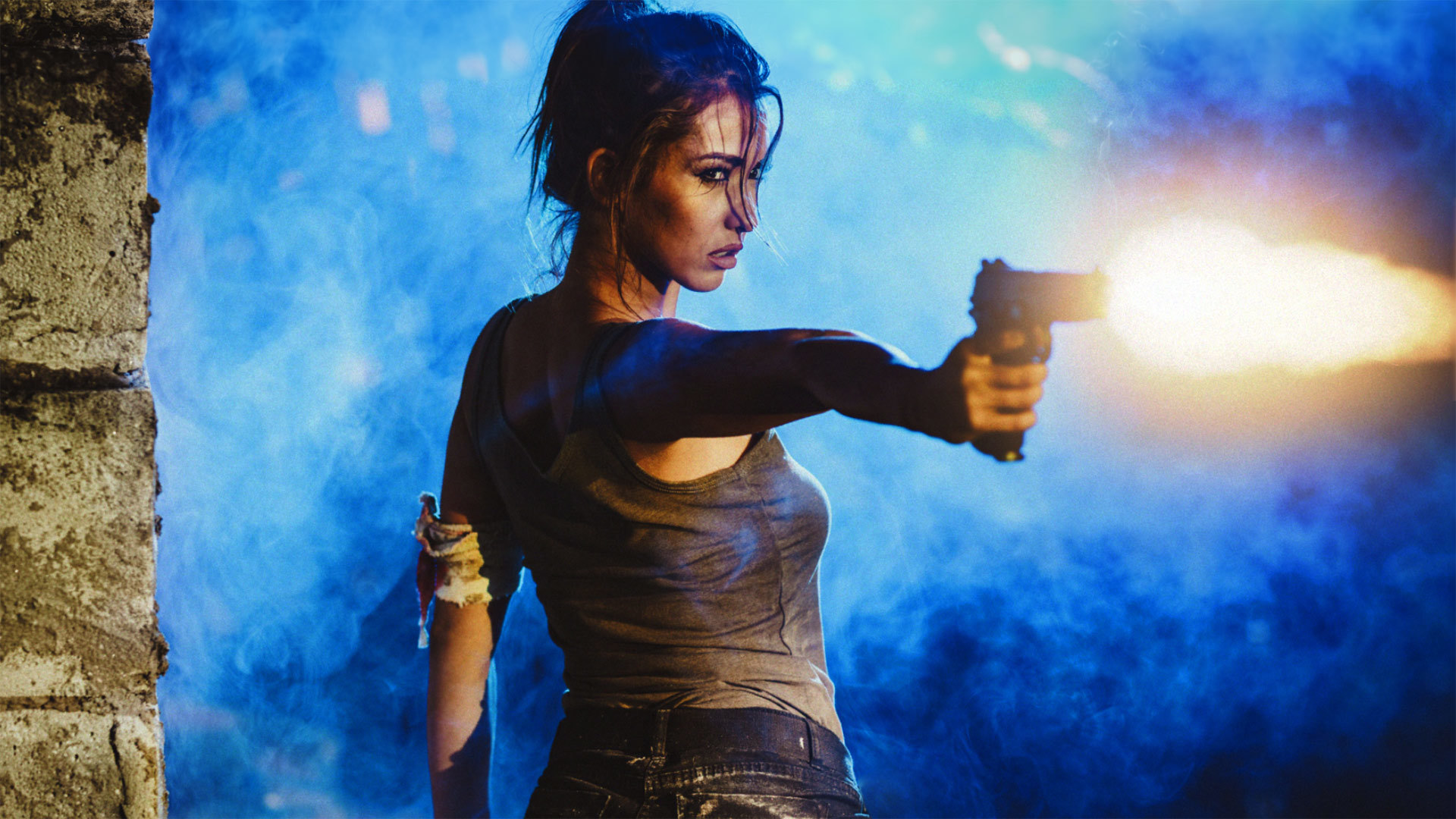
Composite 3D muzzle flashes in After Effects and adjust their placement in a shot.
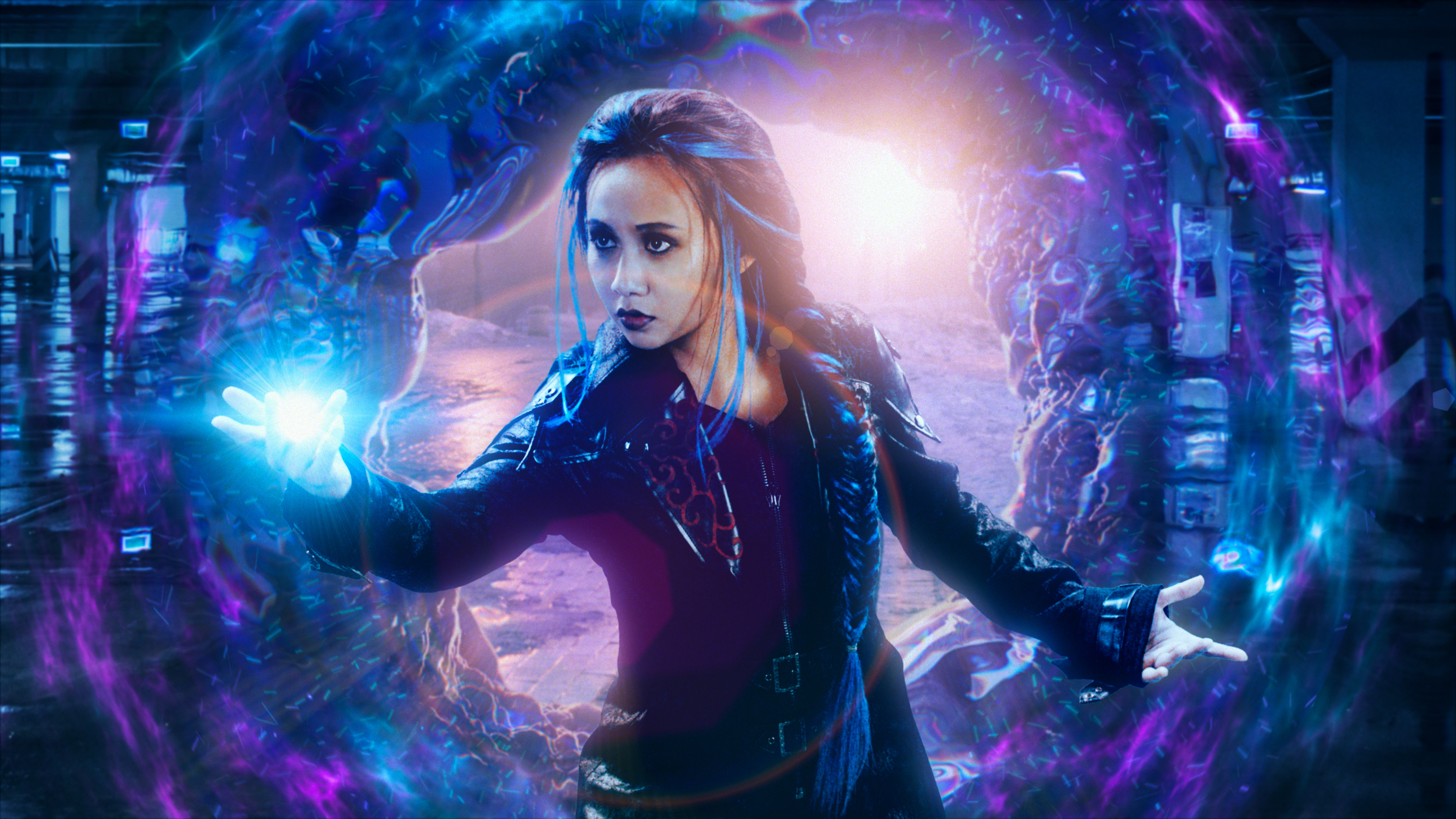
Displace an image using another layer while separating its colours.
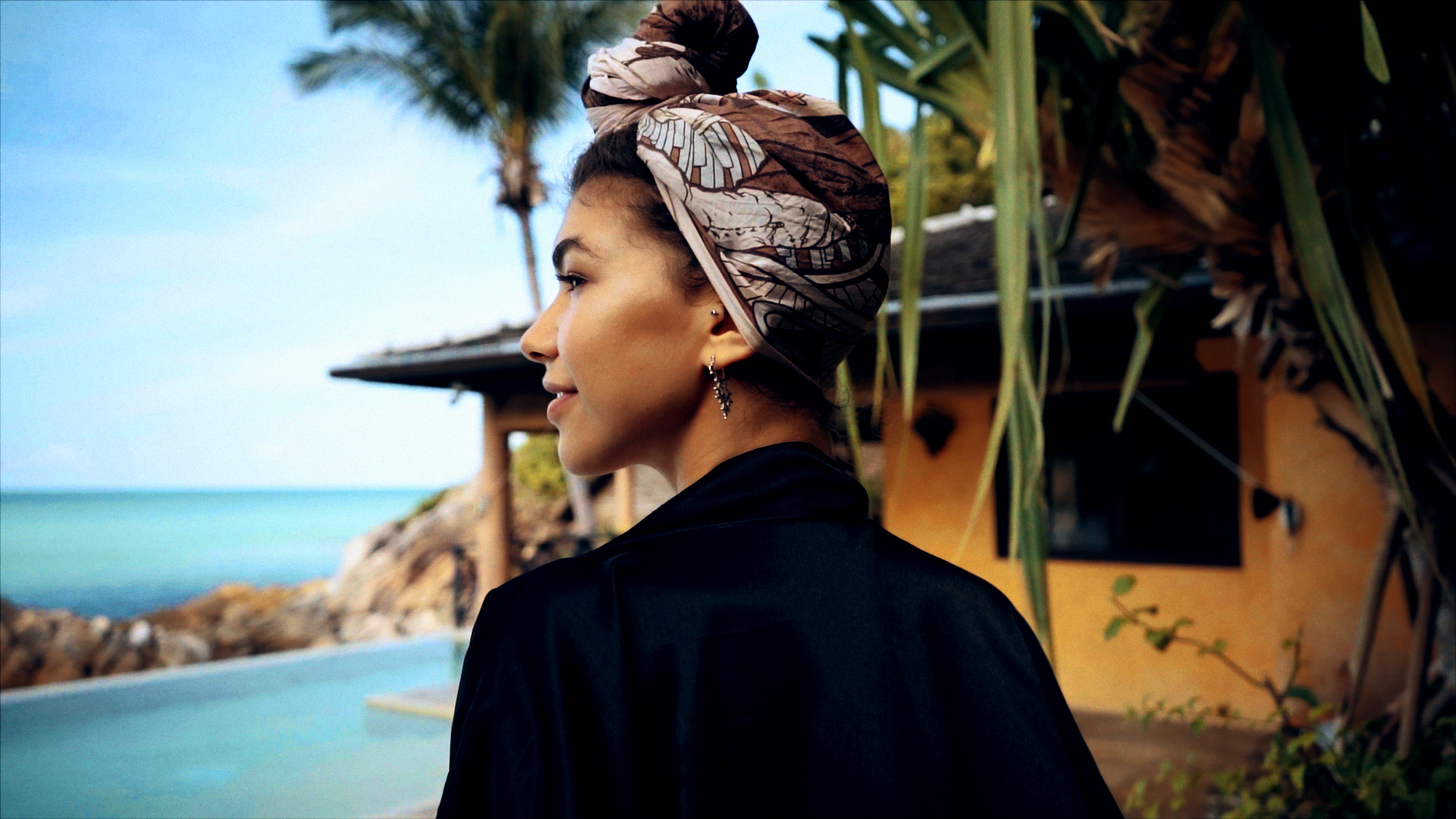
Correct exposure and colour directly in the host application's timeline.
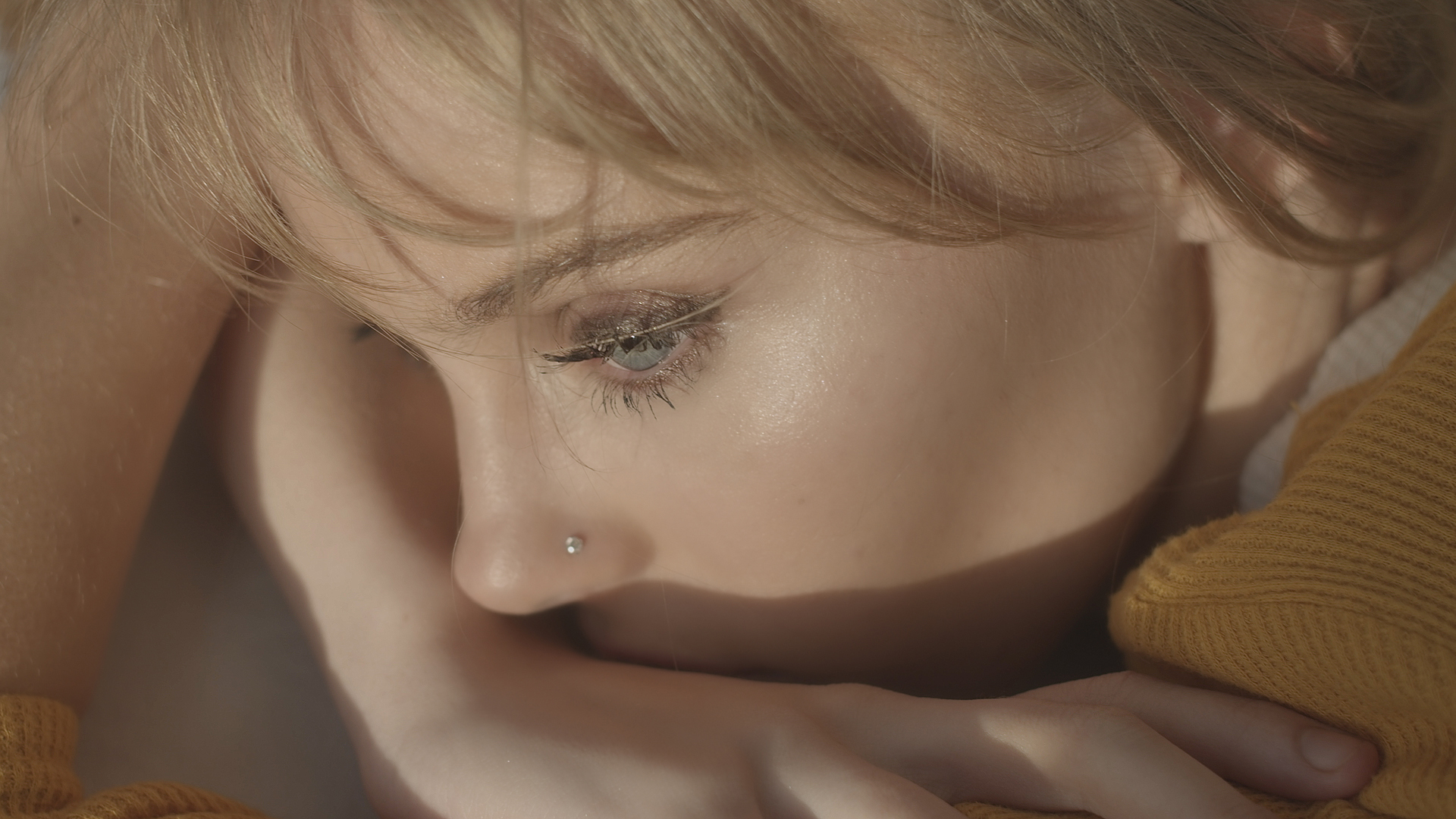
Target skin tones to soften blemishes and balance a video portrait.
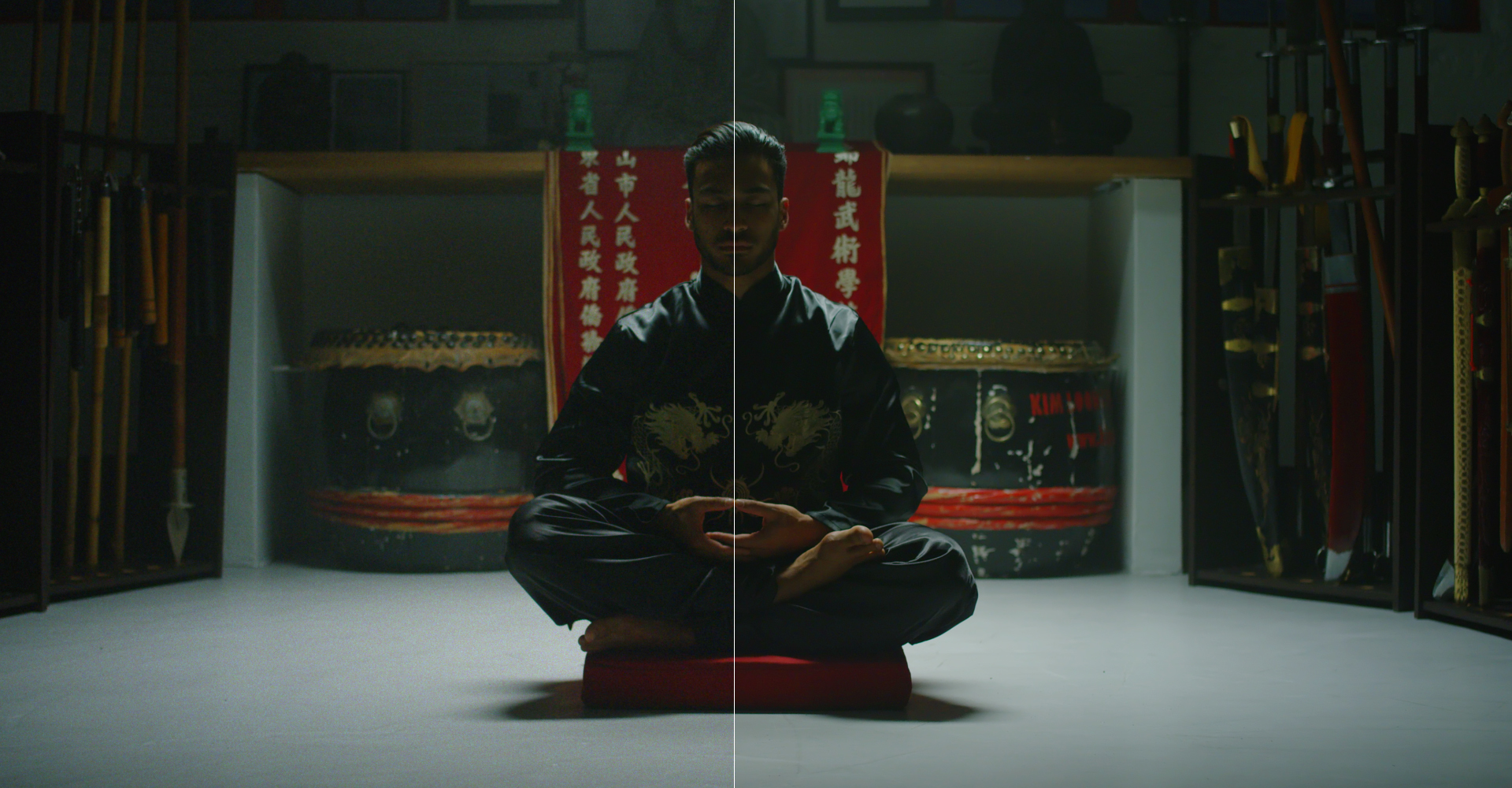
Reduce visible noise in footage captured in low light.
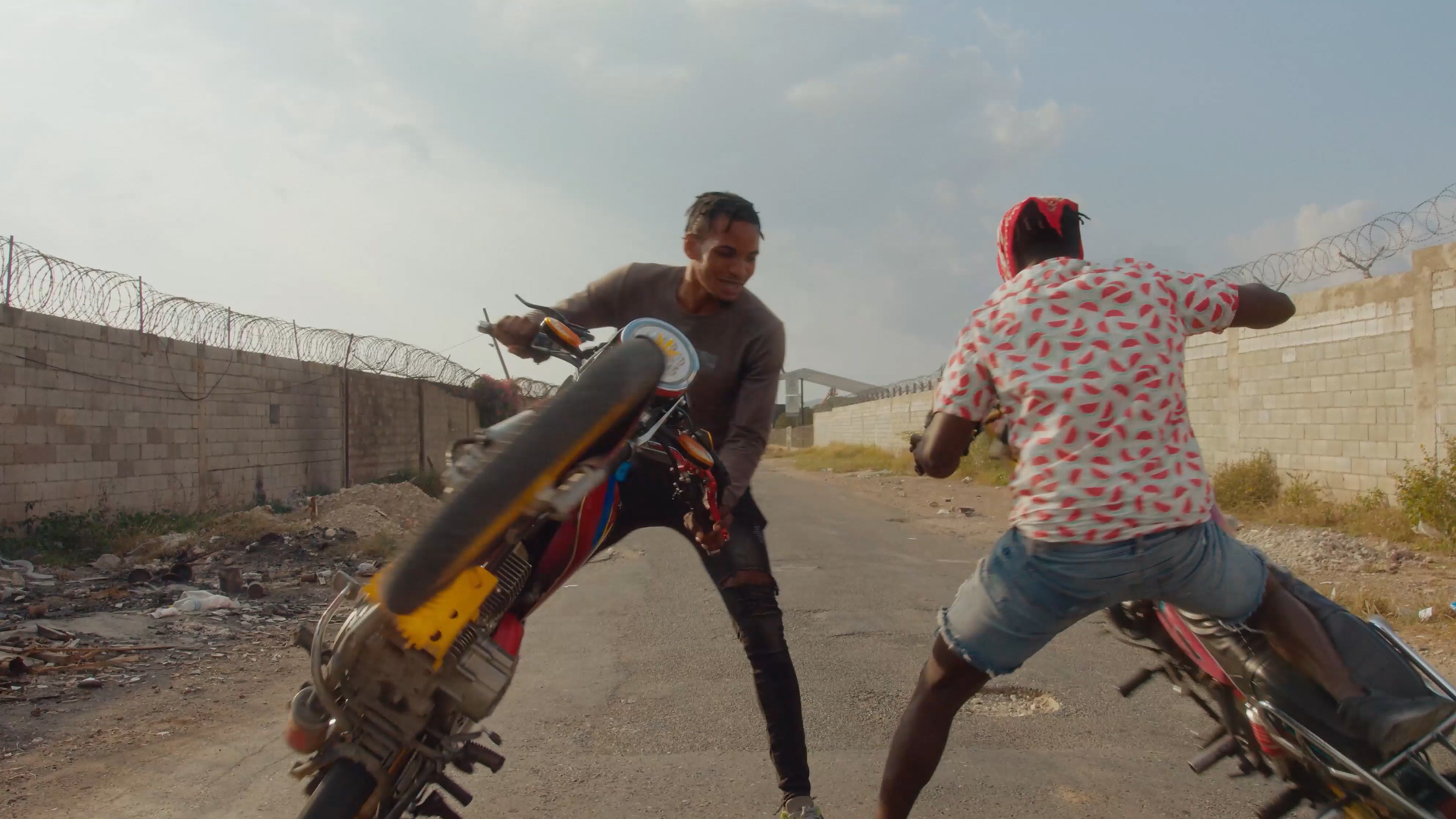
Generate a depth pass from footage inside After Effects.
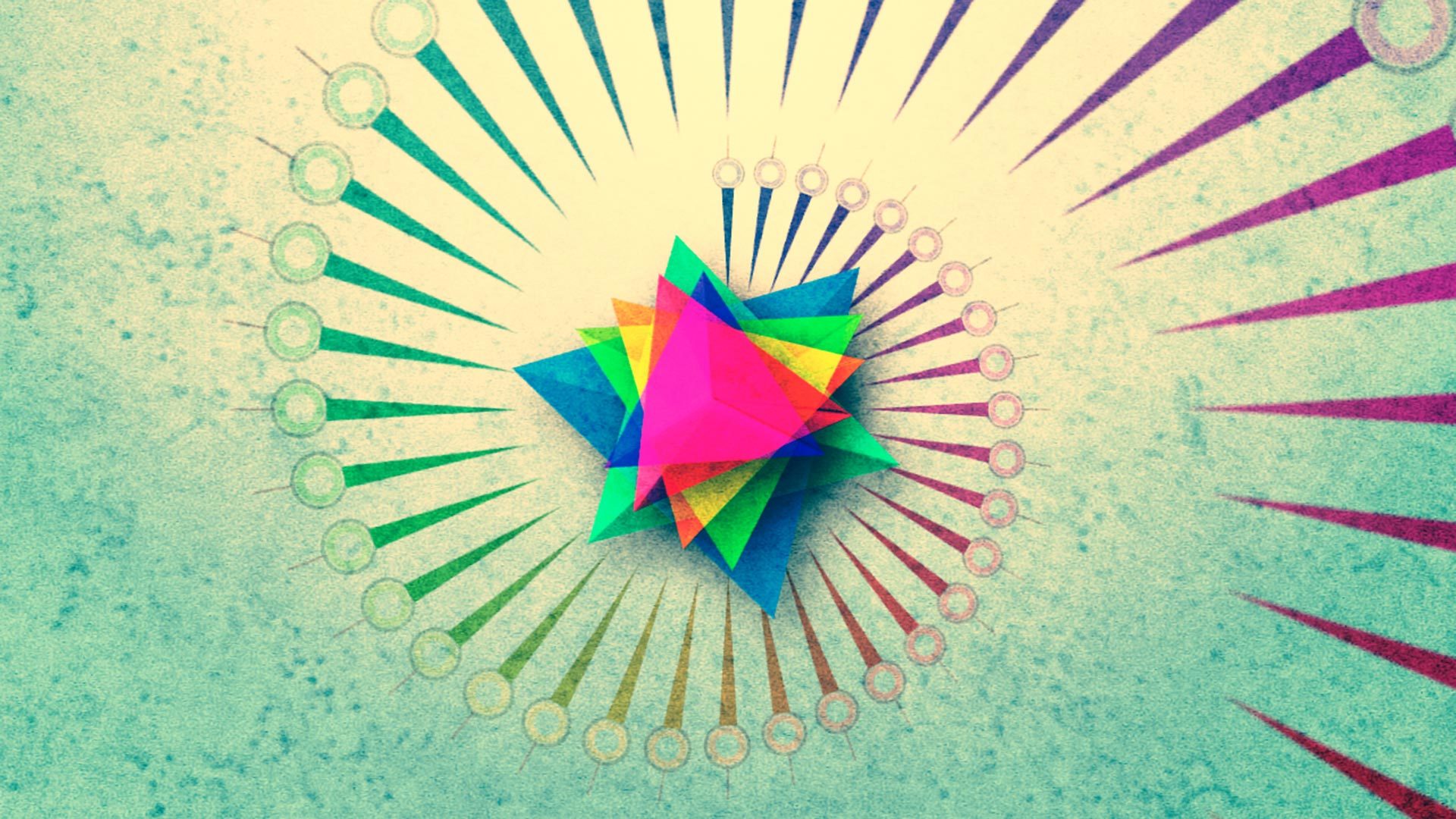
Duplicate 3D layers and offset their animation to create cascading motion.