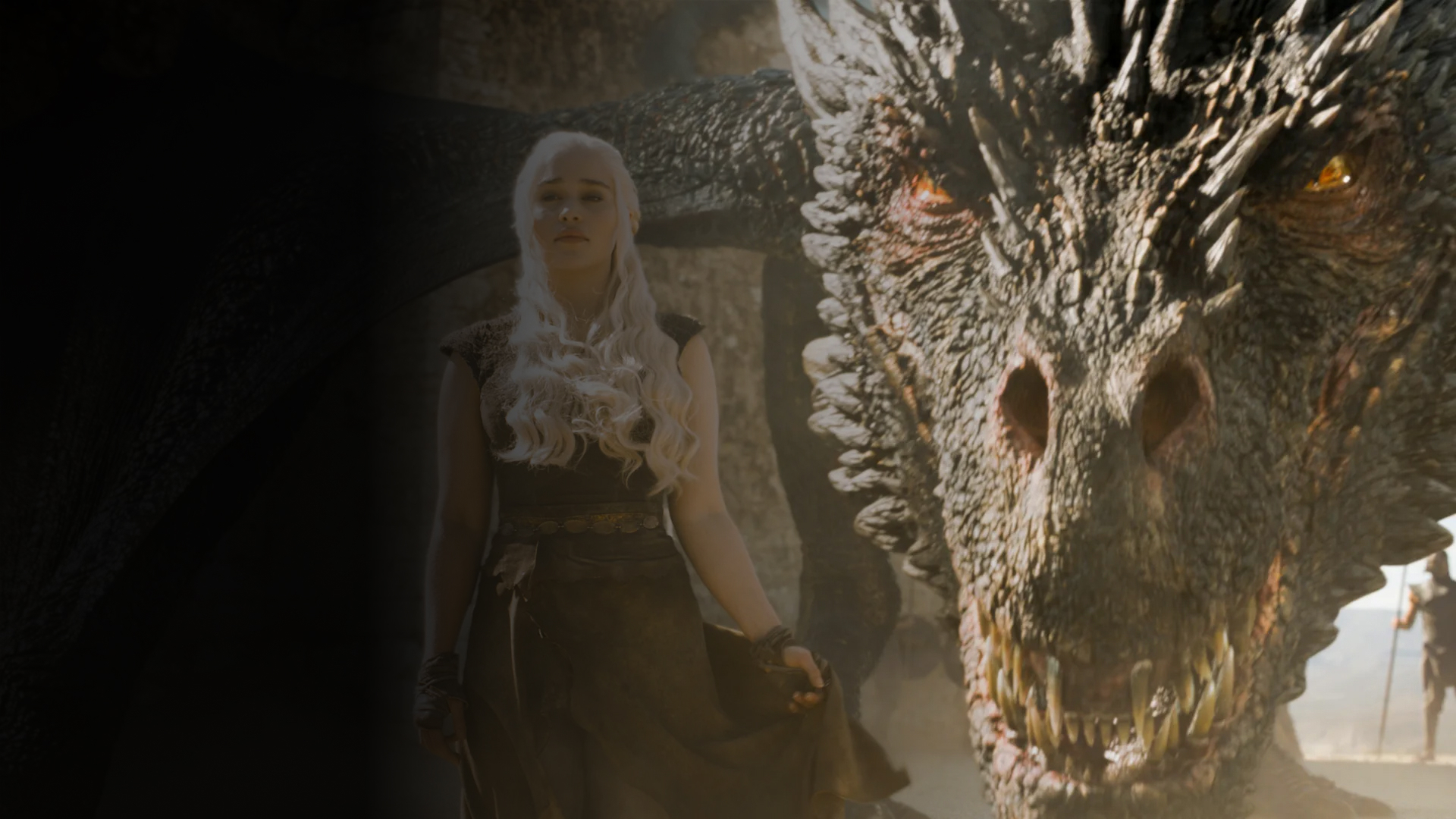

ZBrush is Maxon's professional digital sculpting software for characters, creatures and hard-surface models, sold only as a subscription from $54/month or $35.90/month billed annually.



Red Giant is a professional suite of 50+ VFX and motion design plugins created by Maxon for After Effects, Premiere Pro, and video apps. Includes Trapcode (particles, lens flares, lights), Universe (transitions, effects), color tools, and specialized toolsets. Ships with monthly updates and Maxon Studio (templates).
40 tools ranked by relevance
ZBrush is Maxon's professional digital sculpting software for characters, creatures and hard-surface models, sold only as a subscription from $54/month or $35.90/month billed annually.
Cinema 4D is a 3D modeling, animation and rendering suite for motion design, bundling the Redshift GPU renderer in every subscription.

Redshift is a GPU-accelerated renderer that plugs into Houdini, Maya, 3ds Max, Blender and other 3D applications for fast photorealistic rendering.
A color grading and film emulation plugin for video editors, bundled inside the Red Giant Complete subscription at an unpublished price.
Subscription bundle covering 3D modeling, sculpting, GPU rendering, and VFX/motion graphics plugins in one license.
A plugin library for transitions, video effects and motion graphics.
A Red Giant tool family for particles and motion graphics in After Effects.
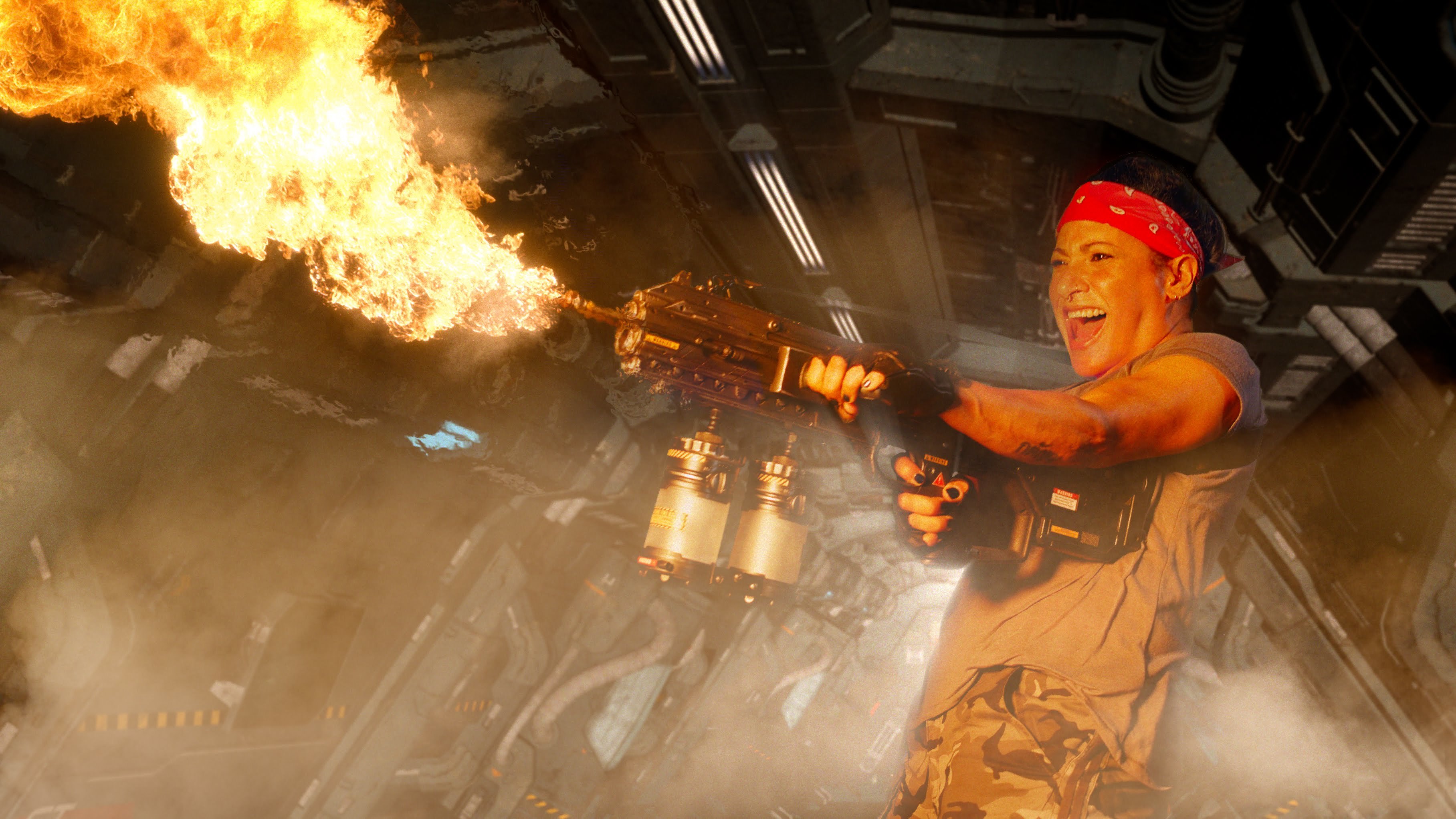
A Red Giant family for keying, tracking, cleanup and effects compositing.
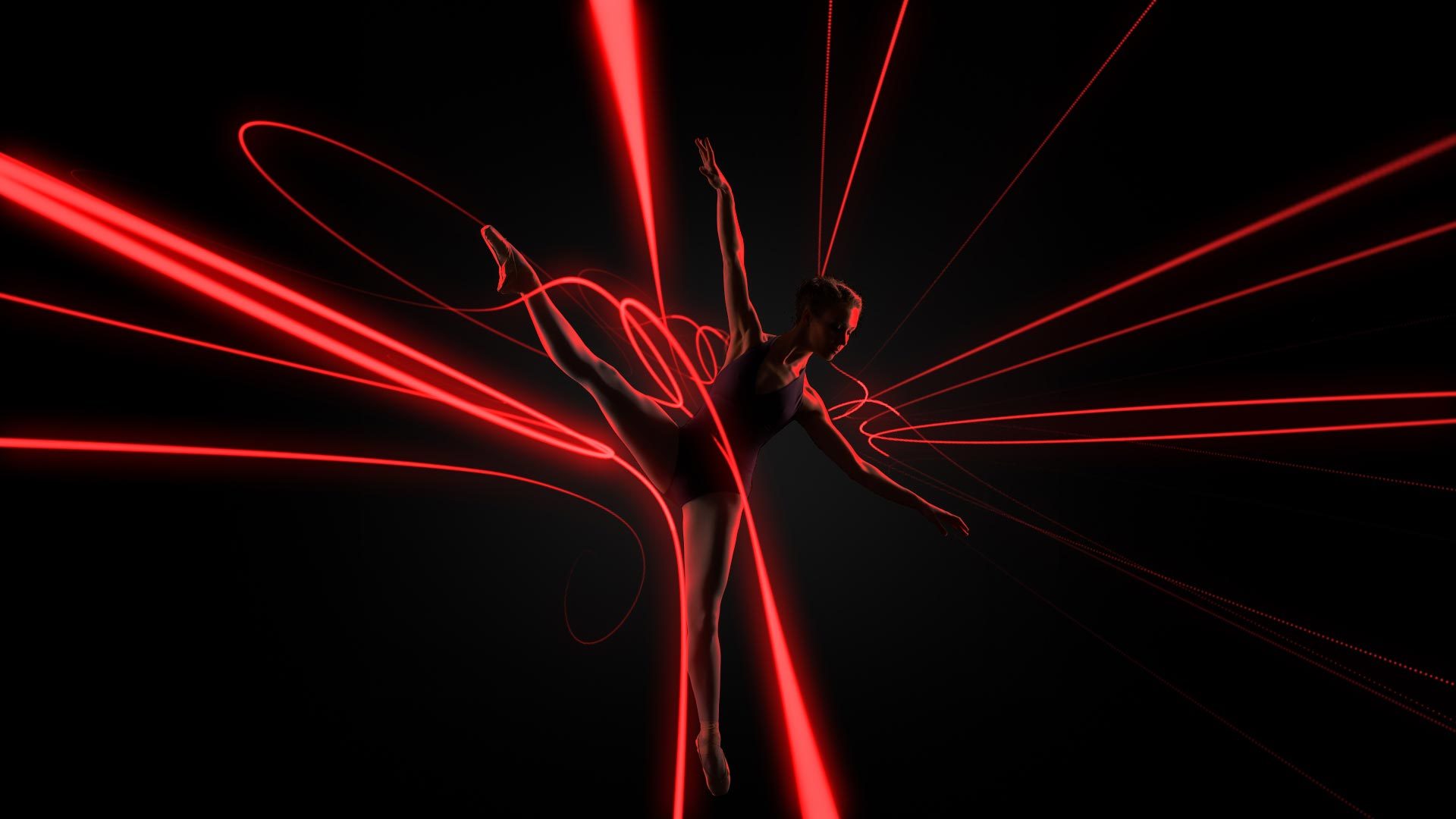
Animate paths with thickness, light and repeated strokes in 3D space.
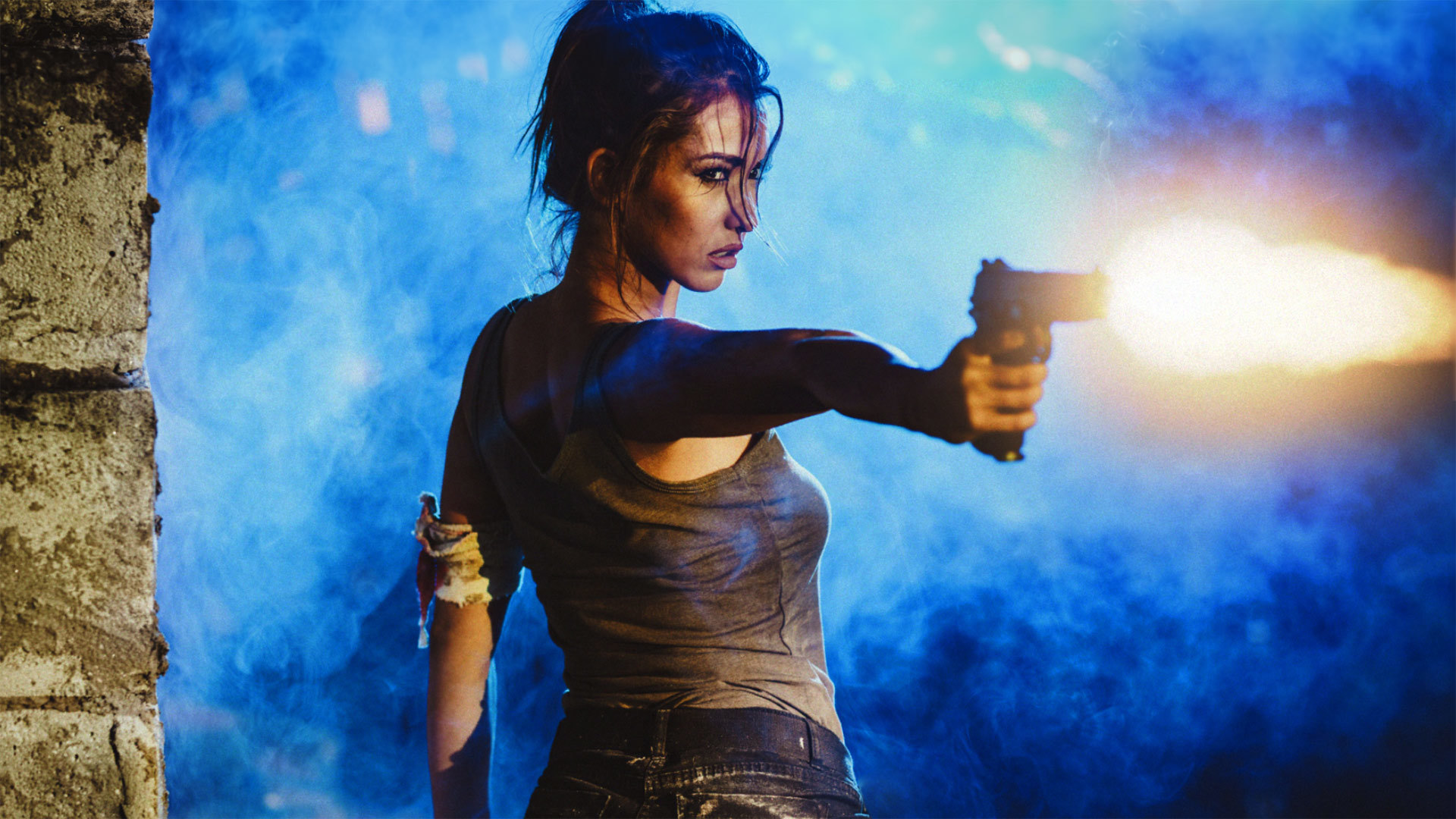
Composite 3D muzzle flashes in After Effects and adjust their placement in a shot.
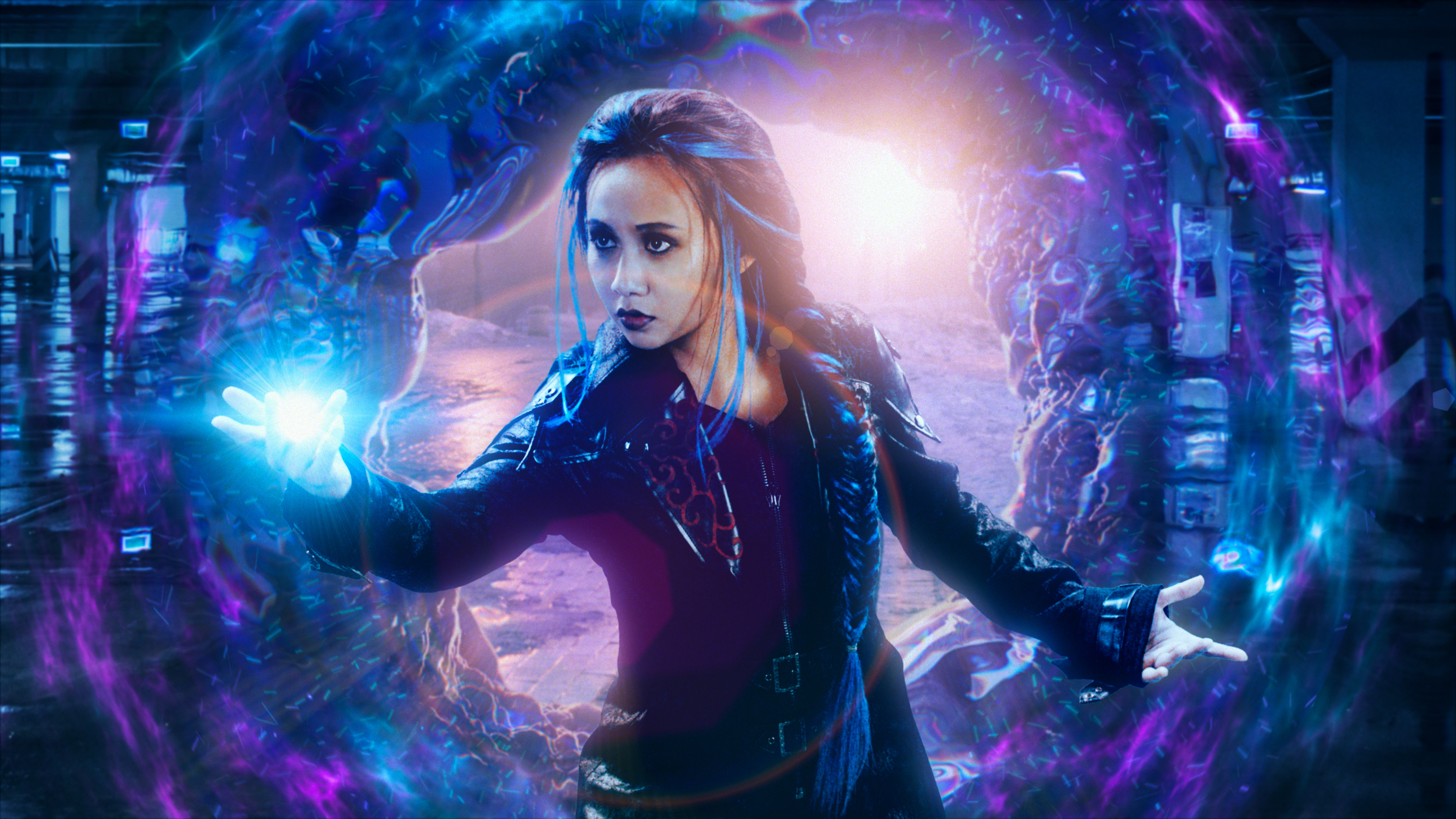
Displace an image using another layer while separating its colours.
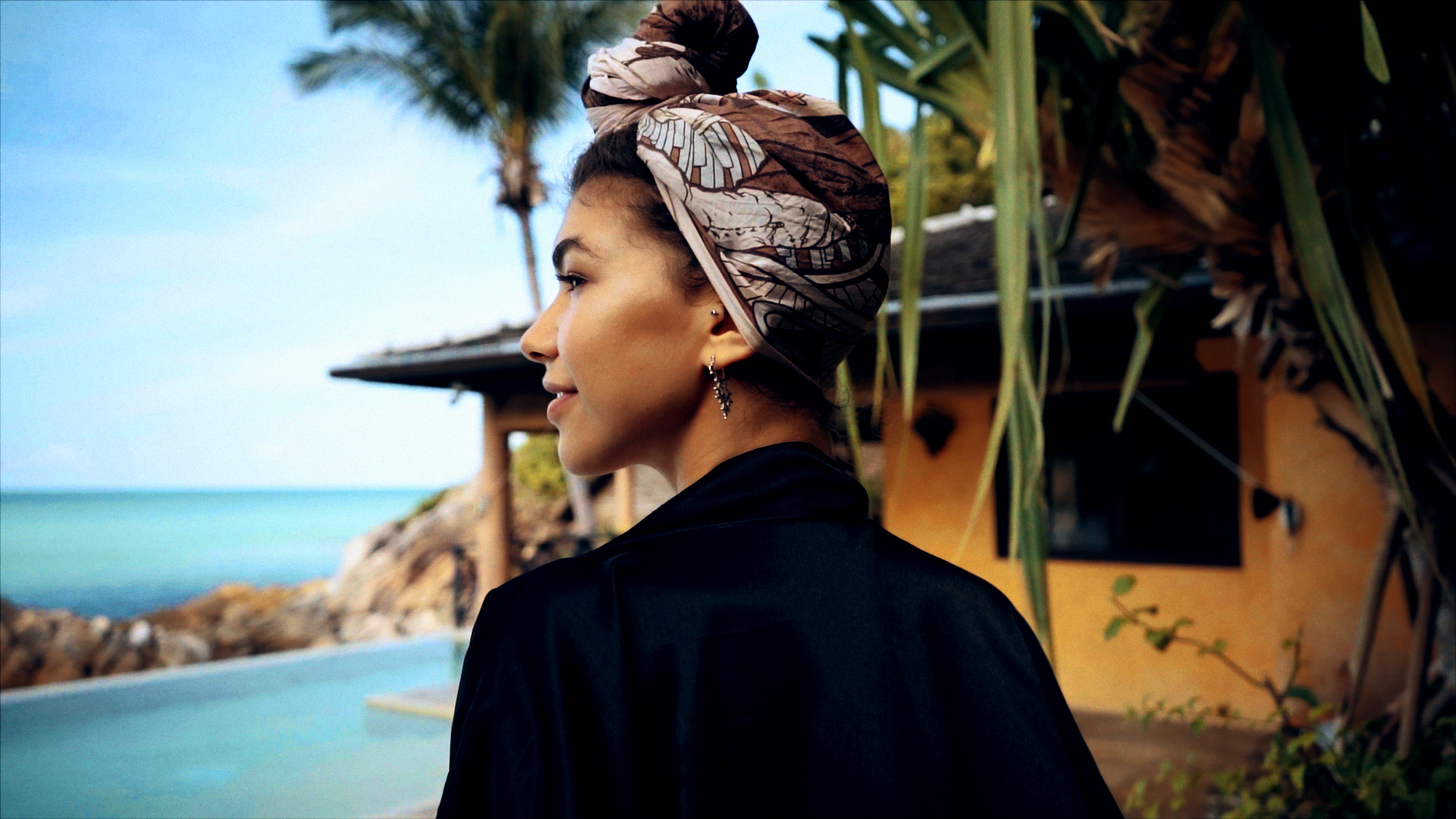
Correct exposure and colour directly in the host application's timeline.
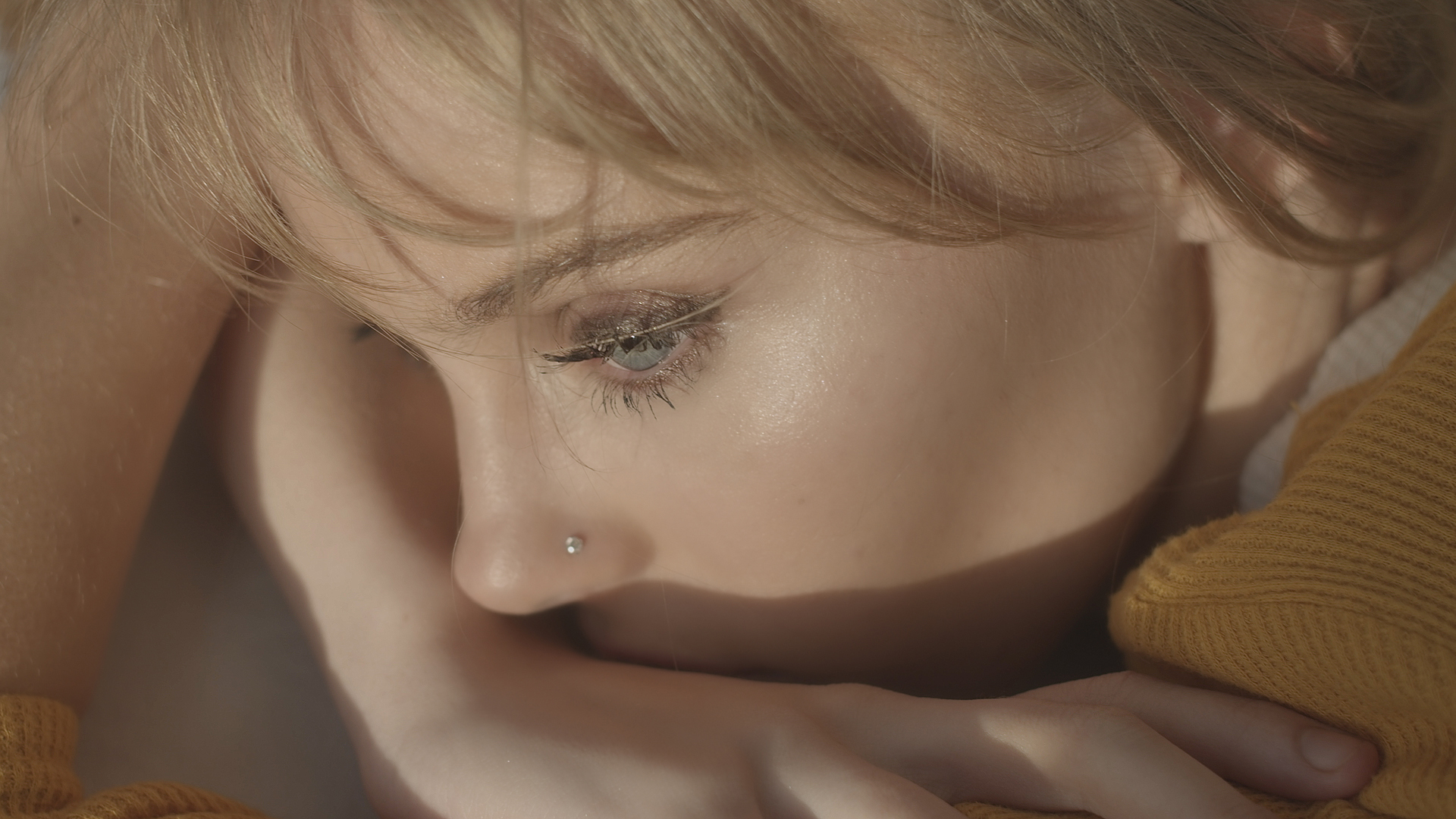
Target skin tones to soften blemishes and balance a video portrait.
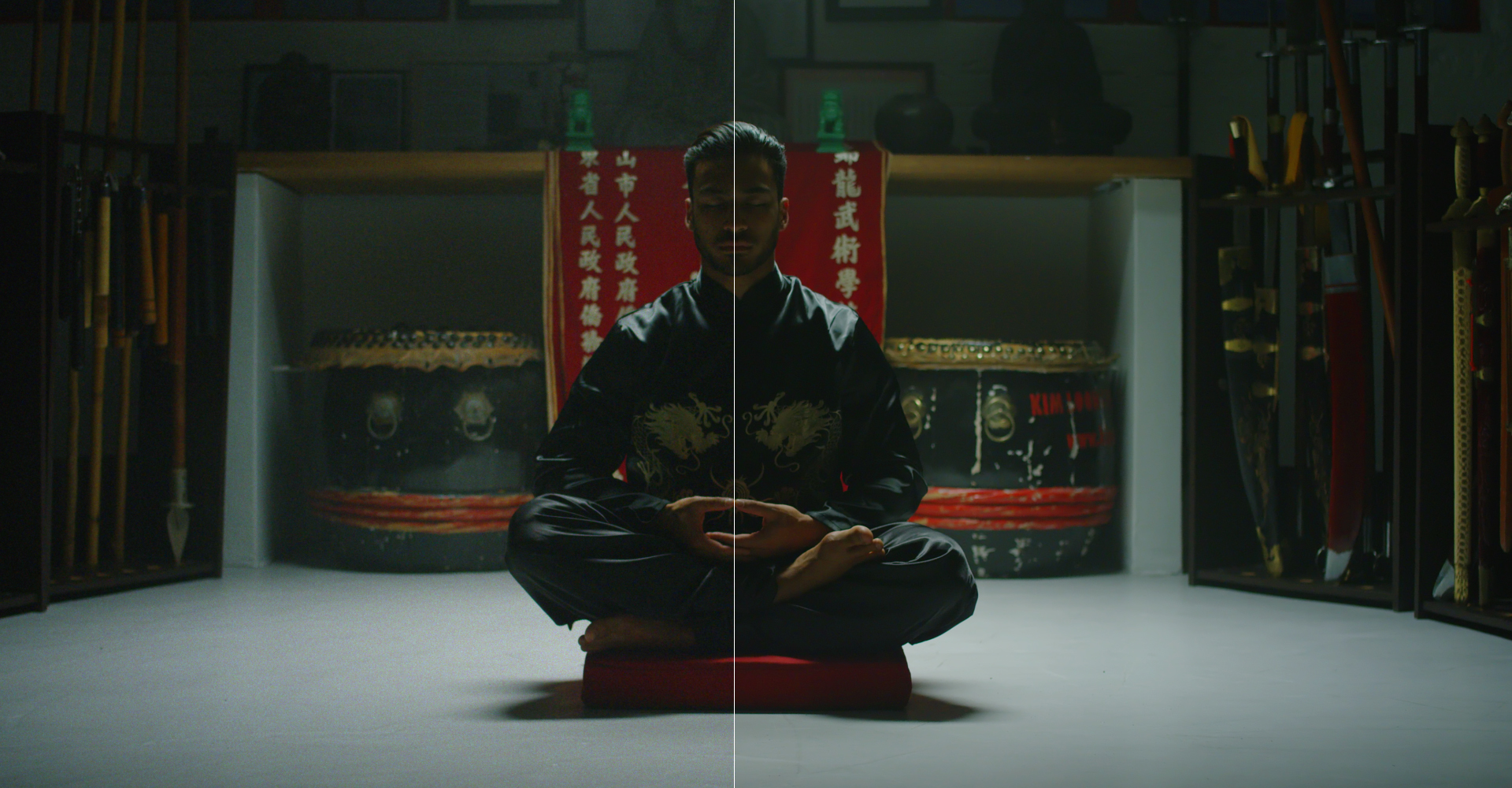
Reduce visible noise in footage captured in low light.

Generate a depth pass from footage inside After Effects.
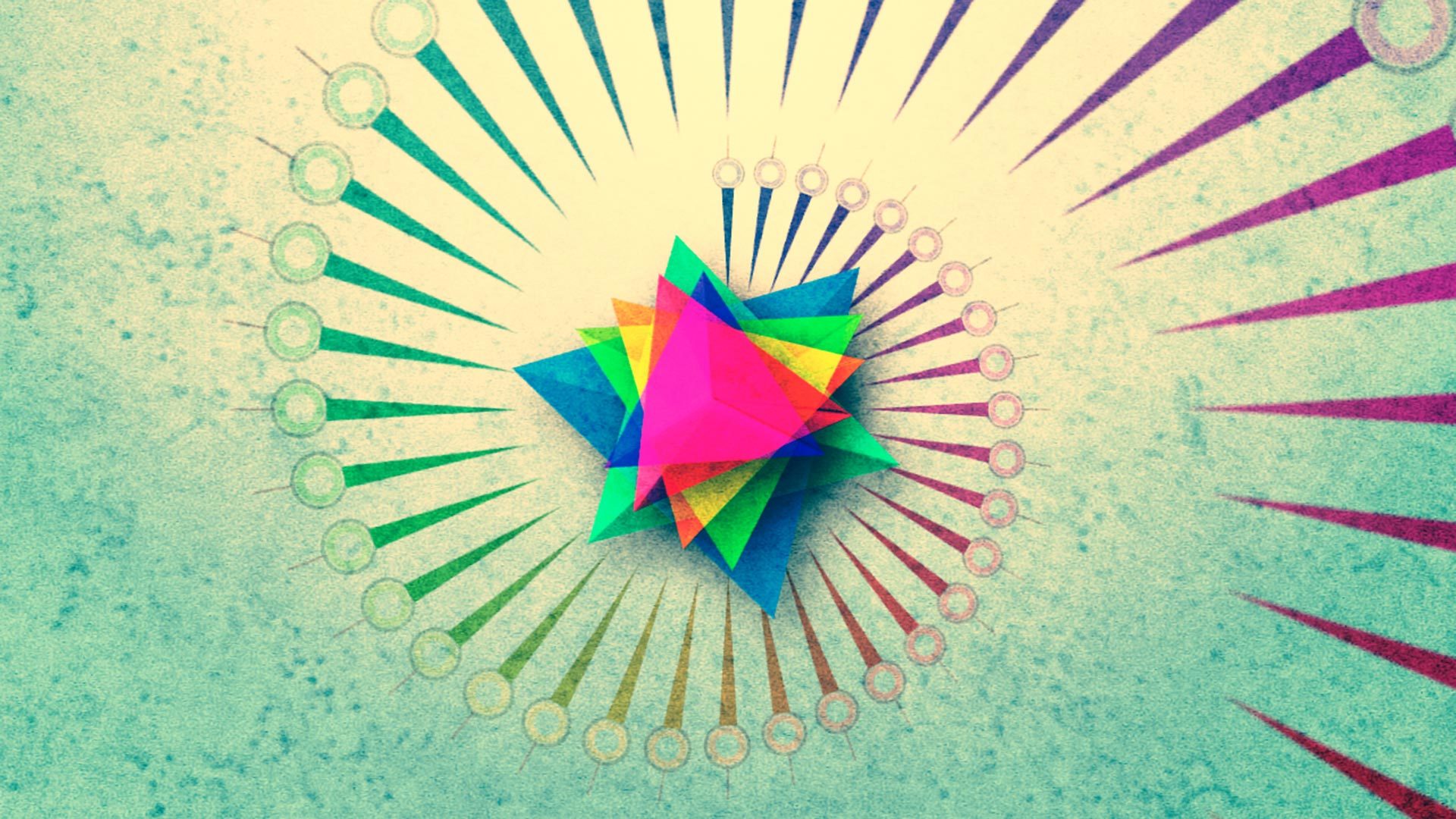
Duplicate 3D layers and offset their animation to create cascading motion.
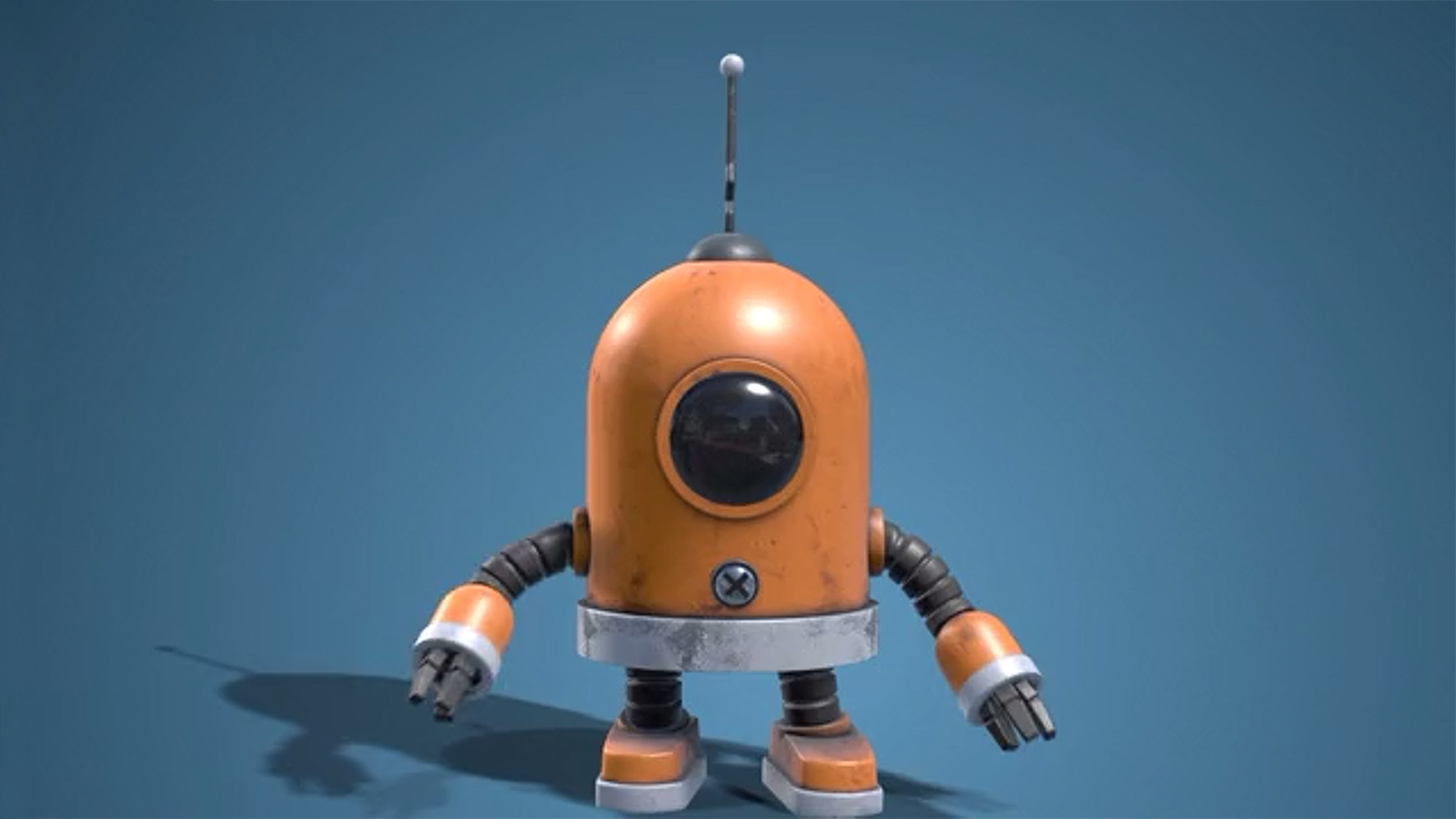
Import, texture, light and clone 3D models directly in After Effects.
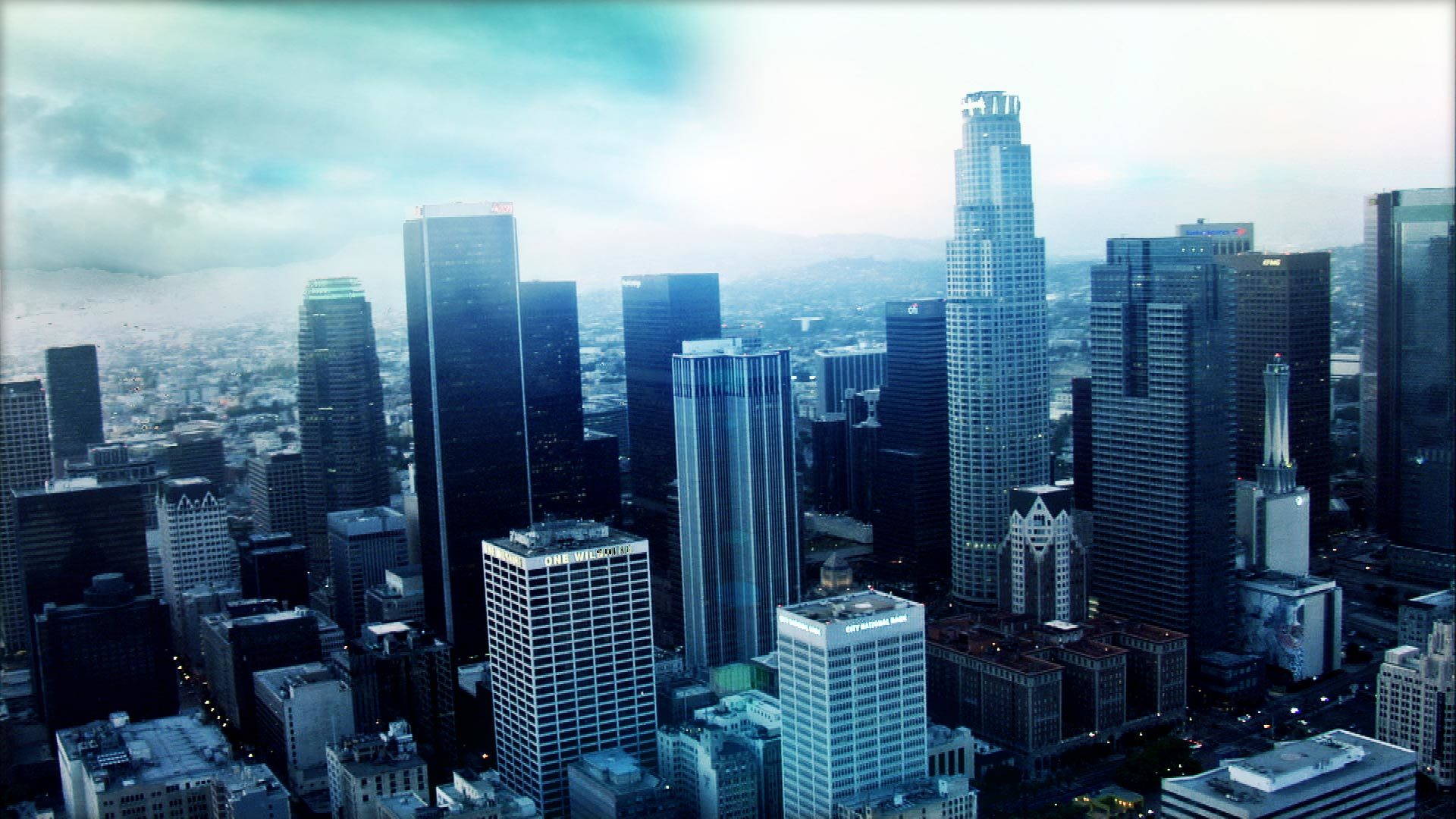
Place a 360-degree background that responds to the After Effects 3D camera.
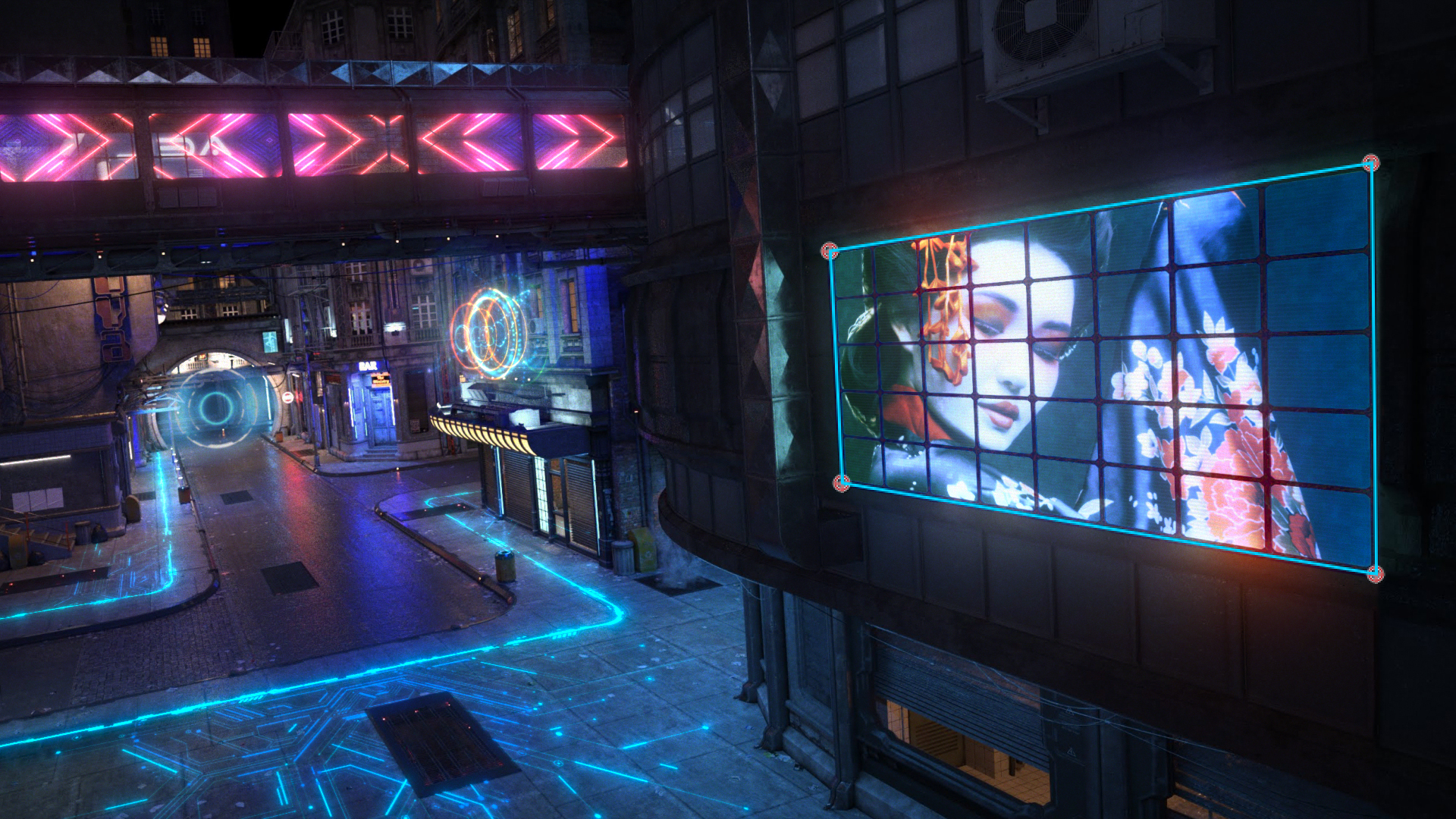
Track a planar surface to replace a sign or insert an image into a shot.
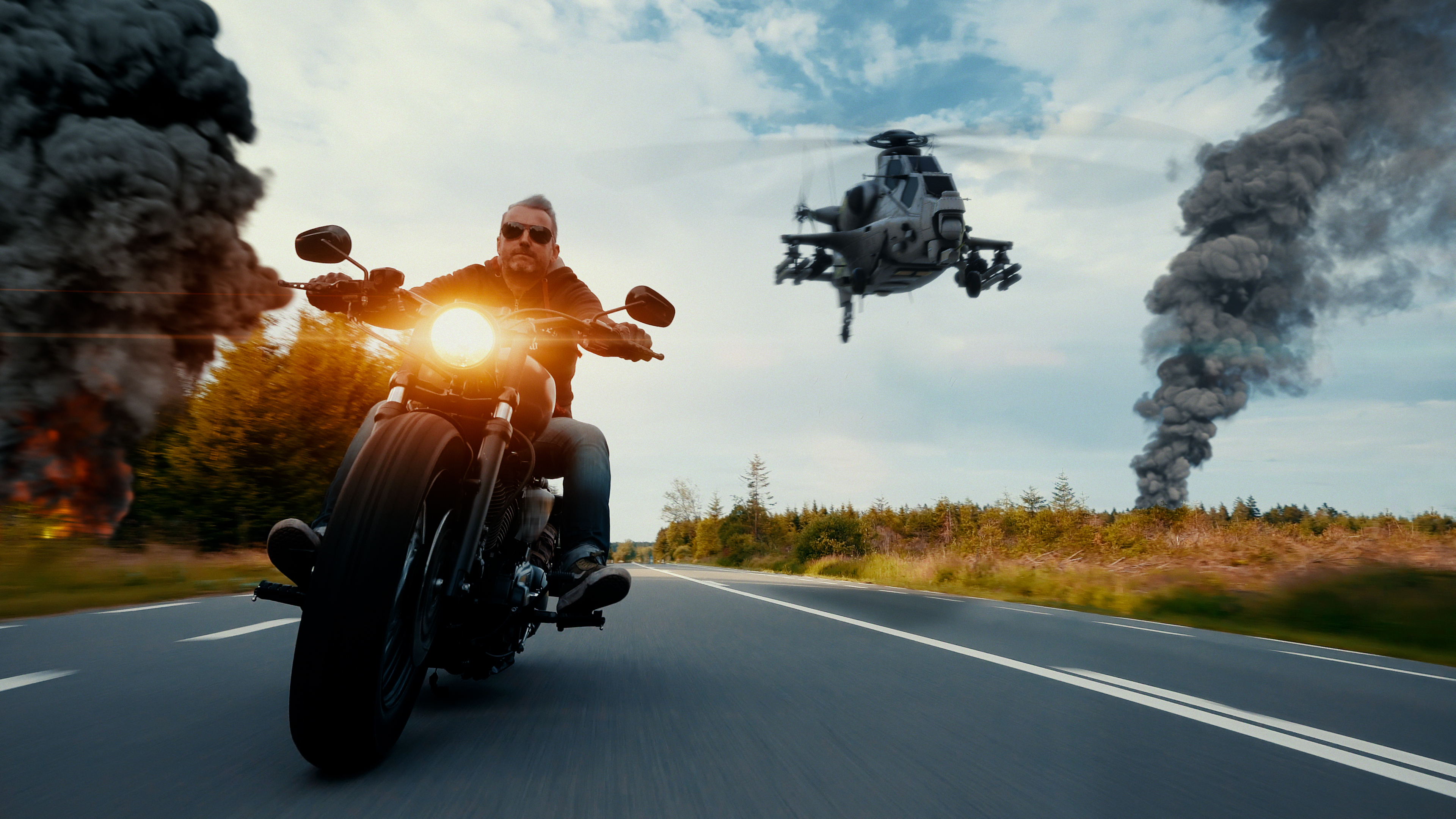
Undistort lens footage for compositing, then reapply the distortion to the result.