
A Red Giant family for colour correction, looks and image texture.
%20--%3e%3cdefs%3e%3cstyle%3e%20.st0%20{%20fill:%20%23222;%20}%20%3c/style%3e%3c/defs%3e%3cpath%20class='st0'%20d='M27.17,1.45c.76,0,1.38.62,1.38,1.38v24.33c0,.76-.62,1.38-1.38,1.38H2.83c-.76,0-1.38-.62-1.38-1.38V2.83c0-.76.62-1.38,1.38-1.38h24.33M27.17,0H2.83C1.27,0,0,1.27,0,2.83v24.33C0,28.73,1.27,30,2.83,30h24.33c1.57,0,2.83-1.27,2.83-2.83V2.83C30,1.27,28.73,0,27.17,0h0Z'/%3e%3cg%3e%3cpath%20class='st0'%20d='M23.45,15.98h-12.04c-.42,1.49-1.8,2.42-3.29,2.25s-2.66-1.45-2.68-2.97,1.1-2.82,2.61-3.03,2.93.72,3.35,2.23h2.72s0-2.72,0-2.72c-1.49-.42-2.41-1.8-2.24-3.29s1.45-2.66,2.97-2.67,2.82,1.1,3.03,2.61-.72,2.93-2.23,3.36v2.73s7.77,0,7.77,0c.44,0,.77.32.78.73.01.37-.25.78-.76.78ZM15.75,7.56c-.76-.52-1.71-.25-2.14.44s-.24,1.59.43,2.05,1.64.3,2.11-.39.35-1.6-.39-2.1ZM9.33,13.98c-.76-.52-1.71-.25-2.15.44s-.24,1.59.43,2.05,1.63.31,2.11-.39c.44-.65.34-1.61-.39-2.1Z'/%3e%3cpath%20class='st0'%20d='M15.65,23.73c0,.48-.32.79-.73.81s-.79-.31-.79-.78v-5.51c0-.44.33-.76.72-.78.42-.02.79.31.79.78v5.48Z'/%3e%3c/g%3e%3cg%3e%3cpath%20class='st0'%20d='M38.89,10.38h9.91v2.41h-9.91v-2.41ZM43.79,23.96c-.63-.3-1.09-.75-1.4-1.36-.31-.61-.46-1.38-.46-2.32V5.88h2.67v14.43c0,.56.14.98.42,1.26.28.28.7.42,1.26.42h2.53v2.41h-2.67c-.94,0-1.72-.15-2.34-.45Z'/%3e%3cpath%20class='st0'%20d='M52.32,23.92c-1.04-.63-1.85-1.51-2.43-2.64-.58-1.13-.87-2.42-.87-3.86s.29-2.76.87-3.89,1.39-2.02,2.43-2.65c1.04-.64,2.22-.95,3.55-.95s2.48.32,3.52.95c1.04.64,1.85,1.53,2.44,2.67.59,1.14.88,2.43.88,3.87s-.29,2.75-.87,3.87c-.58,1.12-1.39,2-2.43,2.62-1.04.63-2.22.94-3.55.94s-2.51-.31-3.55-.94ZM58.05,21.83c.63-.41,1.11-1,1.45-1.75.34-.76.51-1.64.51-2.65s-.17-1.89-.52-2.65c-.35-.76-.83-1.35-1.45-1.78-.62-.43-1.33-.65-2.13-.65s-1.54.22-2.16.65c-.62.43-1.1,1.03-1.45,1.78-.35.76-.52,1.64-.52,2.65s.17,1.87.51,2.64c.34.77.82,1.36,1.45,1.77.63.41,1.35.62,2.18.62s1.52-.21,2.15-.62Z'/%3e%3cpath%20class='st0'%20d='M66.69,23.92c-1.04-.63-1.85-1.51-2.43-2.64-.58-1.13-.87-2.42-.87-3.86s.29-2.76.87-3.89,1.39-2.02,2.43-2.65c1.04-.64,2.22-.95,3.55-.95s2.48.32,3.52.95c1.04.64,1.85,1.53,2.44,2.67.59,1.14.88,2.43.88,3.87s-.29,2.75-.87,3.87c-.58,1.12-1.39,2-2.43,2.62-1.04.63-2.22.94-3.55.94s-2.51-.31-3.55-.94ZM72.42,21.83c.63-.41,1.11-1,1.45-1.75.34-.76.51-1.64.51-2.65s-.17-1.89-.52-2.65c-.35-.76-.83-1.35-1.45-1.78-.62-.43-1.33-.65-2.13-.65s-1.54.22-2.16.65c-.62.43-1.1,1.03-1.45,1.78-.35.76-.52,1.64-.52,2.65s.17,1.87.5,2.64c.34.77.82,1.36,1.45,1.77.63.41,1.35.62,2.18.62s1.52-.21,2.15-.62Z'/%3e%3cpath%20class='st0'%20d='M77.99,4.48h2.67v19.93h-2.67V4.48Z'/%3e%3cpath%20class='st0'%20d='M82.84,10.38h10.47l-.53,2.81h-10.47l.53-2.81ZM85.47,23.85c-.63-.37-1.07-.88-1.33-1.53-.26-.65-.31-1.38-.14-2.2l2.75-14.26h3.23l-2.72,14.06c-.09.49-.01.89.24,1.21.25.32.62.48,1.11.48h2.53l-.53,2.81h-2.86c-.88,0-1.63-.19-2.26-.56Z'/%3e%3cpath%20class='st0'%20d='M94.77,10.38h3.23l-.98,5.02-.76,1.85c.28-1.48.65-2.73,1.09-3.76.45-1.03.97-1.81,1.56-2.33.59-.52,1.24-.79,1.95-.79h2.83l-.53,2.81h-2.3c-.8,0-1.5.18-2.08.53s-1.06.91-1.43,1.67c-.38.76-.68,1.75-.93,2.99l-1.15,6.03h-3.23l2.72-14.03Z'/%3e%3cpath%20class='st0'%20d='M105.18,10.38h3.23l-2.72,14.03h-3.23l2.72-14.03ZM105.91,5.01h3.87l-.62,3.31h-3.87l.62-3.31Z'/%3e%3cpath%20class='st0'%20d='M109.84,10.38h3.23l-2.72,14.03h-3.23l2.72-14.03ZM117.42,13.6c-.37-.58-.96-.87-1.77-.87-.95,0-1.78.42-2.47,1.25-.69.83-1.2,2.03-1.52,3.61l-.22-1.82c.21-1.18.57-2.21,1.09-3.09.52-.88,1.19-1.56,1.99-2.03.8-.48,1.67-.72,2.61-.72s1.73.24,2.39.72c.65.48,1.11,1.15,1.38,2.02s.29,1.86.08,2.96l-1.71,8.79h-3.23l1.66-8.48c.19-.97.09-1.75-.28-2.33ZM126.35,13.6c-.37-.58-.96-.87-1.77-.87-.95,0-1.78.42-2.47,1.25s-1.2,2.03-1.52,3.61l-.7-1.82c.19-1.14.57-2.15,1.15-3.03s1.3-1.57,2.16-2.06c.86-.5,1.78-.74,2.75-.74s1.8.24,2.47.72c.67.48,1.14,1.15,1.4,2.02.26.87.29,1.86.08,2.96l-1.71,8.79h-3.23l1.66-8.48c.19-.97.09-1.75-.28-2.33Z'/%3e%3c/g%3e%3c/svg%3e)

Animate paths with thickness, light and repeated strokes in 3D space.
40 tools ranked by relevance
A Red Giant family for colour correction, looks and image texture.
Particle, colour and compositing plugins for postproduction, including Universe and Maxon Studio.
A plugin library for transitions, video effects and motion graphics.
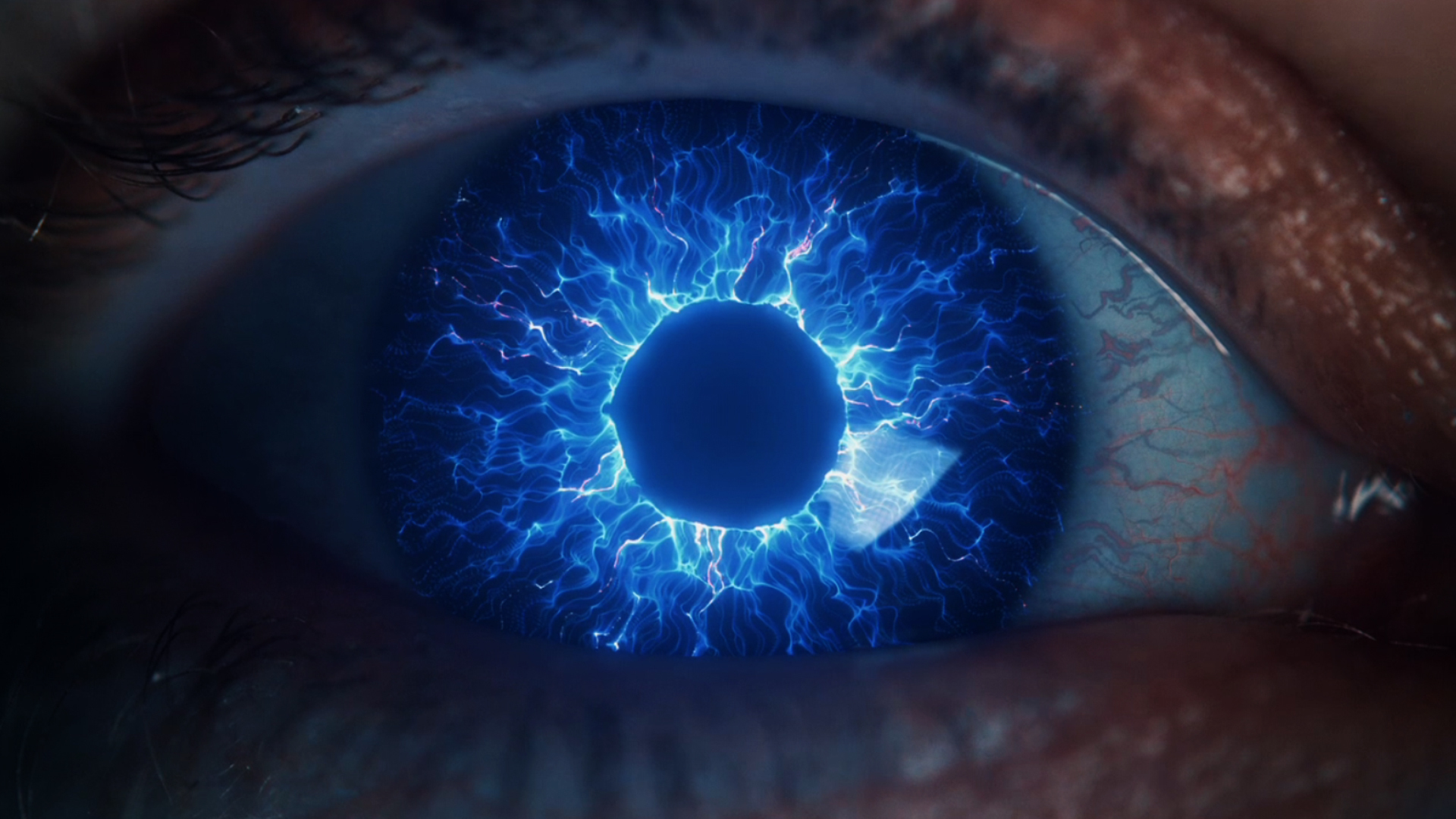
A Red Giant tool family for particles and motion graphics in After Effects.
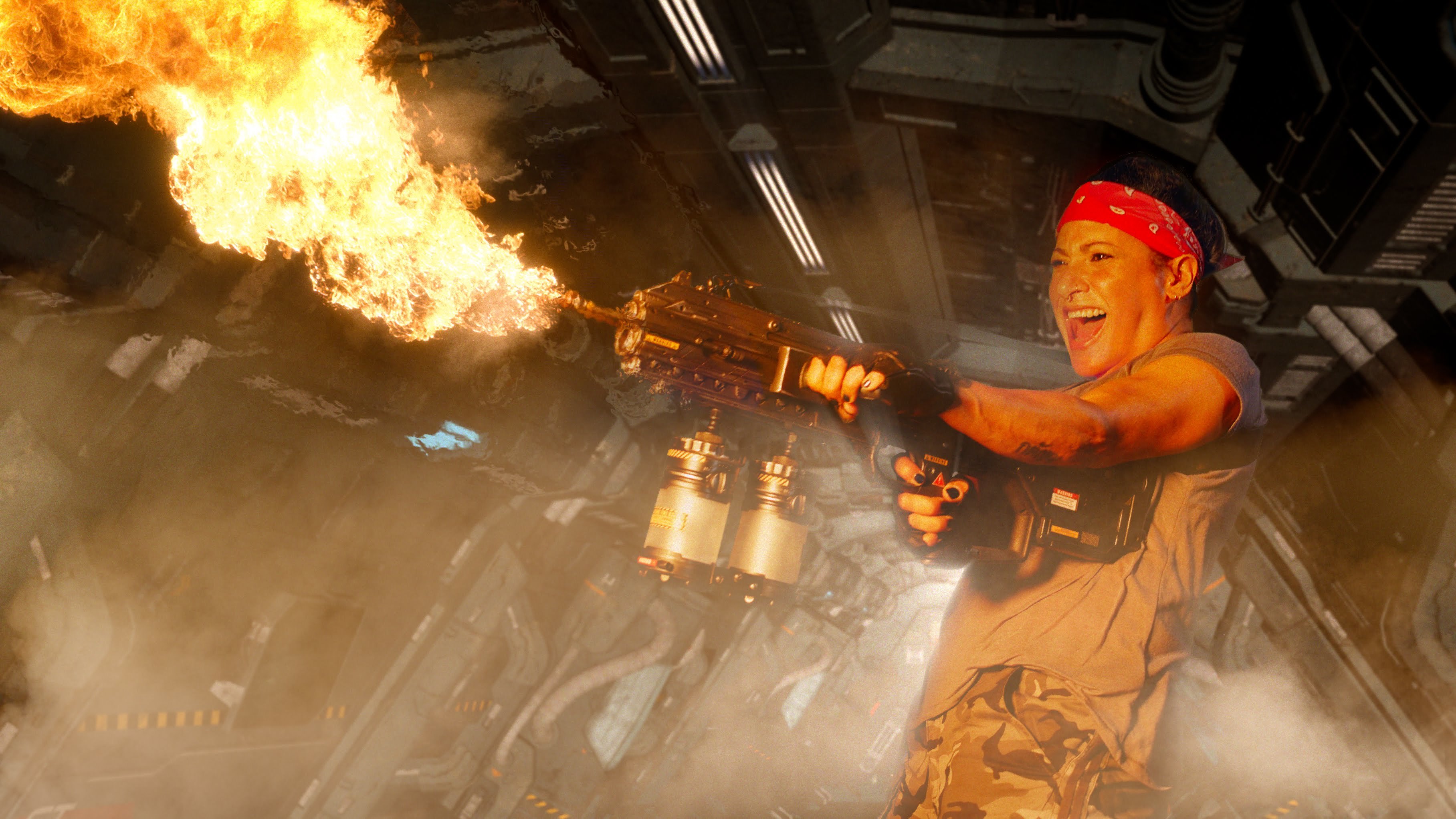
A Red Giant family for keying, tracking, cleanup and effects compositing.
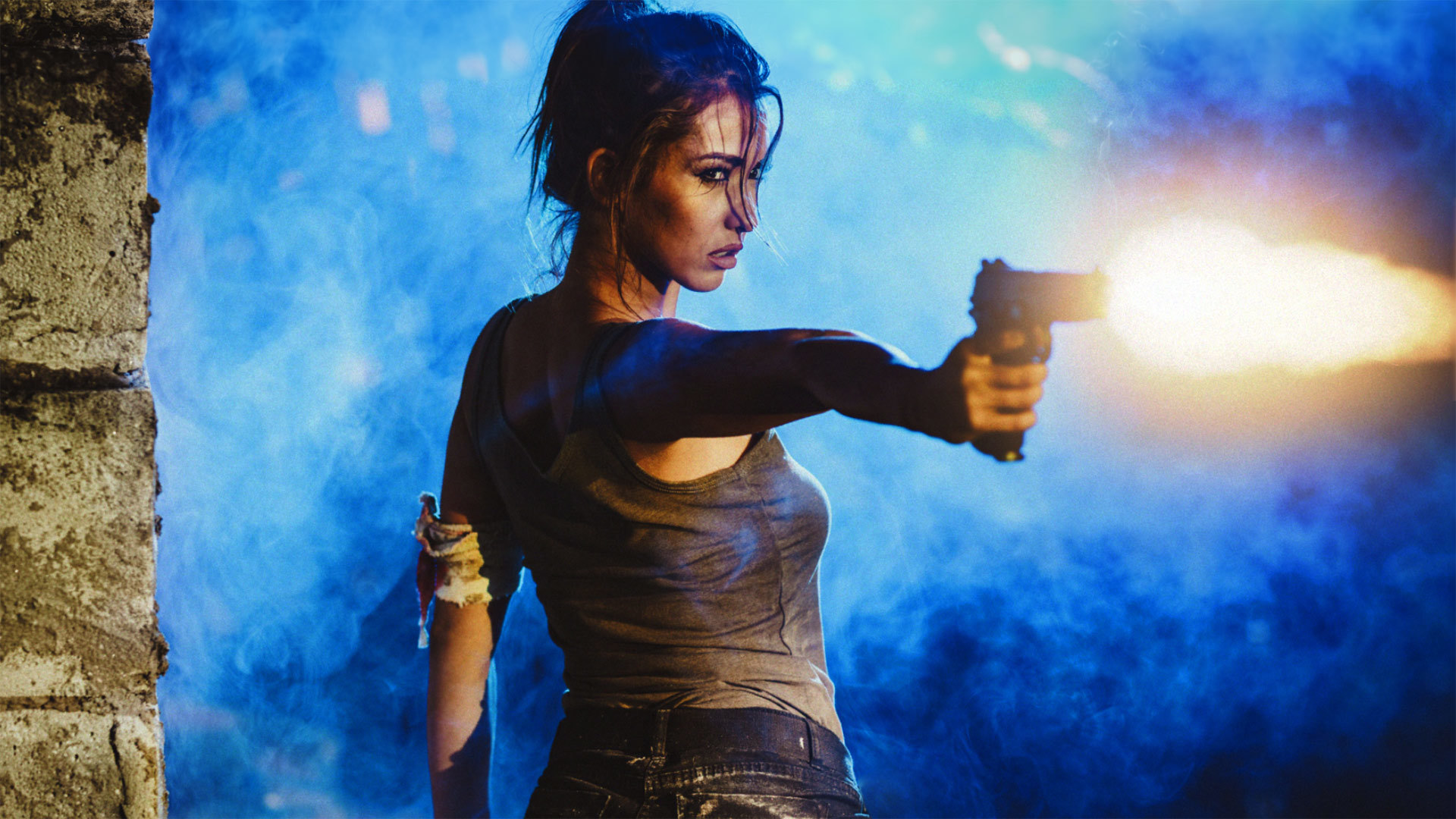
Composite 3D muzzle flashes in After Effects and adjust their placement in a shot.
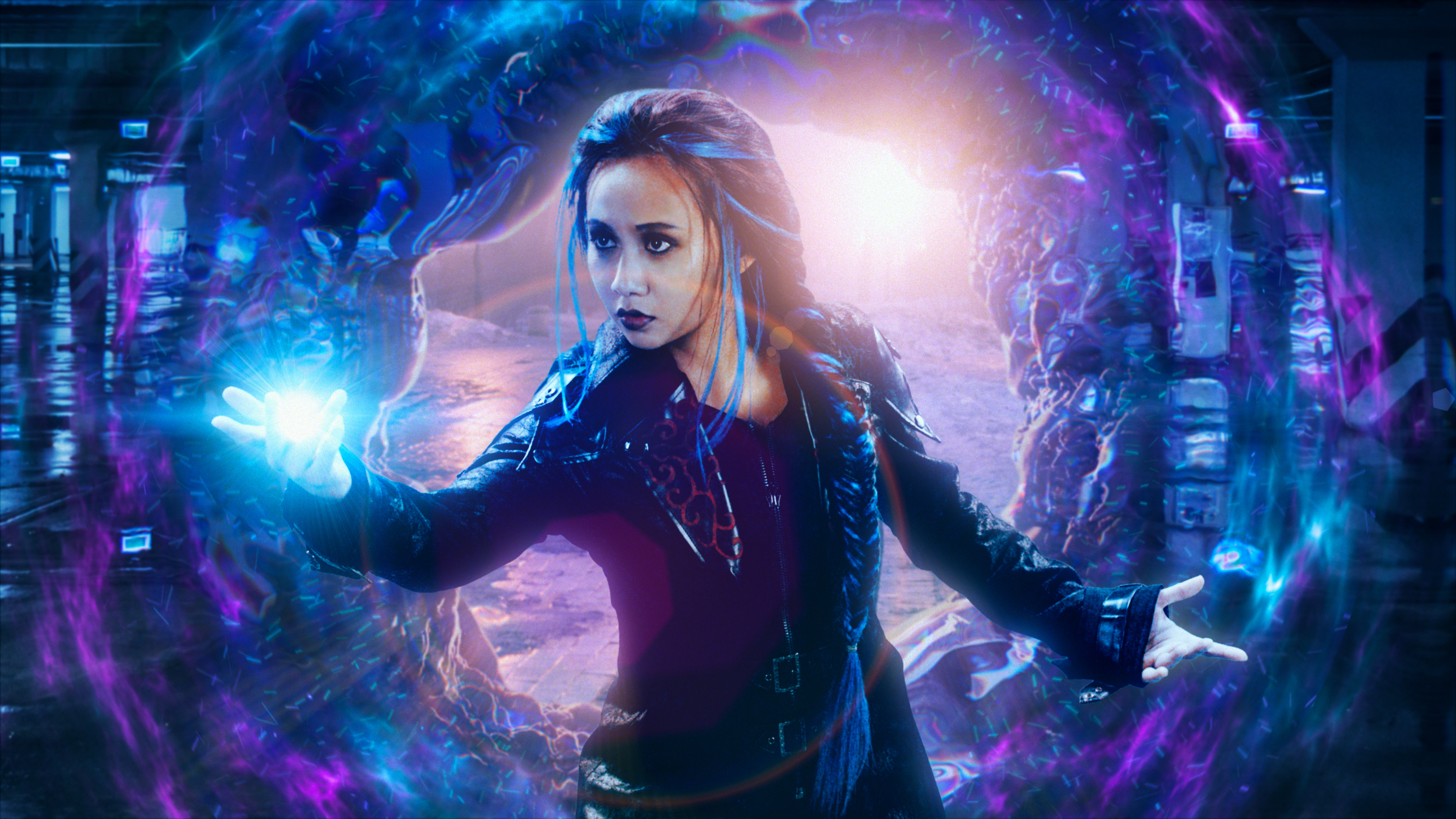
Displace an image using another layer while separating its colours.
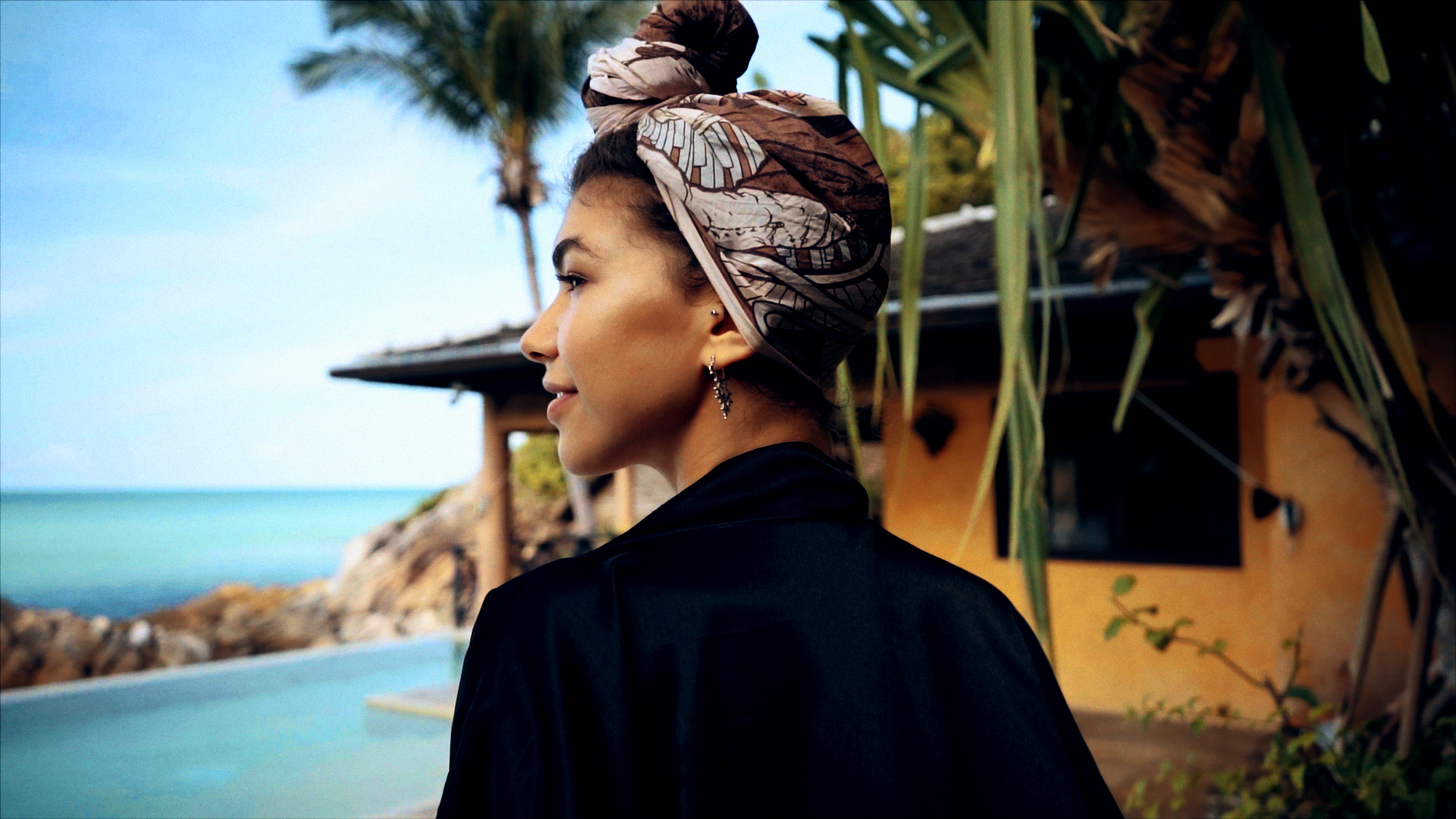
Correct exposure and colour directly in the host application's timeline.
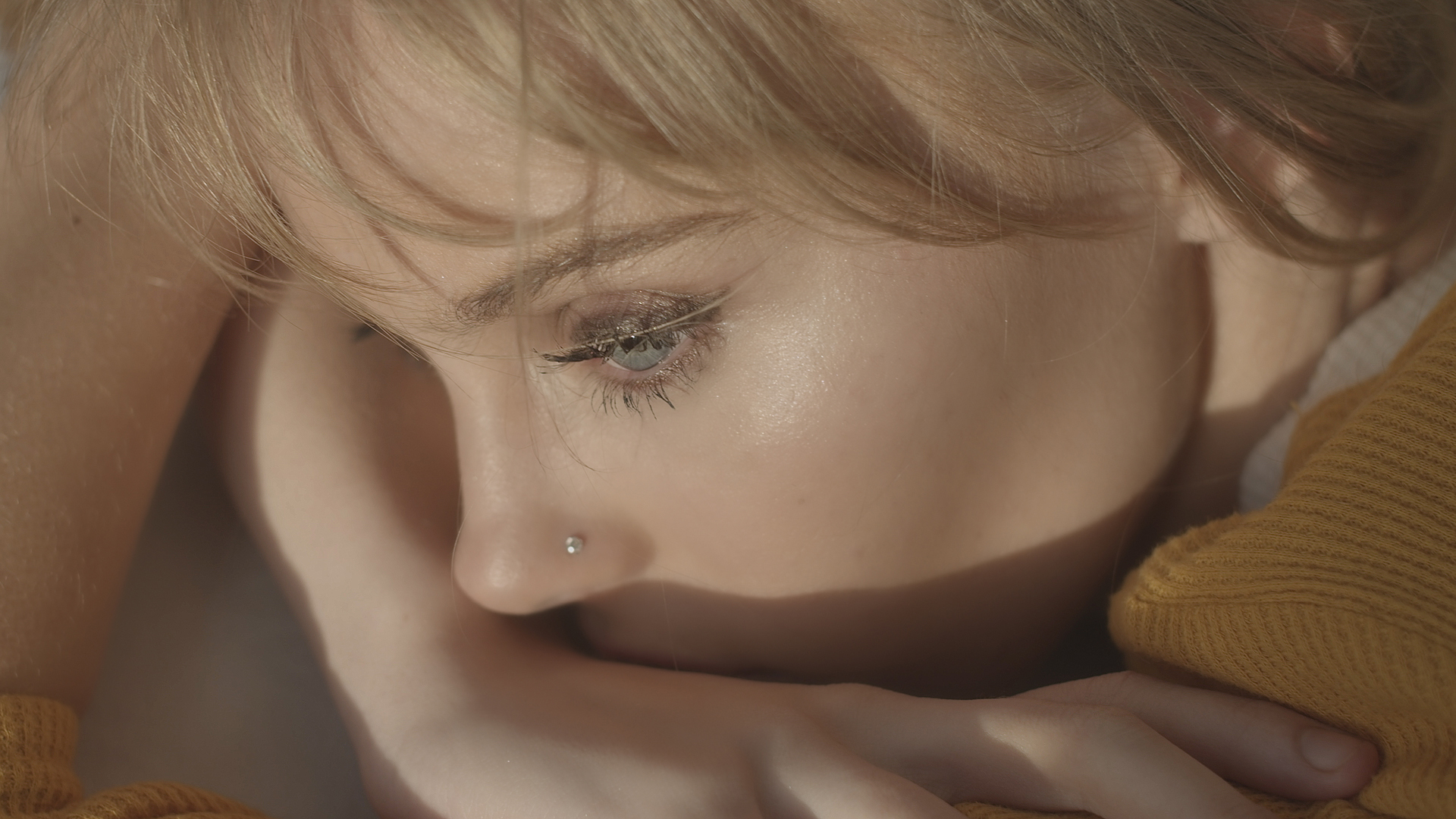
Target skin tones to soften blemishes and balance a video portrait.
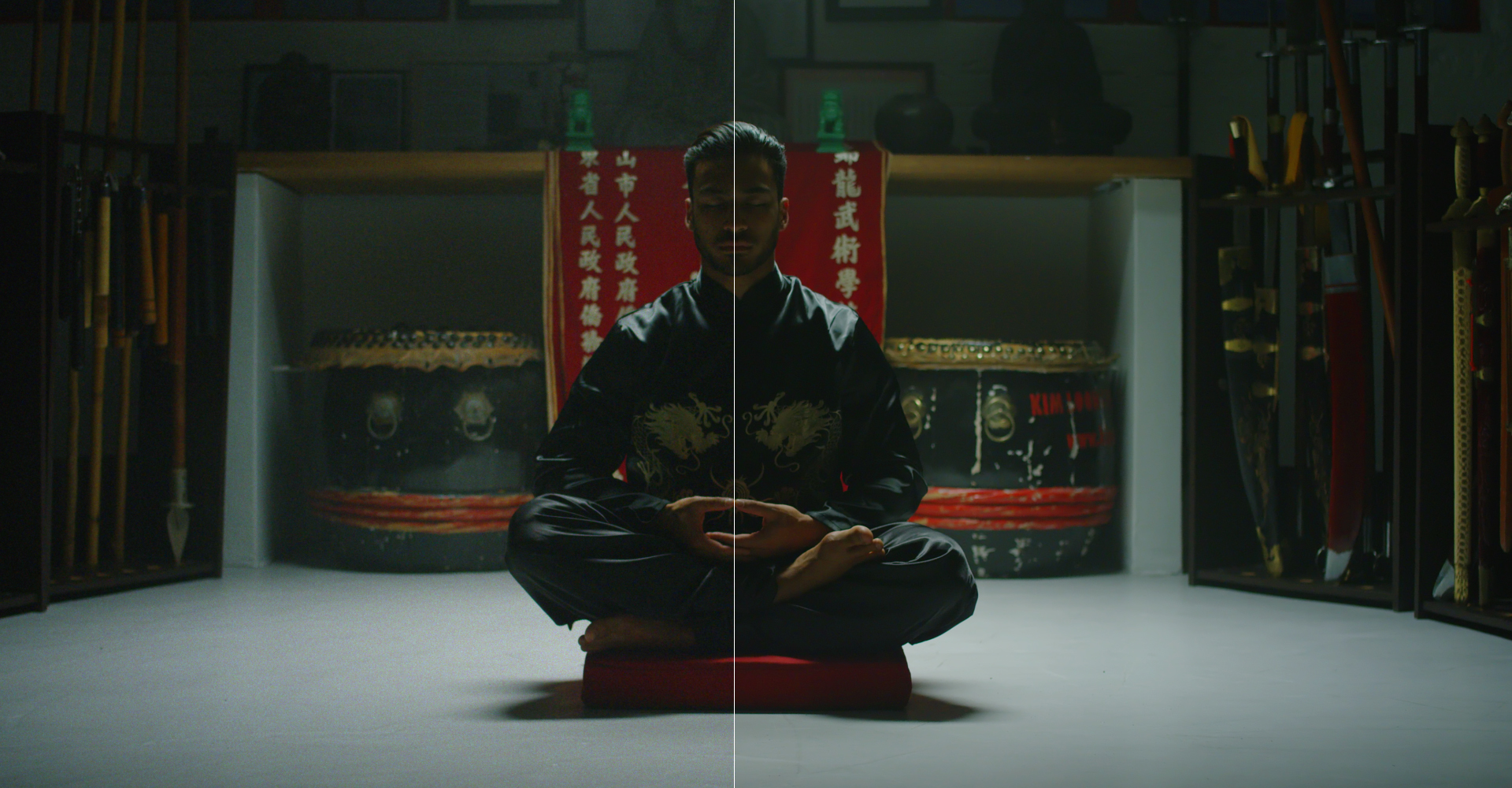
Reduce visible noise in footage captured in low light.
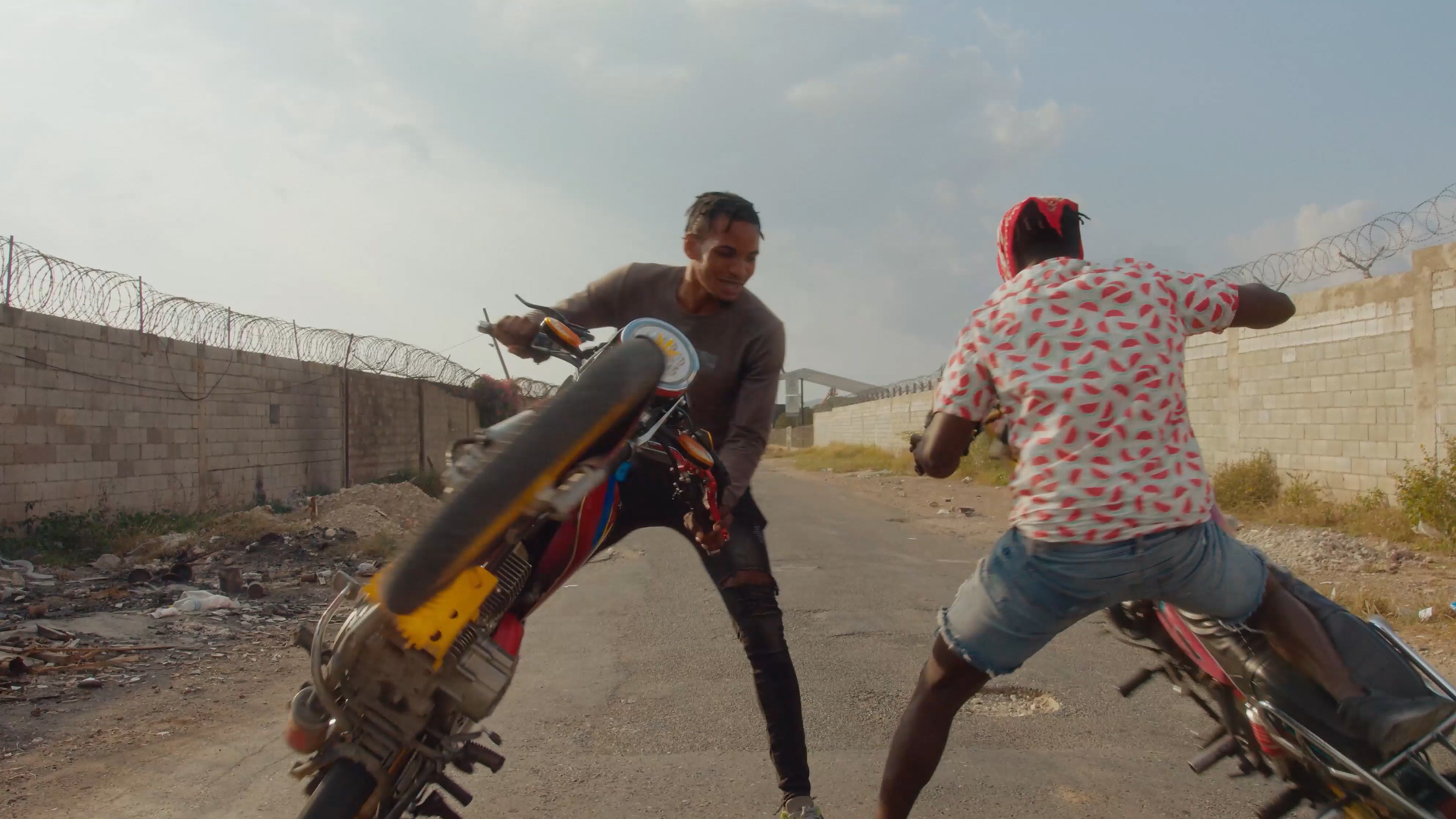
Generate a depth pass from footage inside After Effects.

Duplicate 3D layers and offset their animation to create cascading motion.
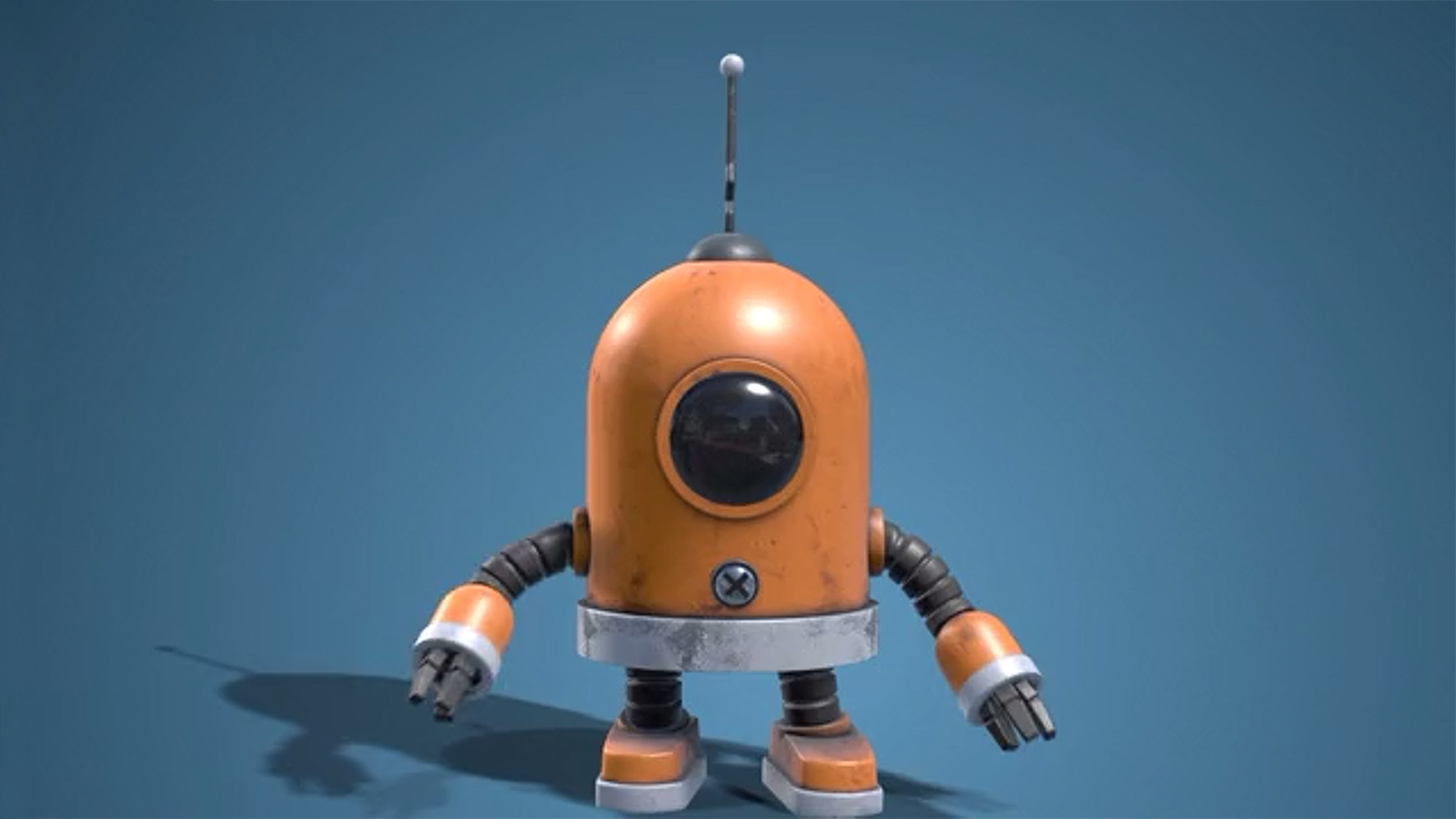
Import, texture, light and clone 3D models directly in After Effects.
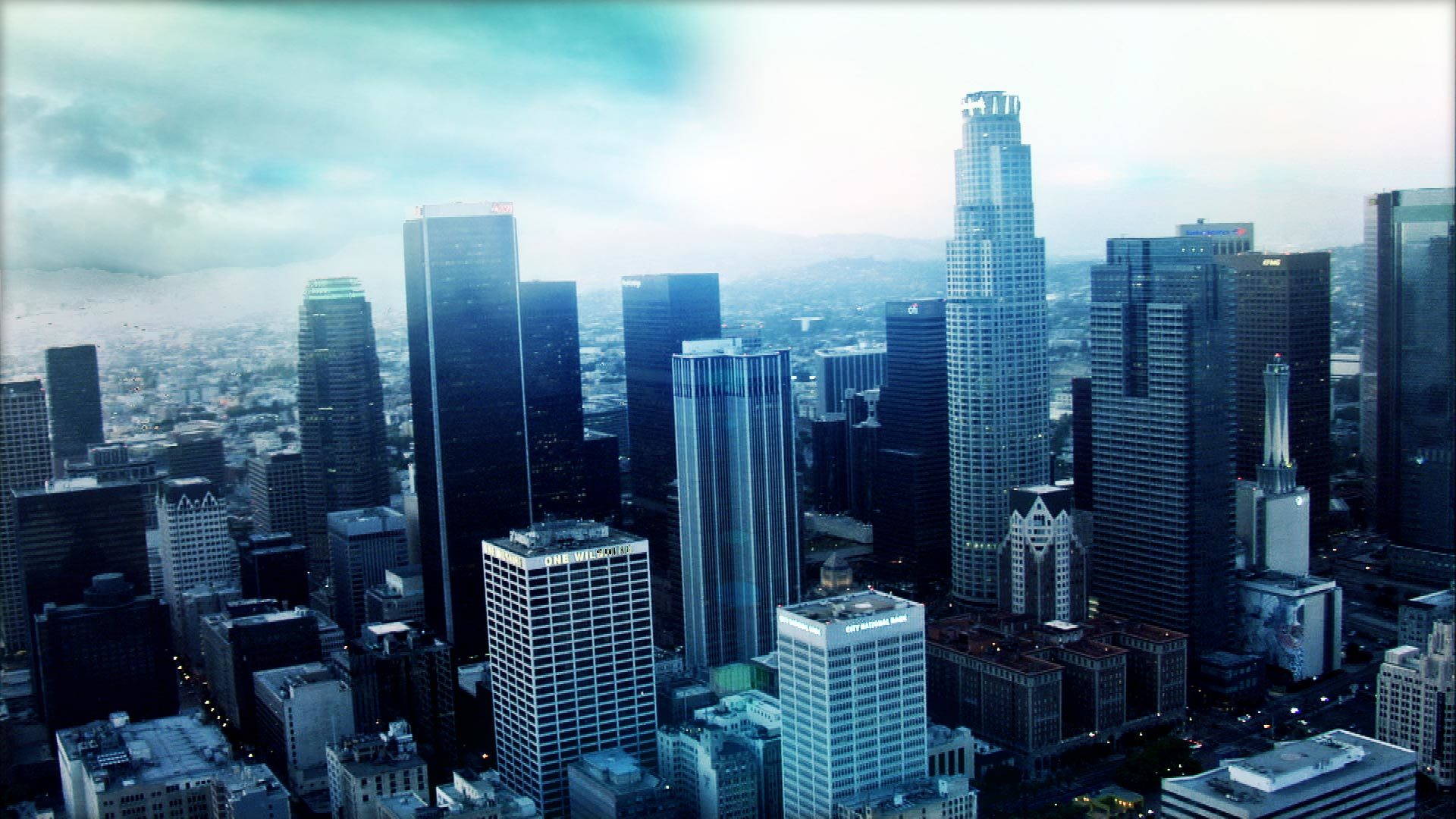
Place a 360-degree background that responds to the After Effects 3D camera.
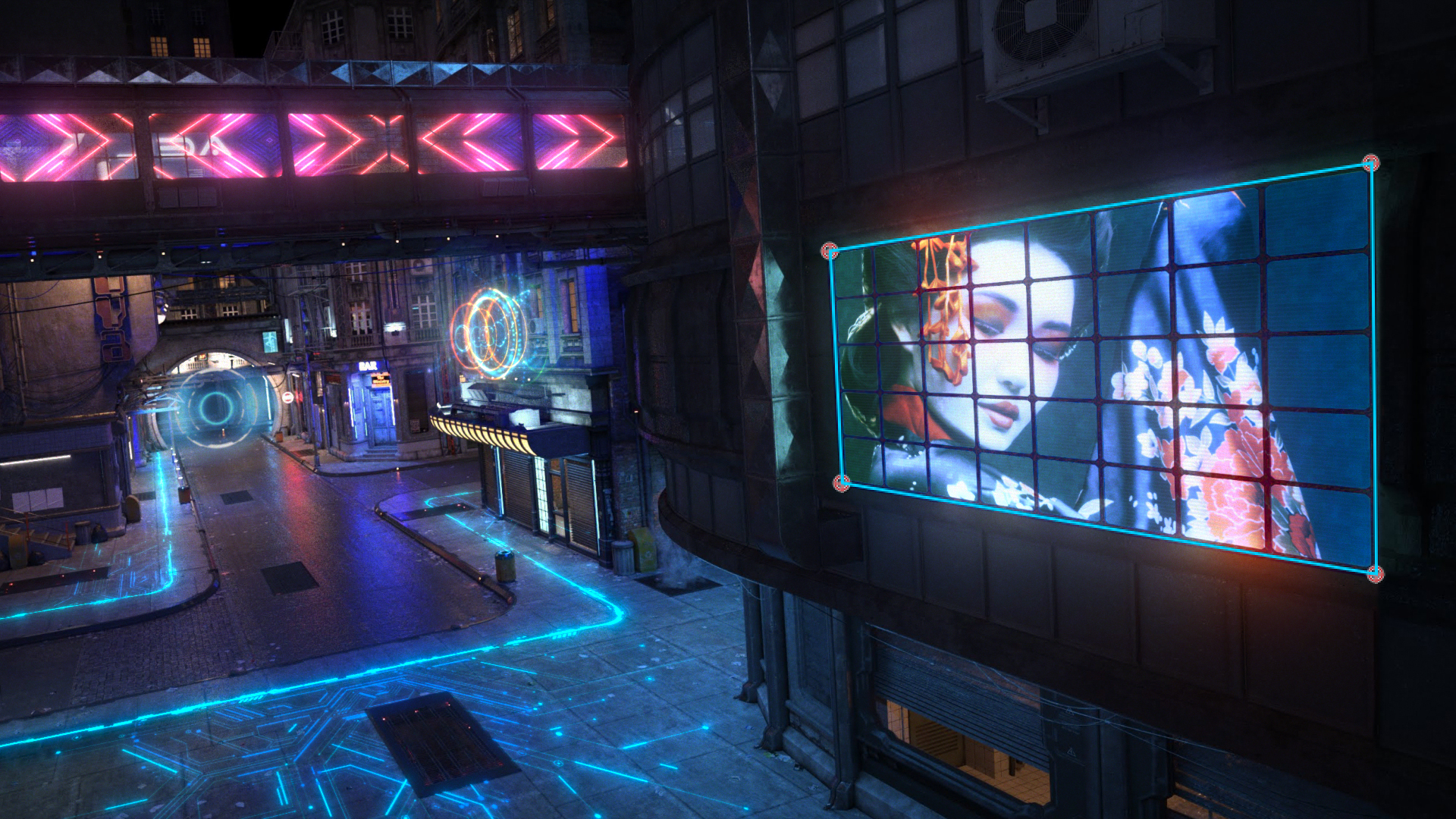
Track a planar surface to replace a sign or insert an image into a shot.
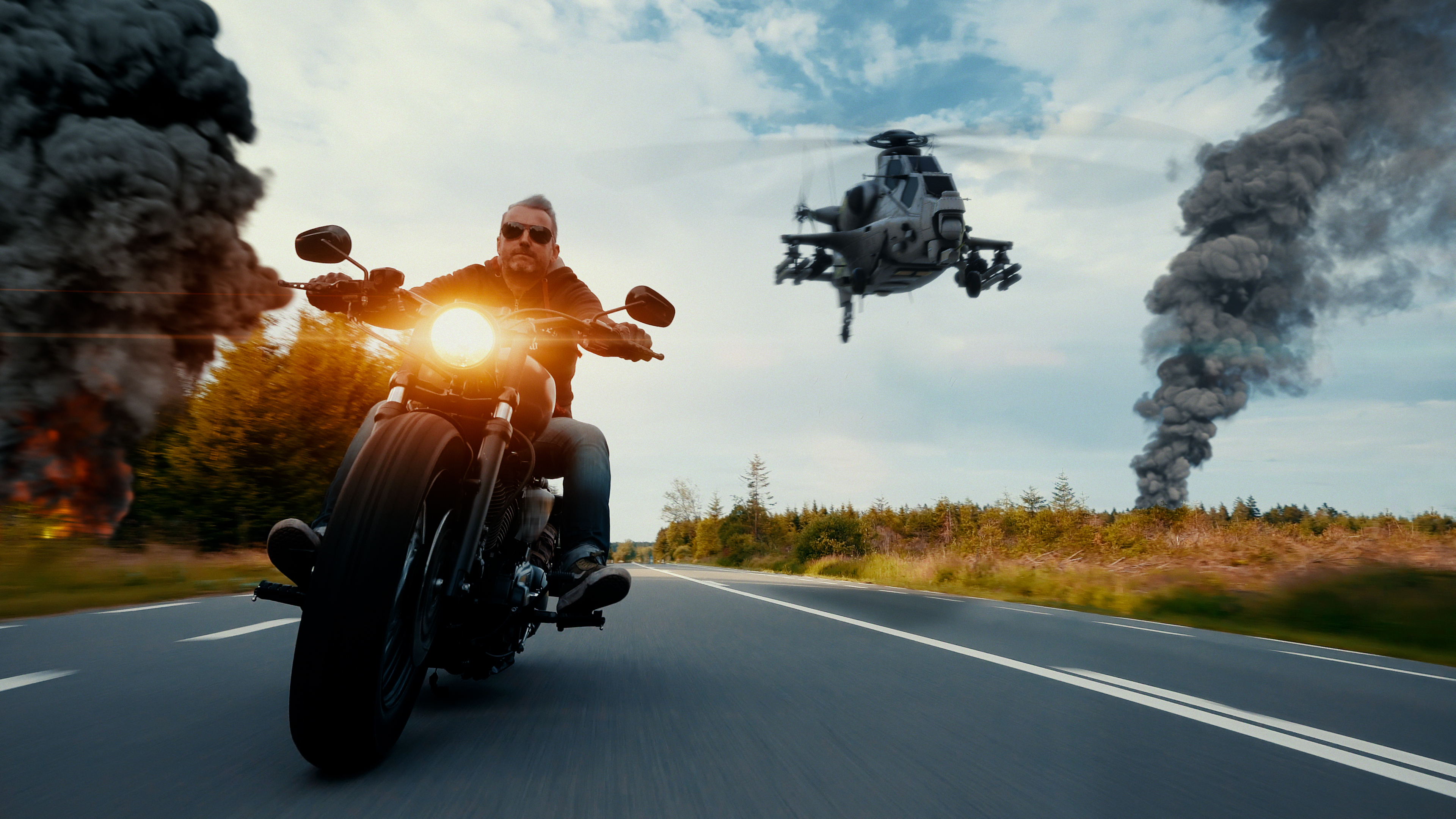
Undistort lens footage for compositing, then reapply the distortion to the result.

Make point and spot lights visible as volumetric beams in an After Effects scene.
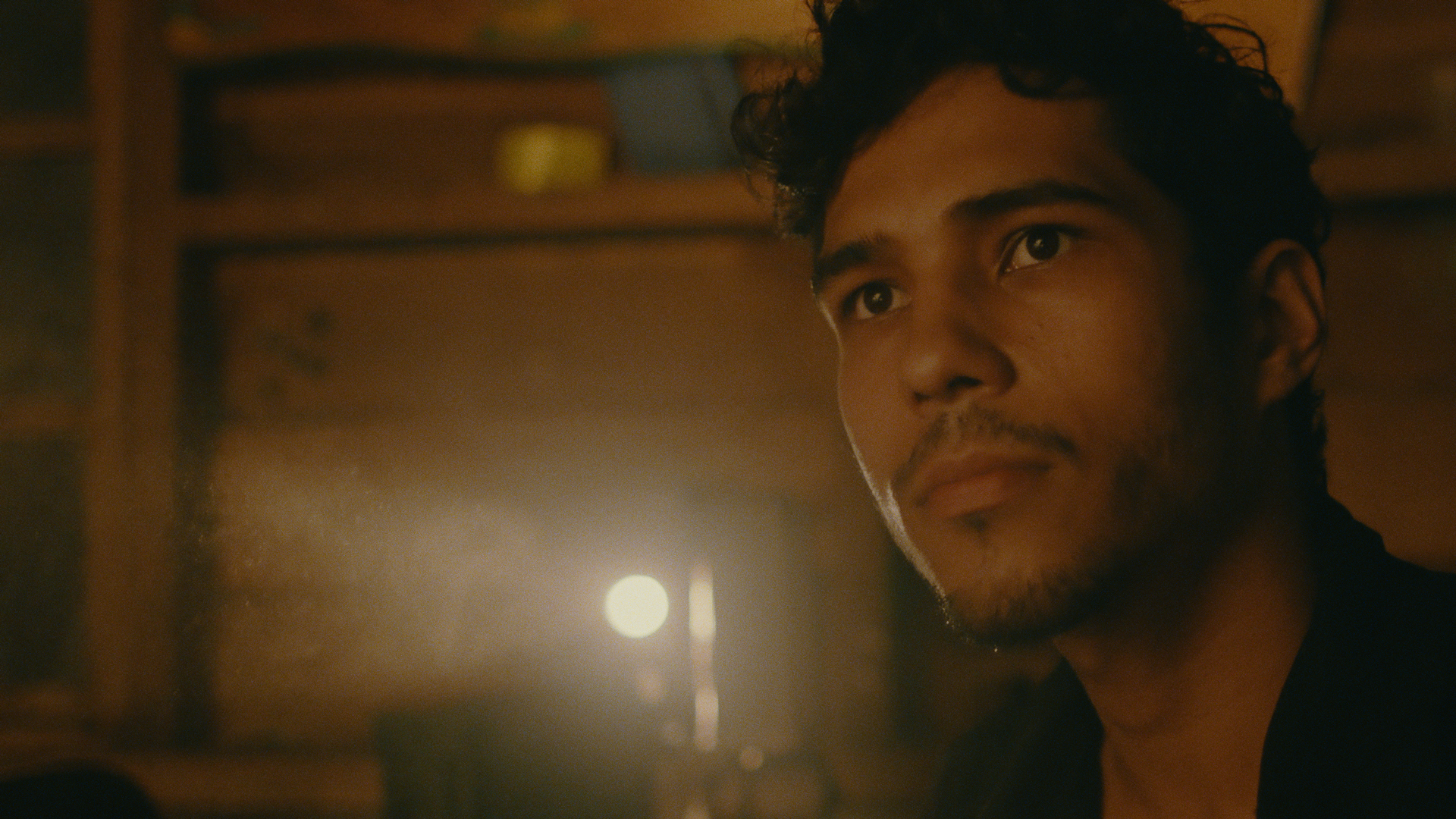
Recreate a film treatment through negative stock, grading and print-stock controls.
Build a colour treatment by combining correction tools and customisable looks.
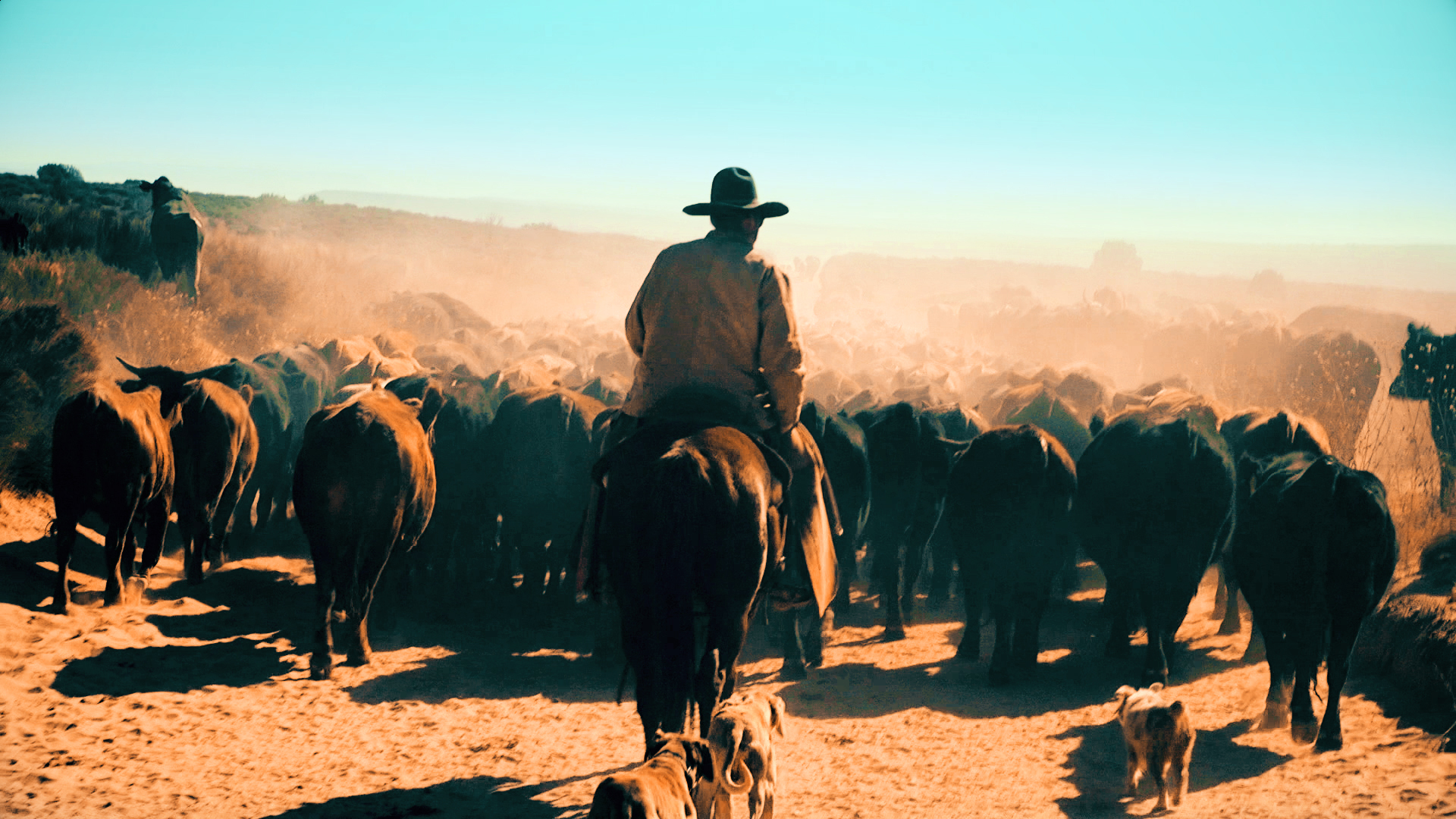
Apply a stylised colour treatment, then adjust contrast, exposure and balance.