TypoTab suits writers on macOS; for occasional writing or Windows, other solutions work better.
About
In practice. What you can do with TypoTab.
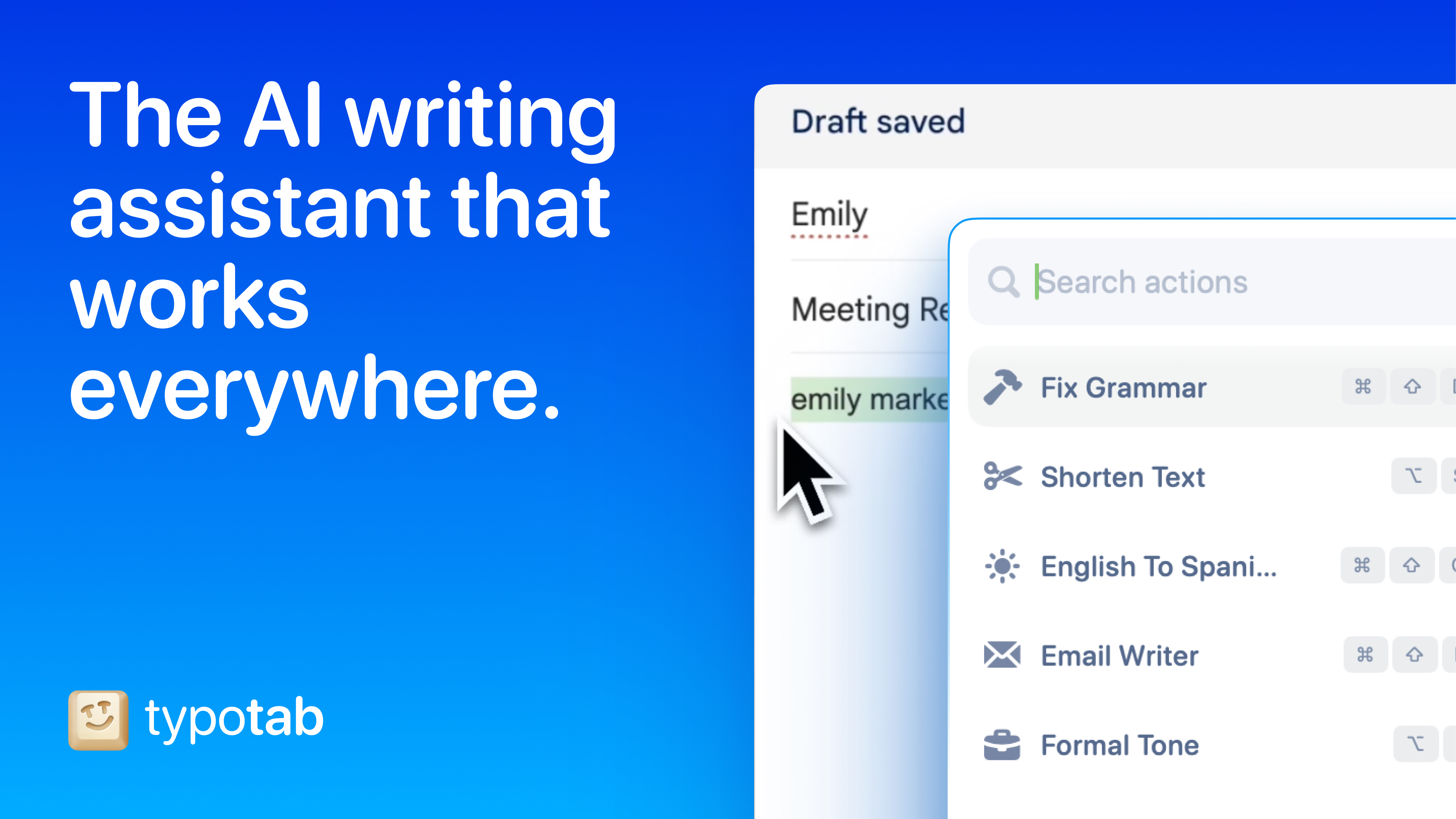
TypoTab is a Chrome extension that integrates an AI writing assistant directly into every web page — without opening a new tab or copy-pasting. You select text, press a shortcut, and the AI improves, rephrases or extends the text in place.
The paid plan from £4/mo (billed annually) gives access to premium AI models and advanced features. In practice: write reply emails from Gmail without switching tabs, improve a LinkedIn post before publishing, correct a Google Doc by selecting and pressing a shortcut.
Positioned as a lightweight alternative to Grammarly Premium or ChatGPT extensions for writers who want to stay in their flow.
Practical uses
Draft emails and messages quickly.
Refine and correct articles or reports.
Generate marketing or technical content.
Organize and rephrase meeting notes.
Features & use cases
Ai general
Copywriting
Assistant generaliste
Developer tools
Productivity
Writing assistance
Pros and cons. What TypoTab does well, and what to expect.
Pros
Seamless integration with all macOS apps.
Very affordable pricing.
Discreet and fast menu bar interface.
Support and priority with yearly plan.
Cons
macOS only (no Windows/Linux).
No free version.
Limited to writing assistance (not multi-domain).
When it makes sense. Keep TypoTab, or challenge it?
Keep if
You write extensively and use macOS.
You want AI help without app switching.
TypoTab becomes worthwhile when
+You use it at least once a week
+The monthly cost ($5.52) is small next to the time it saves you
Challenge if
You primarily use Windows.
You need generalist AI, not just writing.
TypoTab becomes too expensive when
−You use it less than once a month
−A simple free version or a tool already in your stack would do