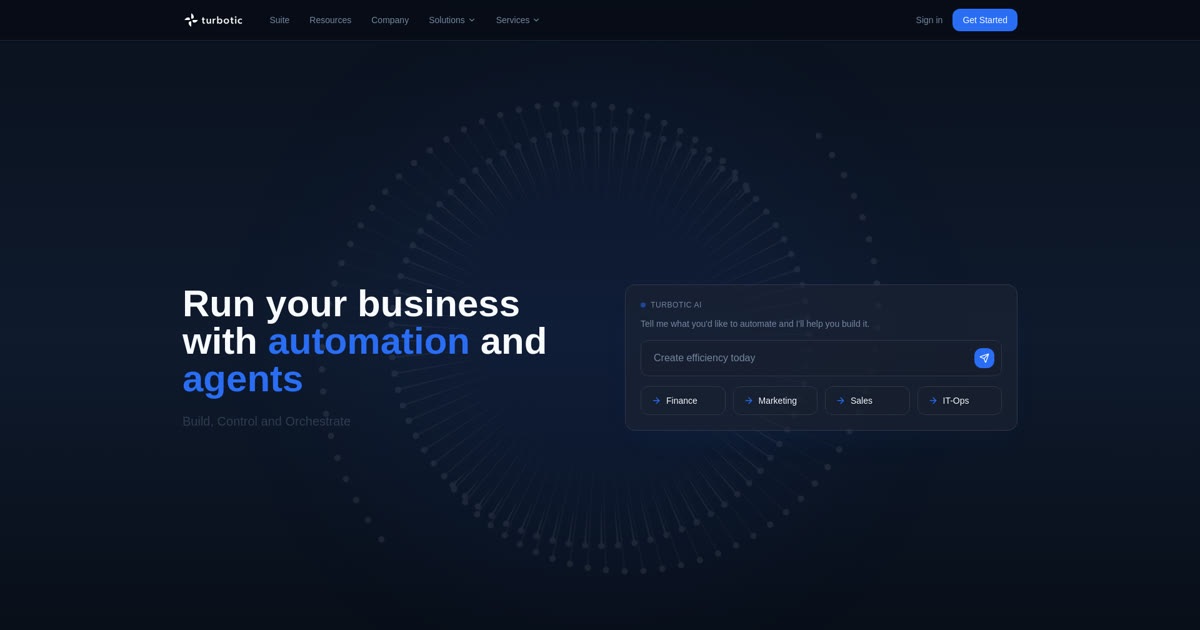
Consider it if you want to turn a natural-language instruction into an automated workflow, then test and monitor it. Compare execution quotas, available integrations, and annual billing before moving an important process.
About
In practice. What you can do with Turbotic.
Turbotic Automation AI turns a natural-language request into an automated workflow that you can test, schedule, and monitor in the platform. It is a no-code approach for freelancers and small teams looking to automate recurring tasks without wiring every step by hand.
The platform offers a limited free plan, followed by paid plans. Features and limits depend on the selected plan.
Practical uses
Automate a recurring task from a natural-language instruction.
Test a workflow before scheduling it.
Monitor workflows across supported applications.
Features & use cases
Automation
No code
Workflows
Pros and cons. What Turbotic does well, and what to expect.
Pros
Create workflows from natural-language instructions.
Option to test and schedule automations.
Free plan with published usage limits.
Monitor workflows from the platform.
Cons
Published paid-plan prices are billed annually.
The free-plan quotas may be reached quickly depending on usage.
Check integration availability and generated results before production use.
When it makes sense. Keep Turbotic, or challenge it?
Keep if
You want to create automations by describing the desired outcome in natural language.
You want to test and schedule workflows without writing the integration code yourself.
Challenge if
You only need a few simple automations and prefer usage-based pricing.
You need deep technical control or a self-hosted solution.
Our verdict. What to know about Turbotic.
Why this verdict
Great
Turbotic is fairly easy to replace with an alternative, a free tier to test before paying, clearly documented use cases.