

    My stack

    Thunder Client reviews

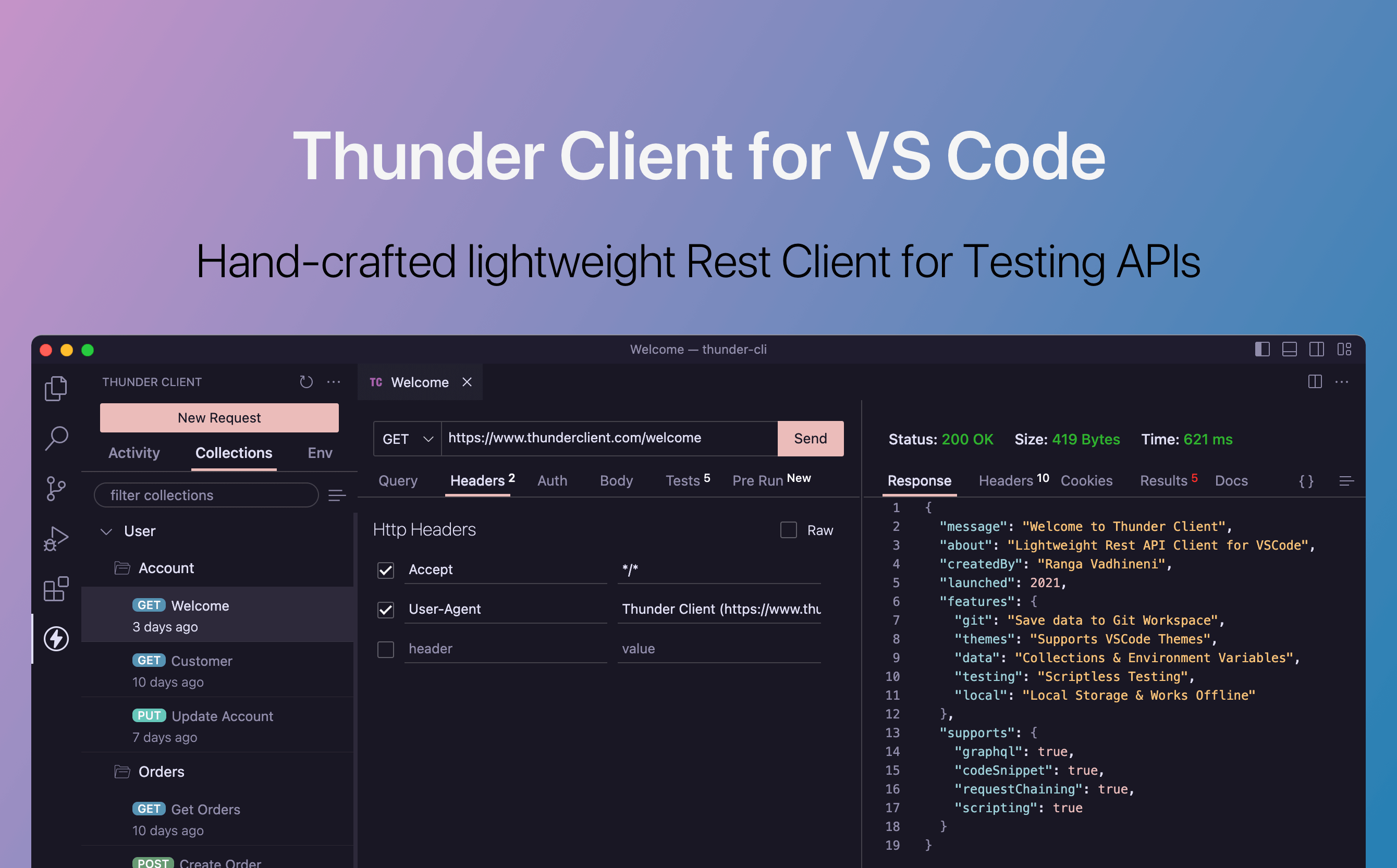
    Lightweight API client inside VS Code for testing endpoints and simple collections.

    Visit website
    ToolTrim verdict4.4/ 5Excellent

    Thunder Client shines for solo developers or small teams testing simple REST APIs; for GraphQL or complex scenarios, Postman offers more.

    Thunder Client, preview 1
    About

    In practice. What you can do with Thunder Client.

    Lightweight API client inside VS Code for testing endpoints and simple collections.

    Practical uses

    • Test a local REST API during development.
    • Debug API integration in a small team.
    • Automate API tests in CI/CD.

    Features & use cases

    Nocode web

    Pros and cons. What Thunder Client does well, and what to expect.

    Pros

    • Free for personal use.
    • Very lightweight and fast, no IDE context-switch.
    • Native VS Code and JetBrains integration.
    • Transparent, reasonable pricing for teams.

    Cons

    • Limited to 25 requests per collection in free version.
    • Fewer features than Postman for complex cases.
    • Smaller ecosystem than Postman.

    When it makes sense. Keep Thunder Client, or challenge it?

    Keep if

    • You regularly test REST APIs.
    • You prefer working in your IDE without switching apps.

    Challenge if

    • You need GraphQL or complex cases.
    • You want a rich graphical interface.

    Our verdict. What to know about Thunder Client.

    Why this verdict

    Excellent

    Thunder Client is hard to replace short-term, a free tier to test before paying, clearly documented use cases.

    Thunder ClientFree
    Visit