

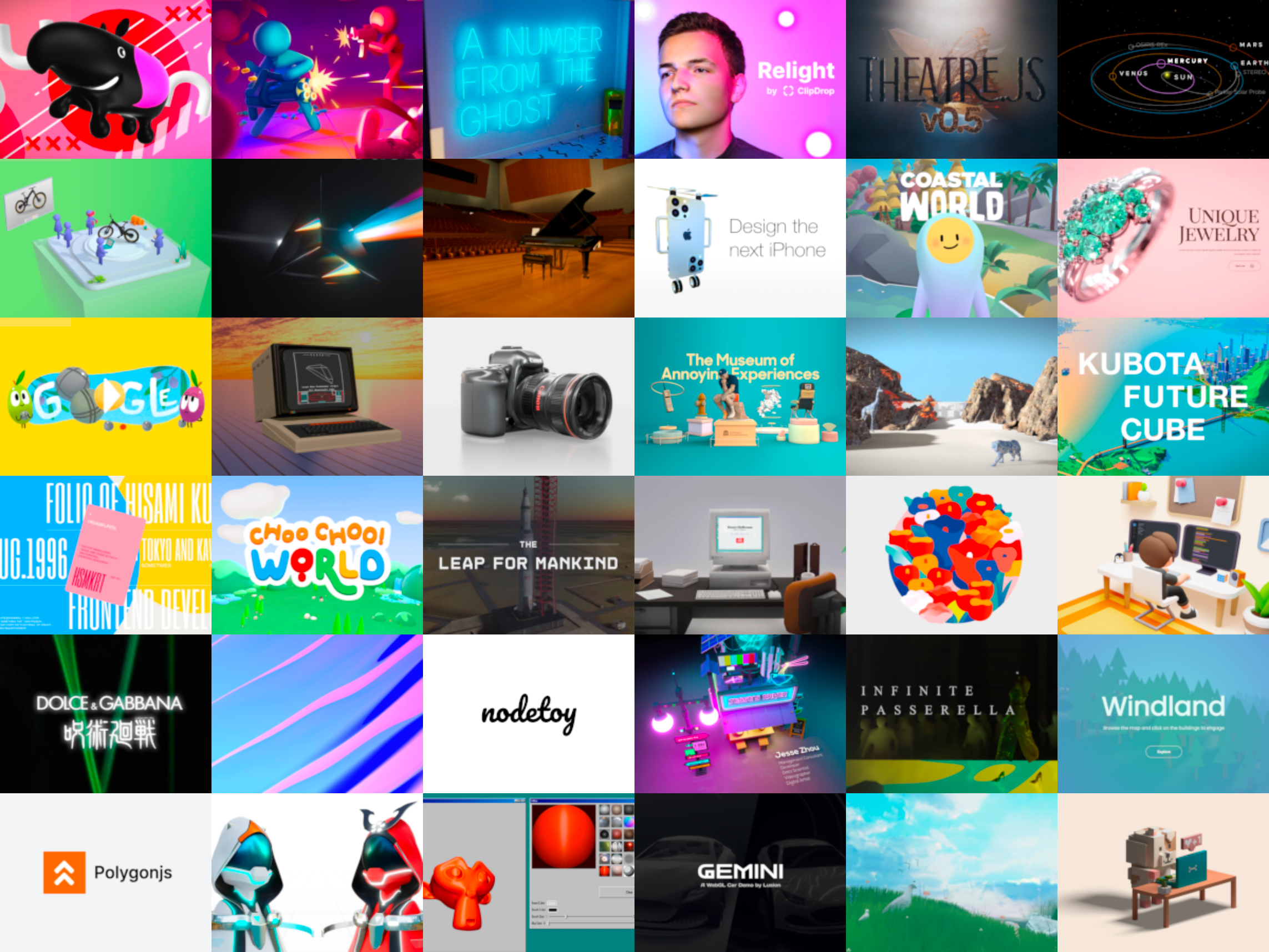
Practical uses
- Build an interactive 3D visualization on a site.
- Develop a 3D product configurator.
- Create an immersive WebGL experience.
Pros and cons
What Three.js does especially well — and the limits to anticipate.
Pros
- Fully free and open source.
- Mature and widely used library.
- Large community and abundant documentation.
- Abstracts away WebGL complexity.
Cons
- Requires JavaScript skills.
- Learning curve for 3D concepts.
- No built-in visual interface.
Three.js: when it makes sense.
Three.js is the standard for web 3D in JavaScript; for no-code 3D, a visual editor fits better.
Keep if
You build 3D experiences for the web.. You want a mature, well-documented library.
Challenge if
You don't code in JavaScript.. You want a no-code visual 3D editor.
