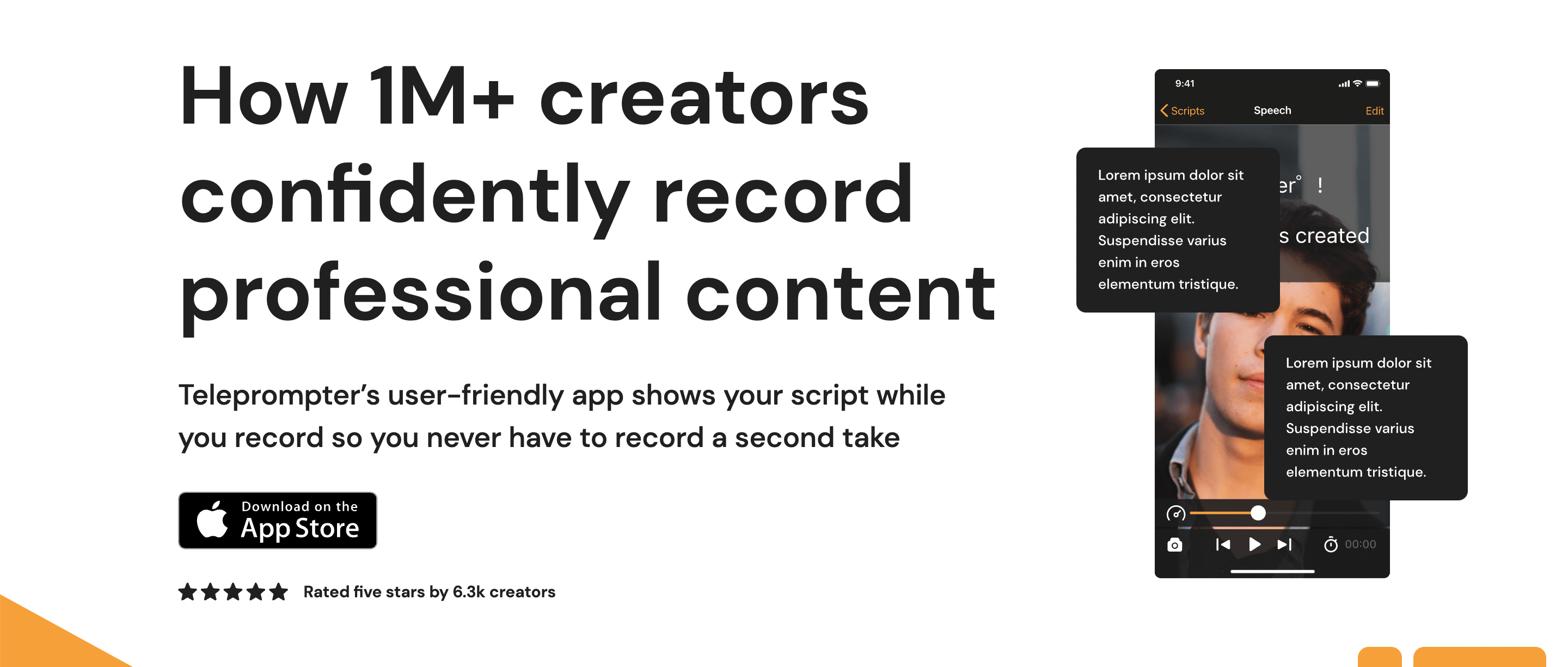
Teleprompter app (iPhone, iPad, macOS): read scripts, speeches and lyrics with auto or voice-driven scrolling, mirroring, speed control and built-in video recording.
Teleprompter app (iPhone, iPad, macOS): read scripts, speeches and lyrics with auto or voice-driven scrolling, mirroring, speed control and built-in video recording.
Practical uses
Read a script while filming to camera.
Record a videoA built-in prompter.
Control scrolling by voice.
Features & use cases
Creator workflow
The case for and against. What Teleprompter does well, and when it costs too much.
For. What works in its favour.
Auto and voice-driven scrolling.
Built-in video recording (4K on Pro).
Multi-format script import.
Free tier to test.
You want voice-driven scrolling.
You record straight from the app.
Against. What to plan for.
Watermark on the free tier.
Apple ecosystem (iPhone/iPad/macOS).
Advanced features reserved for Pro.
The free watermark bothers you and you won't upgrade.
You rarely film to camera; The free watermark bothers you and you won't upgrade.
ToolTrim verdict
Teleprompter.com makes sense for those regularly filming to camera who want a reliable prompter; for rare use, the free tier (with watermark) suffices.
Frequently asked questions. What people ask about Teleprompter.
What is Teleprompter used for?
Teleprompter app (iPhone, iPad, macOS): read scripts, speeches and lyrics with auto or voice-driven scrolling, mirroring, speed control and built-in video recording.
How much does Teleprompter cost?
Teleprompter doesn't publish a price list; check the official page for current pricing. Price verified on May 11, 2026.
Is Teleprompter suitable for beginners?
Teleprompter suits most professionals. See the "Who is it for" section for details.
Is Teleprompter worth the price?
Teleprompter.com makes sense for those regularly filming to camera who want a reliable prompter; for rare use, the free tier (with watermark) suffices.