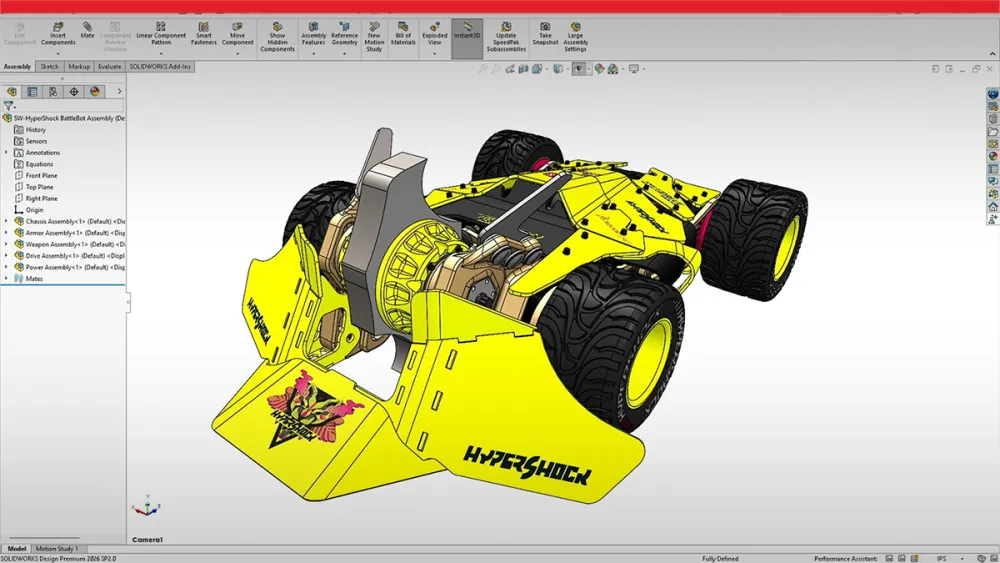
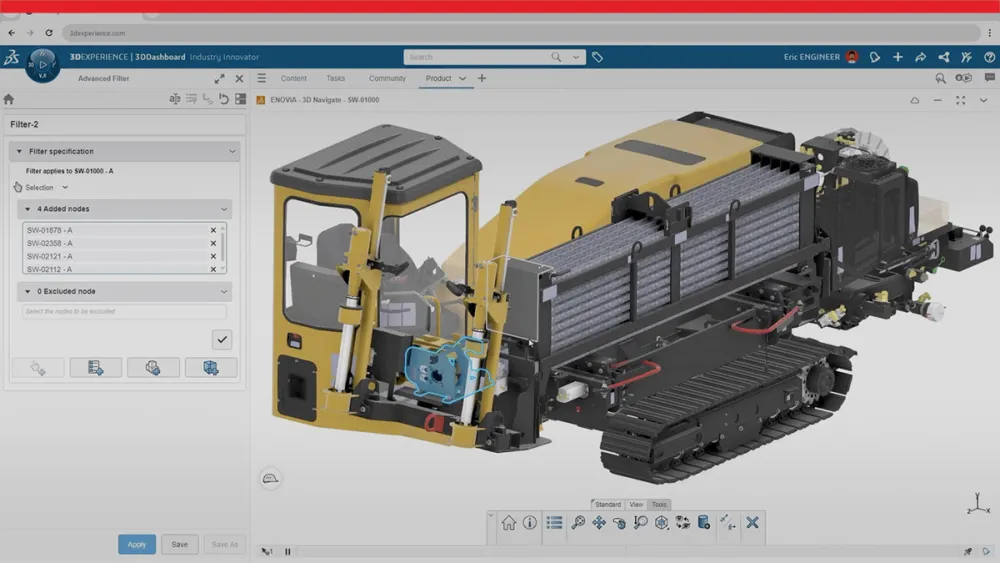
Professional 3D CAD software by Dassault Systèmes for part modeling, assemblies, and drawings. Includes simulation tools, photorealistic rendering, and data management.
SolidWorks wins for professional mechanical engineering and simulations; for lighter product design, FreeCAD or Fusion 360 may suffice.
1 / 2
About
In practice. What you can do with SolidWorks.
Professional 3D CAD software by Dassault Systèmes for part modeling, assemblies, and drawings. Includes simulation tools, photorealistic rendering, and data management.
Key strengths: Universally recognized industry standard.; Robust simulation and idea validation.; Strong technical support.; PDM integration and project management..
SolidWorks wins for professional mechanical engineering and simulations; for lighter product design, FreeCAD or Fusion 360 may suffice.
Practical uses
Model a complex mechanical assembly.
Run stress analysis or CFD simulation.
Create machining plans and technical drawings.
Manage technical documentation as a team.
Features & use cases
Modelisation 3d
3D
Design tools
Pros and cons. What SolidWorks does well, and what to expect.
Pros
Universally recognized industry standard.
Robust simulation and idea validation.
Strong technical support.
PDM integration and project management.
Cons
Very high upfront investment.
Annual fees even with perpetual license.
Steep learning curve.
Not accessible to small teams on tight budgets.
When it makes sense. Keep SolidWorks, or challenge it?
Keep if
You do product engineering and need an industry standard.
You need complex simulations (stress, dynamics, CFD).
SolidWorks becomes worthwhile when
+You use it at least once a week
+The monthly cost ($250) is small next to the time it saves you
Challenge if
You're looking for a free or low-cost solution.
You mostly do design/UI, not mechanics.
SolidWorks becomes too expensive when
−You use it less than once a month
−A simple free version or a tool already in your stack would do
Our verdict. What to know about SolidWorks.
Why this verdict
Average
SolidWorks is fairly easy to replace with an alternative, no free tier to test before paying, clearly documented use cases.