Slido shines for live events and collective engagement; for written feedback or async surveys, a standard form works fine.
About
In practice. What you can do with Slido.
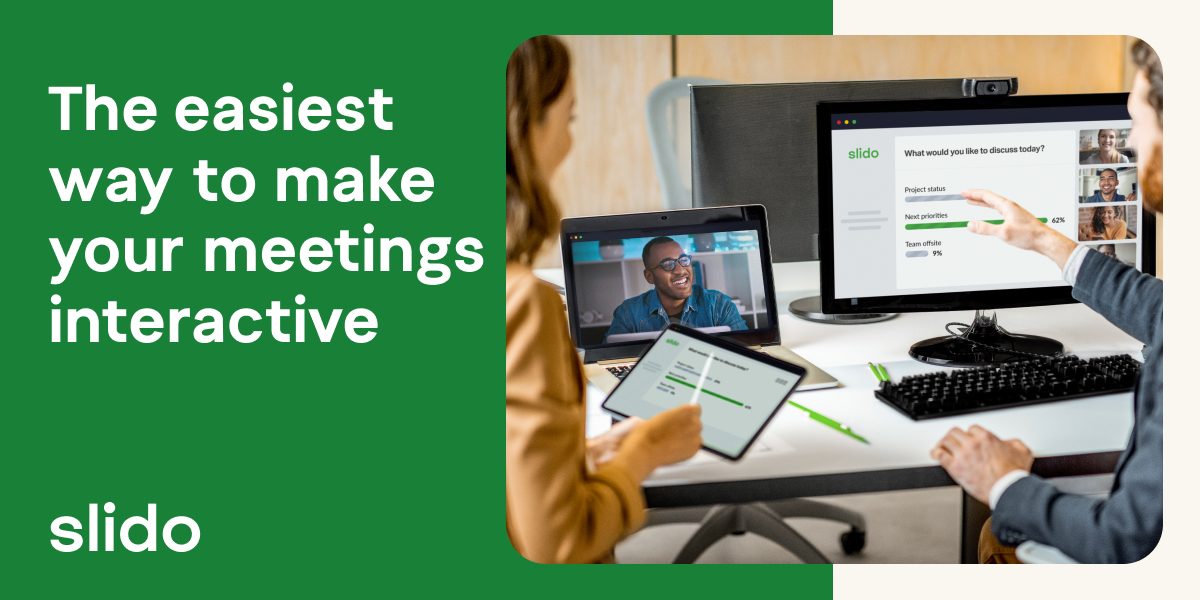
Slido adds live polls, Q&A and word clouds to a meeting or event, usable in video calls as well as in person. The free plan covers up to 100 participants with the essentials (polls, Q&A, quizzes), enough for a team meeting or small event.
Beyond 100 participants, or for brand customization and advanced analytics, you need a paid plan. Quoted rates vary widely by source (from a few tens to several hundred dollars per month) because they depend on participant volume and enterprise features: better to request a precise quote based on your actual event size than rely on a generic figure.
Practical uses
Launch polls live during a presentation.
Moderate a Q&A session at a conference.
Test understandingAn interactive quiz.
Collect crowd ideas in real time.
Features & use cases
Brainstorming
Tests utilisateurs
Pros and cons. What Slido does well, and what to expect.
Pros
Very generous free plan (100 participants, core features).
Direct PowerPoint and Google Slides integration.
Intuitive interface and quick setup.
Real-time analytics and data export.
Cons
Paid plans are annual only (no flexible monthly).
Capped at 100 participants on free plan.
No advanced customization on lower editions.
When it makes sense. Keep Slido, or challenge it?
Keep if
You regularly host events, conferences, or training sessions.
You want to engage audiences in real time and measure engagement.
Challenge if
You only host occasional or closed events.
You need a survey or form for long-form written responses.
Our verdict. What to know about Slido.
Why this verdict
Great
Slido is fairly easy to replace with an alternative, a free tier to test before paying, clearly documented use cases.