

    Sketch

    UI/UX design tool for macOS.

    ToolTrim verdict3.8/ 5Great

    Sketch wins for macOS designers seeking a lightweight, collaborative alternative; for Windows/Linux or tight budget, Figma or Penpot might fit better.

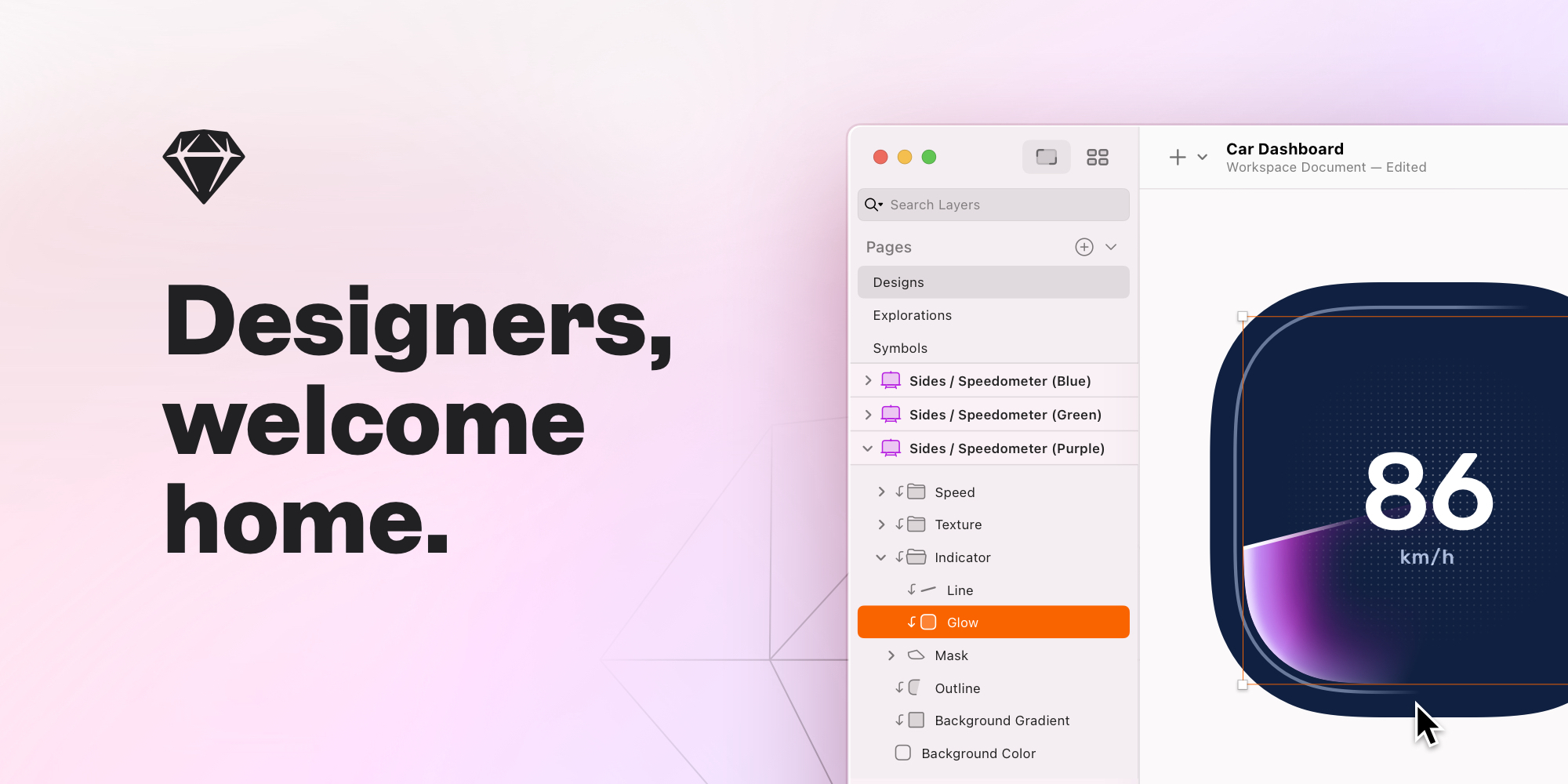
    Sketch, preview 1
    About

    In practice. What you can do with Sketch.

    Sketch is an interface design editor born on macOS, one of the first tools to popularize reusable component design (symbols) before Figma arrived. It's still used by some teams already invested in the ecosystem, but has lost significant ground to Figma, which made real-time collaboration the standard.

    Sketch only runs on Mac (no web or native Windows version), which limits collaboration with mixed teams — a point that increasingly weighs against it compared to cross-platform alternatives.

    Practical uses

    • Design a web or mobile interface.
    • Create a design systemReusable components.
    • Collaborate in real-timeA design team.
    • Handoff designs to developers.

    Features & use cases

    Design tools
    Prototyping
    UI components

    Pros and cons

    What Sketch does especially well and the limits to anticipate.

    Pros

    • High-performance native macOS app.
    • Intuitive real-time collaboration.
    • Excellent developer handoff.
    • Robust component-based design systems.

    Cons

    • macOS only (no Windows/Linux).
    • Subscription required (except local Mac-only license).
    • Fewer plugins/integrations than Figma.
    • Learning curve for Figma users.

    Sketch: when it makes sense.

    Sketch wins for macOS designers seeking a lightweight, collaborative alternative; for Windows/Linux or tight budget, Figma or Penpot might fit better.

    Keep if

    You're a macOS designer doing UI/UX for web or mobile.. You work in a team and need real-time collaboration.

    Sketch becomes worthwhile when
    • You use it at least once a week
    • The monthly cost ($10.51) is small next to the time it saves you

    Challenge if

    You primarily work on Windows or Linux.. You're looking for a free tool.

    Sketch becomes too expensive when
    • You use it less than once a month
    • A simple free version or a tool already in your stack would do

    Pricing. What does Sketch cost?

    Paid plan$10.51/mo

    Standard at $12/editor/month (annual); Business at $20/editor/month with SSO

    Alternatives. What could replace Sketch?

    No established substitute

    No tool in the catalogue covers the same need as Sketch. Rather than suggest an approximate match, here is the neighbourhood view.

    The AI angle

    Sketch vs AI

    AI challenges it
    Go further with AI

    Sketch remains a manual editor with no native AI generation, while competitors like Figma (with Figma AI) or generators like v0 and Lovable now produce interfaces from a simple prompt.

    Can AI replace it?

    Replace Sketch with an AI? For a first interface draft, yes, AI generators move faster. For refining an established design system or product, precise manual editing remains necessary — but Sketch itself is losing ground to Figma on this point, AI or not. Verdict: challenged both by AI and by direct competition.

    The AIs that matter here

    Sketch Summary

    Category
    productivity tool.
    Price from
    $10.51/mo.
    Best for
    professionals.
    Avoid if
    You primarily work on Windows or Linux.; You're looking for a free tool..
    ToolTrim verdict
    Sketch wins for macOS designers seeking a lightweight, collaborative alternative; for Windows/Linux or tight budget, Figma or Penpot might fit better.

    Our verdict. What to know about Sketch.

    Why this verdict

    Great

    Sketch is fairly easy to replace with an alternative, no free tier to test before paying, clearly documented use cases.

    Frequently asked questions.

    What to know before choosing Sketch.

    What is Sketch used for?

    UI/UX design tool for macOS.

    How much does Sketch cost?

    Sketch costs €10.51/month.

    Is Sketch suitable for beginners?

    Sketch suits most professionals. See the "Who is it for" section for details.

    Is Sketch worth the price?

    Sketch wins for macOS designers seeking a lightweight, collaborative alternative; for Windows/Linux or tight budget, Figma or Penpot might fit better.

    What are the best alternatives to Sketch?

    No direct alternative listed.