Sentry is an error and performance monitoring platform for applications, with a single-user free plan and a Team plan at $26/month for unlimited users plus a 50,000-error base quota.
Worth the $26/month Team plan (about $312/year) once a project needs more than 1 user or more than 5,000 errors/month, the free Developer plan's caps.
About
In practice. What you can do with Sentry.
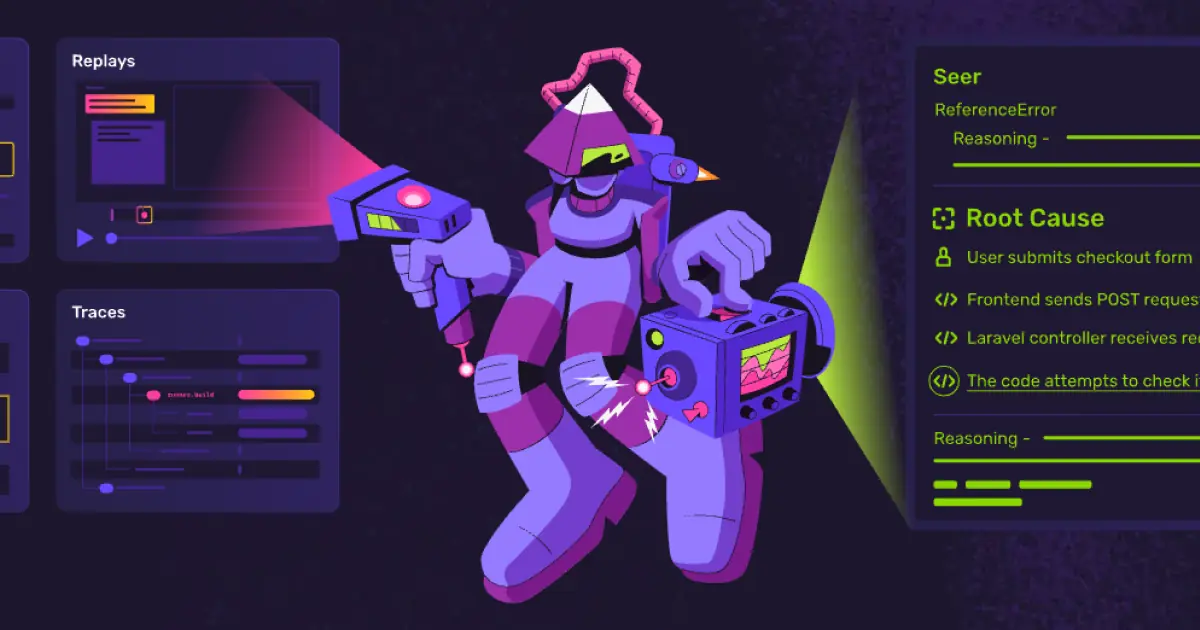
Sentry tracks errors and exceptions with stack traces and issue grouping, adds distributed tracing and performance monitoring, and includes session replay to reproduce user-facing bugs. Custom dashboards and alerting, plus an MCP server and REST API for programmatic or agent access to issues, round out the platform, and it integrates with Slack, Jira, Linear, PagerDuty, Datadog, GitHub Actions, Vercel and Microsoft Teams.
The free Developer plan is limited to 1 user with 5,000 errors, 5 million spans, 50 session replays and 10 custom dashboards a month. Team is $26/month with unlimited users, a 50,000-error base quota and 20 dashboards, Business is $80/month with unlimited dashboards, advanced quota management and SAML/SCIM, and Enterprise is on quote. Team and Business include a base usage quota; going over it is billed pay-as-you-go per data category (for example $0.50/GB for logs/metrics overage), so real monthly cost depends on traffic volume, not just the listed base price.
Practical uses
Catch production bugs immediatelyConnect the SDK to get stack traces and issue grouping as soon as an unhandled exception occurs.
Reproduce a user-reported bugPull up the session replay tied to the error to see exactly what the user did before it happened.
Features & use cases
Alertes
Bug tracking
Monitoring
Performance
Gestion incidents
Pros and cons. What Sentry does well, and what to expect.
Pros
The Team plan allows unlimited users for a flat $26/month base, unlike a per-seat price that grows with headcount.
An MCP server and REST API give programmatic or AI-agent access to issues, not just a web dashboard.
Cons
The free Developer plan is capped at a single user, so a second team member requires moving to a paid plan.
Usage-based overages across errors, spans, logs and profiling hours can make the monthly bill unpredictable beyond the base quota.
When it makes sense. Keep Sentry, or challenge it?
Keep if
You want error tracking, tracing and session replay for a team of any size under one base price, not billed per seat.
Sentry becomes worthwhile when
+You use it at least once a week
+The monthly cost ($26) is small next to the time it saves you
Challenge if
You are a solo developer whose traffic stays comfortably under the free plan's 5,000 errors/month, since the Developer plan already covers that at no cost.
Sentry becomes too expensive when
−You use it less than once a month
−A simple free version or a tool already in your stack would do
Our verdict. What to know about Sentry.
Why this verdict
Average
Added value
The Team plan bills a flat $26/month base for unlimited users with a 50,000-error quota, which is cheap error tracking for a growing team compared to a per-seat price.
Simplicity
The sources describe SDK-based error and performance tracking but do not state an explicit setup time or onboarding effort, so time-to-first-result cannot be confirmed beyond the general product description.
Fit for purpose
Error tracking, distributed tracing, session replay, custom dashboards and alerting are all delivered natively as described, matching the monitoring promise without a third-party tool mentioned.
Performance
Distributed tracing, session replay, custom dashboards, an MCP server for agent access, and integrations across 8 tools (Slack, Jira, Linear, PagerDuty, Datadog, GitHub Actions, Vercel, Microsoft Teams) go beyond a basic error logger.
Reversibility
Neutral score: data export and portability of error/performance history if leaving Sentry are not covered by the collected sources.