
Pros and cons. What SaneBox does well, and what to expect.
Pros
- Keeps your existing mailbox.
- Configurable reminders and sorting.
Cons
- Mailbox access required.
- Classification needs checking.


Email sorting, digests and reminders in your existing mailbox.

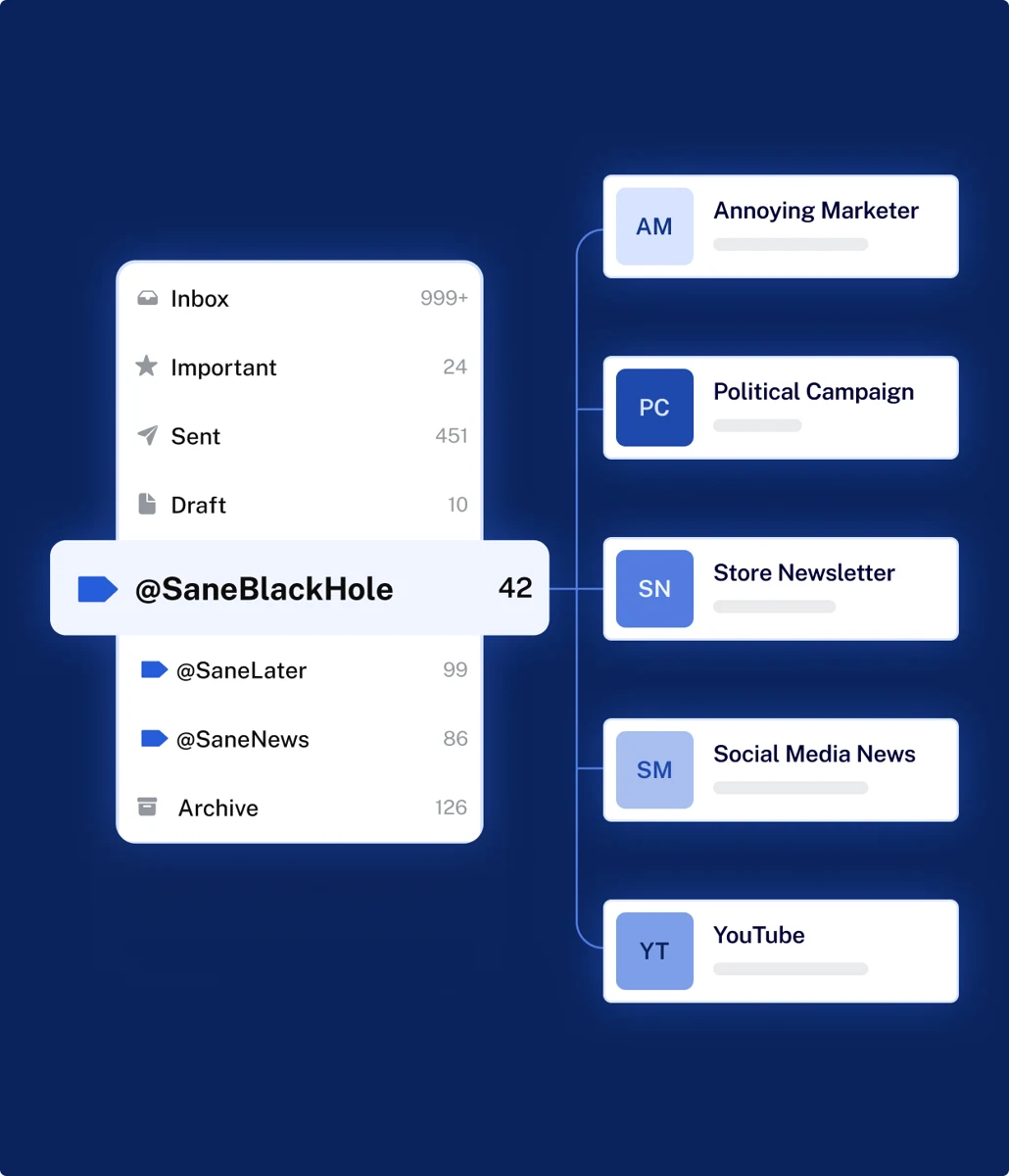
SaneBox sorts messages and adds tools such as SaneLater, reminders and snoozing. It complements your existing mailbox rather than replacing its interface. Your plan depends on account count and optional features per account.
ToolTrim sees a fit when manual sorting repeatedly interrupts work. During the trial, inspect moved messages for classification errors. Review mailbox permissions, then the folders and rules you want to retain before cancellation. The product alone does not establish a universal time-saving figure.
Keep if
Challenge if
Average
Sorting helps when email interrupts work. Desk research, not a hands-on test. https://www.sanebox.com/pricing (2026-09-27).
Works with the existing mailbox. Desk research, not a hands-on test. https://www.sanebox.com/pricing (2026-09-27).
Recurring use; check sorting mistakes. Desk research, not a hands-on test. https://www.sanebox.com/pricing (2026-09-27).
Plan-specific account and feature limits. Desk research, not a hands-on test. https://www.sanebox.com/pricing (2026-09-27).
Email remains in mailbox; review rules and access on exit. Desk research, not a hands-on test. https://www.sanebox.com/pricing (2026-09-27).