


Pros and cons. What RightFont does well, and what to expect.
Pros
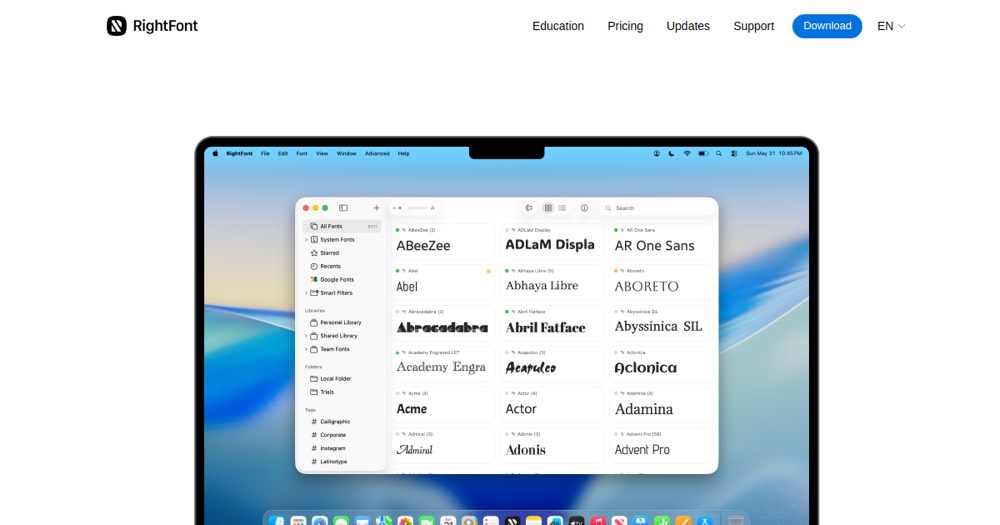
- Centralized management of thousands of fonts.
- Automatic activation of missing fonts in design apps.
- Native integration with Figma, Photoshop, Illustrator, Sketch, etc.
- Google Fonts sync included.
- Native macOS interface with Dark Mode.
- Full Apple Silicon support.
- One-time license (no subscription).
Cons
- macOS only (no Windows).
- License price not displayed on website (verification needed).
- Less well-known than alternatives (some designers prefer Font File or others).
- Limited to 15-day trial.