Budget around $49/month standalone (about $24/month on an annual plan per a reseller listing) before buying it outside a Maxon bundle.
1 / 2
About
In practice. What you can do with Redshift.
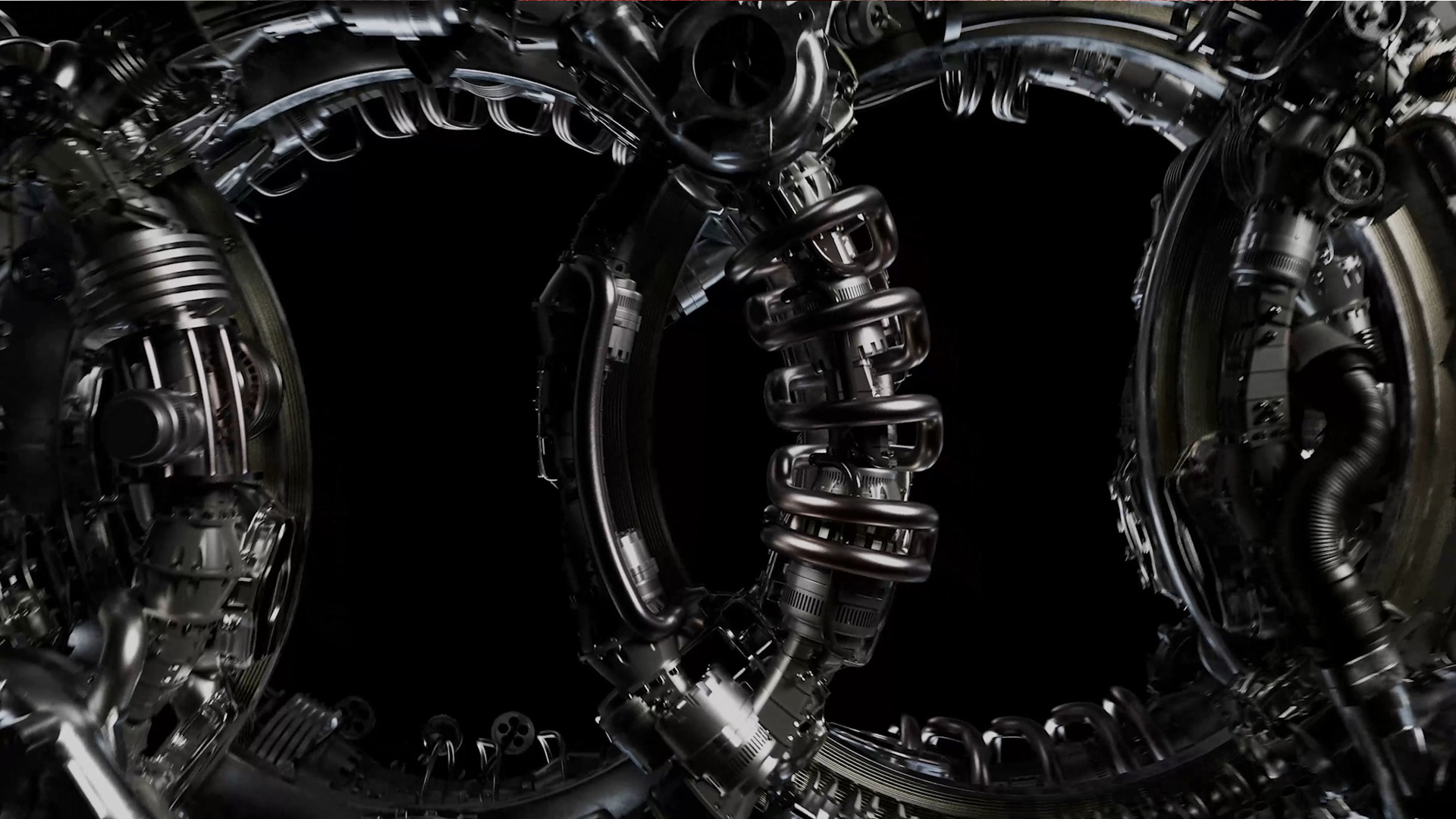
Redshift is a GPU-accelerated biased renderer used across motion design, VFX and archviz for fast photorealistic output. Rather than being a standalone content-creation tool, it plugs into host 3D applications: Cinema 4D, Houdini, Maya, 3ds Max, Blender and Katana.
A standalone subscription runs around $49 a month, but it is already bundled free with every Cinema 4D subscription and with Maxon One. Buying it separately only makes sense for users of other 3D applications who just need the renderer, not the rest of Cinema 4D.
Practical uses
Faster turnaroundSwitch a Maya or Blender scene's render engine to Redshift to cut render times on a tight client deadline.
Cross-app pipelineRender the same look consistently when a studio's assets move between Houdini and 3ds Max on the same project.
Features & use cases
Motion design
Pros and cons. What Redshift does well, and what to expect.
Pros
Plugs into most major 3D applications (Houdini, Maya, 3ds Max, Blender), so a studio does not need to switch its main software to get GPU rendering.
Already included free with Cinema 4D and Maxon One, so existing Maxon customers get it without an extra subscription.
Cons
No free tier at all for standalone use, unlike some open-source alternatives.
On its own it does nothing without a compatible host 3D application and a GPU, so it adds to an existing software bill rather than replacing one.
When it makes sense. Keep Redshift, or challenge it?
Keep if
You already use Houdini, Maya, 3ds Max or Blender and need fast GPU rendering without switching to Cinema 4D.
Redshift becomes worthwhile when
+You use it at least once a week
+The monthly cost ($24.08) is small next to the time it saves you
Challenge if
You already have a Cinema 4D or Maxon One subscription, since Redshift is already included at no extra cost.
Redshift becomes too expensive when
−You use it less than once a month
−blender (free) already covers the essentials for occasional use
Our verdict. What to know about Redshift.
Why this verdict
Average
Added value
Buying it standalone only pays off for users of other host apps (Houdini, Maya, 3ds Max, Blender), since Cinema 4D and Maxon One already include it.
Simplicity
As a plugin render engine for an existing 3D application, it requires a working host scene already set up before it produces anything.
Fit for purpose
Delivers fast GPU-accelerated photorealistic rendering across the host applications it plugs into, as described.
Performance
Widely used in motion design, VFX and archviz production, and plugs into most major 3D applications on the market.
Reversibility
Neutral score: whether rendered scenes or settings can be migrated to another renderer is not covered by the collected sources.