

    My stack

    PureRef reviews

    Lightweight reference board for artists, illustrators, and 3D.

    Visit website
    ToolTrim verdict3.8/ 5Great

    PureRef is essential for creatives working with references; online alternatives (Miro, Pinterest) suit collaboration better.

    PureRef, preview 1
    About

    In practice. What you can do with PureRef.

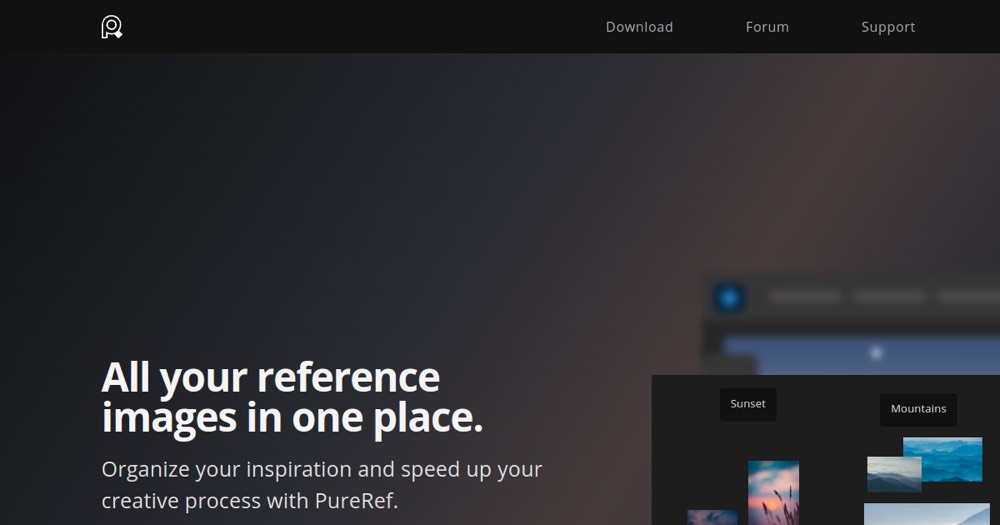
    Standalone reference image organizer. Consolidates multiple inspiration images in a single, stay-on-top window to speed up creative processes.

    Practical uses

    • Create a visual moodboard for an illustration project.
    • Collect architectural references for interior design.
    • Organize color palettes and textures for 3D modeling.

    Features & use cases

    Illustration
    Concept art
    Digital painting
    Brief
    Modelisation 3d
    Moodboard

    + 1 more features

    Pros and cons. What PureRef does well, and what to expect.

    Pros

    • Pay-what-you-want for personal use (very accessible).
    • Always-on-top window ideal for workflow.
    • Lightweight and intuitive interface.
    • One-time perpetual license (no subscription).
    • Available on Windows, Mac, and Linux.

    Cons

    • No real-time collaboration.
    • No cloud synchronization.
    • Minimal UI may seem basic to some.

    When it makes sense. Keep PureRef, or challenge it?

    Keep if

    • You work with many reference images during creative sessions.
    • You need a window always visible on your workspace.

    Challenge if

    • You use few or no visual references.
    • You already use a large platform (Pinterest, Moodboards).

    Our verdict. What to know about PureRef.

    Why this verdict

    Great

    PureRef is fairly easy to replace with an alternative, a free tier to test before paying, clearly documented use cases.

    PureRefFree
    Visit