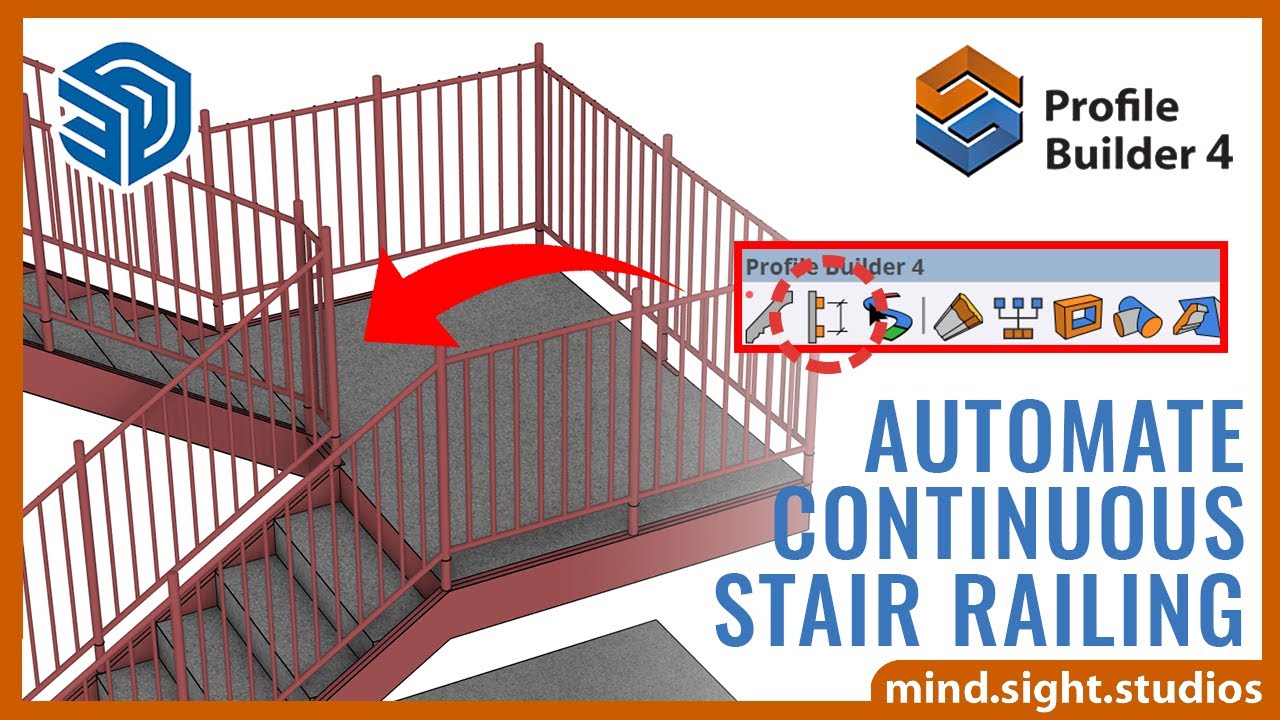
At a one-time $119 for the Pro license, it pays off once modeling profile-based geometry by hand in plain SketchUp starts costing more time than a single purchase.
About
In practice. What you can do with Profile Builder 3.
Profile Builder models parametric profiles and assemblies inside SketchUp Pro, with smart-path selection and hole creation/editing tools for non-destructive changes. It's a plugin, not a standalone app, so it only runs on top of an existing SketchUp Pro license.
The Pro license is a one-time $119 payment per seat, with a 75% student/educator discount and a 30-day trial. Note that the catalogue slug points to Profile Builder 3, while MindSight Studios currently sells and documents only Profile Builder 4. It suits a SketchUp user in architecture or interior design who repeatedly models moldings, frames, or profile-based assemblies, less someone needing a BIM-specific feature set, which the current product page doesn't explicitly claim.
Practical uses
Use caseModel a run of custom molding or trim as a parametric profile in SketchUp, then adjust its path non-destructively without rebuilding the geometry.
Use caseUse smart-path selection and hole tools to quickly cut openings into a profile-based assembly during an architectural design pass.
Features & use cases
Plugin sketchup
Pros and cons. What Profile Builder 3 does well, and what to expect.
Pros
One-time purchase rather than a subscription, with a 30-day trial to test it first.
75% student/educator discount makes it accessible for learning or school projects.
Cons
Requires a separate SketchUp Pro license to run at all.
The catalogue name refers to version 3, but only version 4 is currently sold and documented.
When it makes sense. Keep Profile Builder 3, or challenge it?
Keep if
You already use SketchUp Pro and repeatedly model moldings, trims, or other profile-based assemblies.
Challenge if
You don't have a SketchUp Pro license, since the plugin can't run without it.
Our verdict. What to know about Profile Builder 3.
Why this verdict
Average
Added value
A $119 one-time license for a tool that speeds up repetitive profile and molding modeling is a reasonable one-off cost, though the gain depends entirely on how often the user models that kind of geometry.
Simplicity
The 30-day trial lets a SketchUp user test the parametric profile tools directly, but getting a useful first result still assumes existing comfort with SketchUp modeling.
Fit for purpose
It delivers parametric, non-destructive profile and assembly modeling with smart-path and hole tools as advertised, without needing a separate plugin for that task.
Performance
It covers parametric profiles and assemblies well within SketchUp, but the current product page states no explicit BIM-specific feature set, so its ceiling for BIM workflows specifically is unclear.
Reversibility
As a plugin tied to SketchUp Pro with a perpetual license, geometry stays in the host SketchUp file, but nothing in the collected sources describes an export path for the parametric profile data itself if the plugin is dropped.