Pixelmator Pro works for macOS creatives seeking a light alternative to Photoshop; for tight budget, free Photopea is enough.
1 / 2
About
In practice. What you can do with Pixelmator Pro.
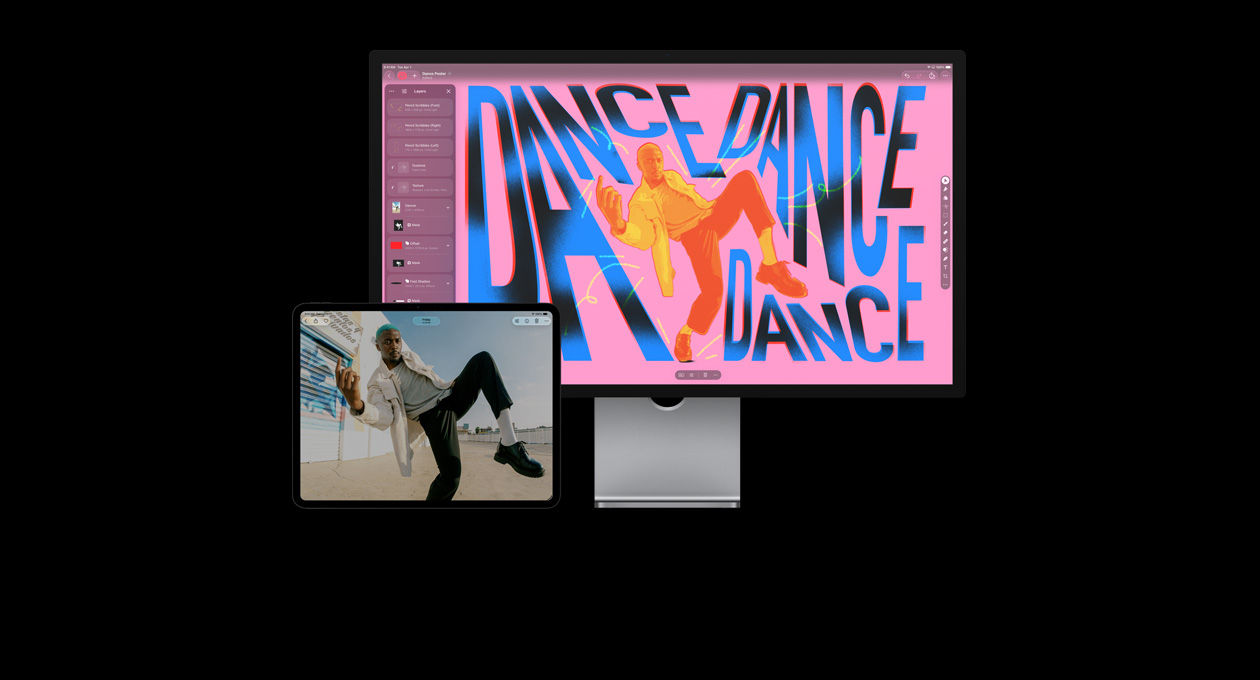
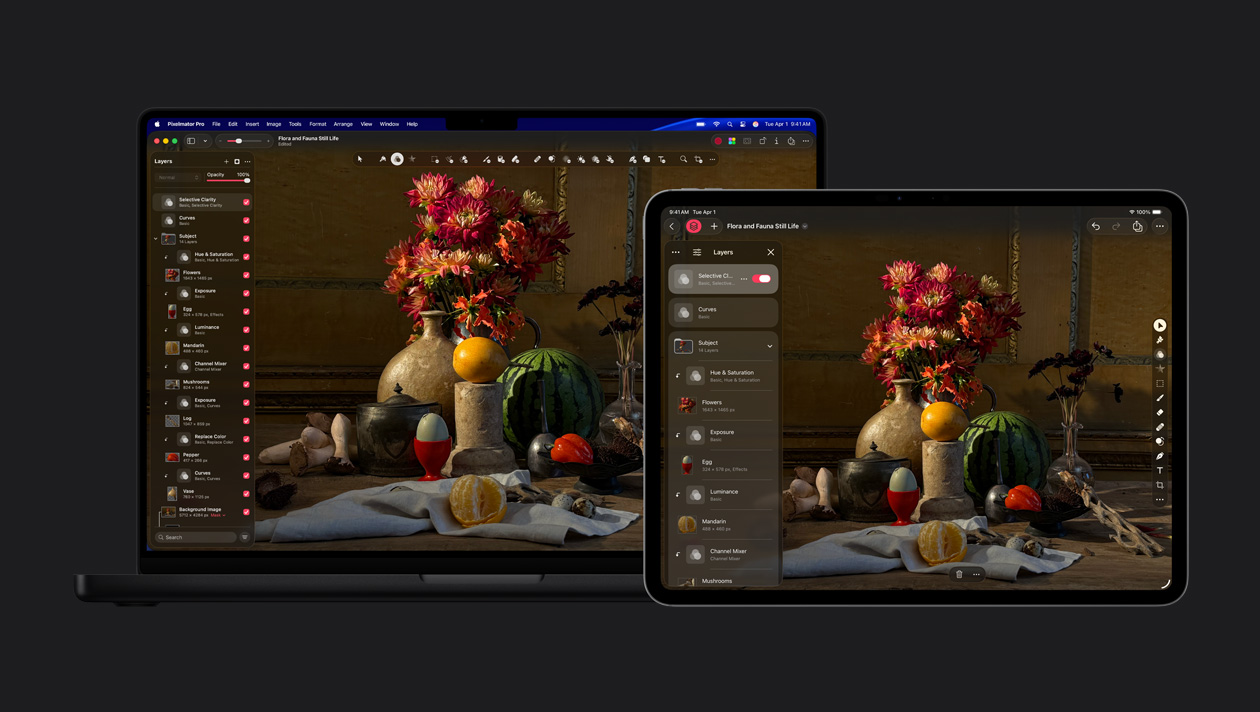
Pixelmator Pro is Apple's image editor for photo retouching, compositing, illustration and design. It supports layers, non-destructive adjustments, RAW, PSD, SVG, PDF, automatic cutouts and vector tools on Mac and now iPad.
Two purchase models coexist. The Mac app remains available as a €59.99 one-time purchase in France. Apple Creator Studio costs €12.99 per month or €129 per year and includes Pixelmator Pro on Mac and iPad alongside other creative apps. iPad access, Warp and generative features are tied to Creator Studio.
Choose the one-time purchase for a Mac-only workflow without a subscription. Creator Studio makes more sense for iPad or when you also use Final Cut Pro and Logic Pro. Pixelmator Pro is not available on Windows, Linux or the web.
Practical uses
Retouch photos for portfolio or social media.
Create graphics and designs for web/print.
Light digital painting and illustrations.
Features & use cases
Compositing
Photo enhancement
Photo editing
Creator workflow
Detourage
Pros and cons. What Pixelmator Pro does well, and what to expect.
Pros
Perpetual license: one-time purchase, no subscription.
Excellent performance on Apple Silicon (very smooth).
Built-in AI background removal and fill.
Native macOS interface and intuitive.
Lighter and more affordable alternative to Photoshop.
Cons
macOS-only (no Windows/Linux).
Fewer plugins and extensions than Photoshop.
No video or animation features.
When it makes sense. Keep Pixelmator Pro, or challenge it?
Keep if
You use macOS and want a performant image editor.
You do photo retouching, graphic design, or digital painting.
Challenge if
You work on Windows/Linux.
You need video, 3D, or advanced animation features.
Our verdict. What to know about Pixelmator Pro.
Why this verdict
Great
Pixelmator Pro is fairly easy to replace with an alternative, no free tier to test before paying, clearly documented use cases.