Buy a Premium pass once ads or the 0.5GB PeaDrive cap get in the way: 8 EUR for 30 days, up to 50 EUR for a year, paid once rather than billed on a recurring basis.
About
In practice. What you can do with Photopea.
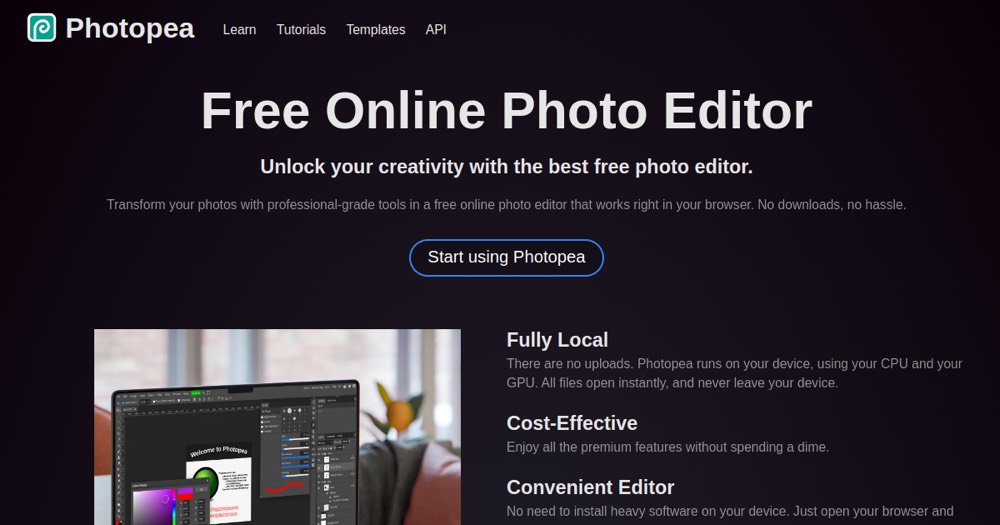
Photopea runs entirely in the browser and opens native PSD files with layers, masks and blending preserved, plus 40+ other formats (XD, Sketch, XCF, AI, PDF), as a fallback editor when the original app is missing.
The free tier is ad-supported, capped at 0.5GB PeaDrive storage. Premium is not a subscription: a one-time payment unlocks ad-free use, 5GB storage and more AI credits for a fixed number of days, from 8 EUR for 30 days (EUR seen this session; may vary by region), then it reverts to Free. Suits freelancers needing occasional PSD edits without a Photoshop license.
Practical uses
Quick PSD editOpen a client's layered PSD file in the browser to tweak text or swap an image, with no software to install.
Cross-format fallbackOpen a Sketch or XD file received from a client on a machine without the original design app installed.
Features & use cases
Compositing
Detourage
Photo editing
Creator workflow
Photo enhancement
Pros and cons. What Photopea does well, and what to expect.
Pros
Opens native PSD files with layers and masks intact, directly in the browser, with no install and no license to buy.
Supports 40+ formats beyond PSD, useful as a fallback when a client sends a Sketch or XD file you don't have the app for.
Cons
The free tier is ad-supported, which interrupts the editing experience compared to a paid desktop editor.
Cloud storage is capped at 500MB on the free tier, too tight for storing many project files long-term.
When it makes sense. Keep Photopea, or challenge it?
Keep if
You need to open or edit PSD and similar design files occasionally and don't want to buy a Photoshop license for that alone.
Challenge if
You edit images daily and need a distraction-free, ad-free workspace with more cloud storage than the free tier offers.
Our verdict. What to know about Photopea.
Why this verdict
Average
Added value
A free, ad-supported browser editor that opens native PSD files covers most occasional Photoshop-style edits, and Premium is a one-time payment rather than a recurring subscription.
Simplicity
Runs directly in the browser with no install, and opens familiar PSD files immediately with layers and masks intact.
Fit for purpose
Edits PSD, XD, Sketch, AI, PDF and dozens of other formats as described, acting as a real fallback editor.
Performance
Covers the core Photoshop-style feature set (layers, masks, blending) but is a single-developer browser tool, not a full professional suite.
Reversibility
Neutral score: whether PeaDrive files can be bulk-exported or if there is an API is not covered by the collected sources.