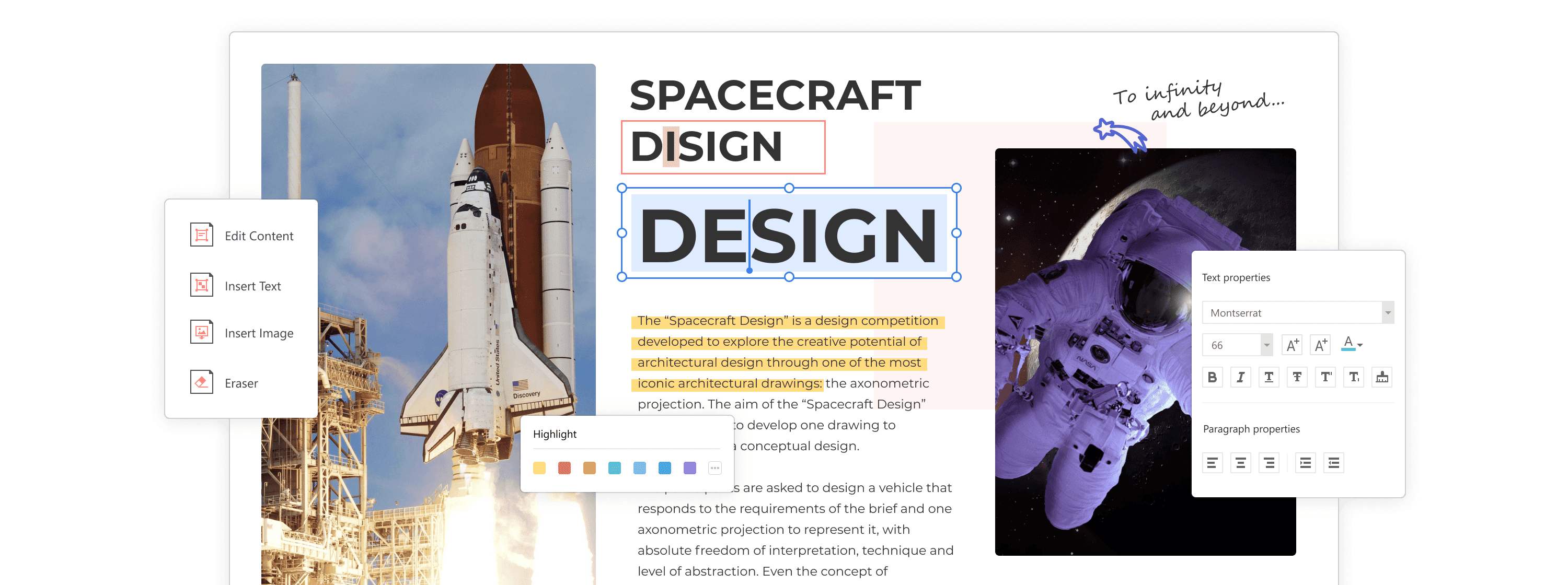
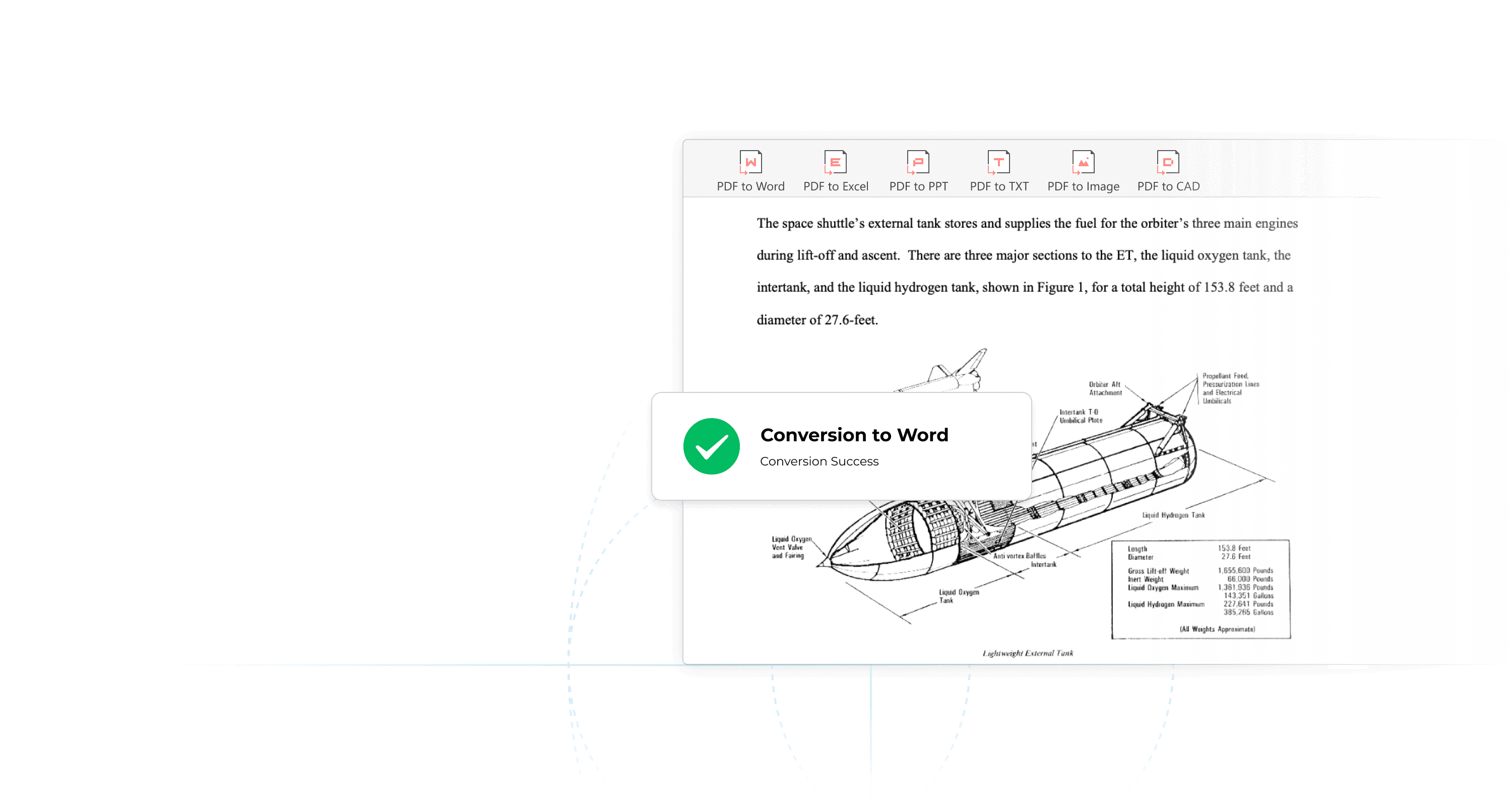
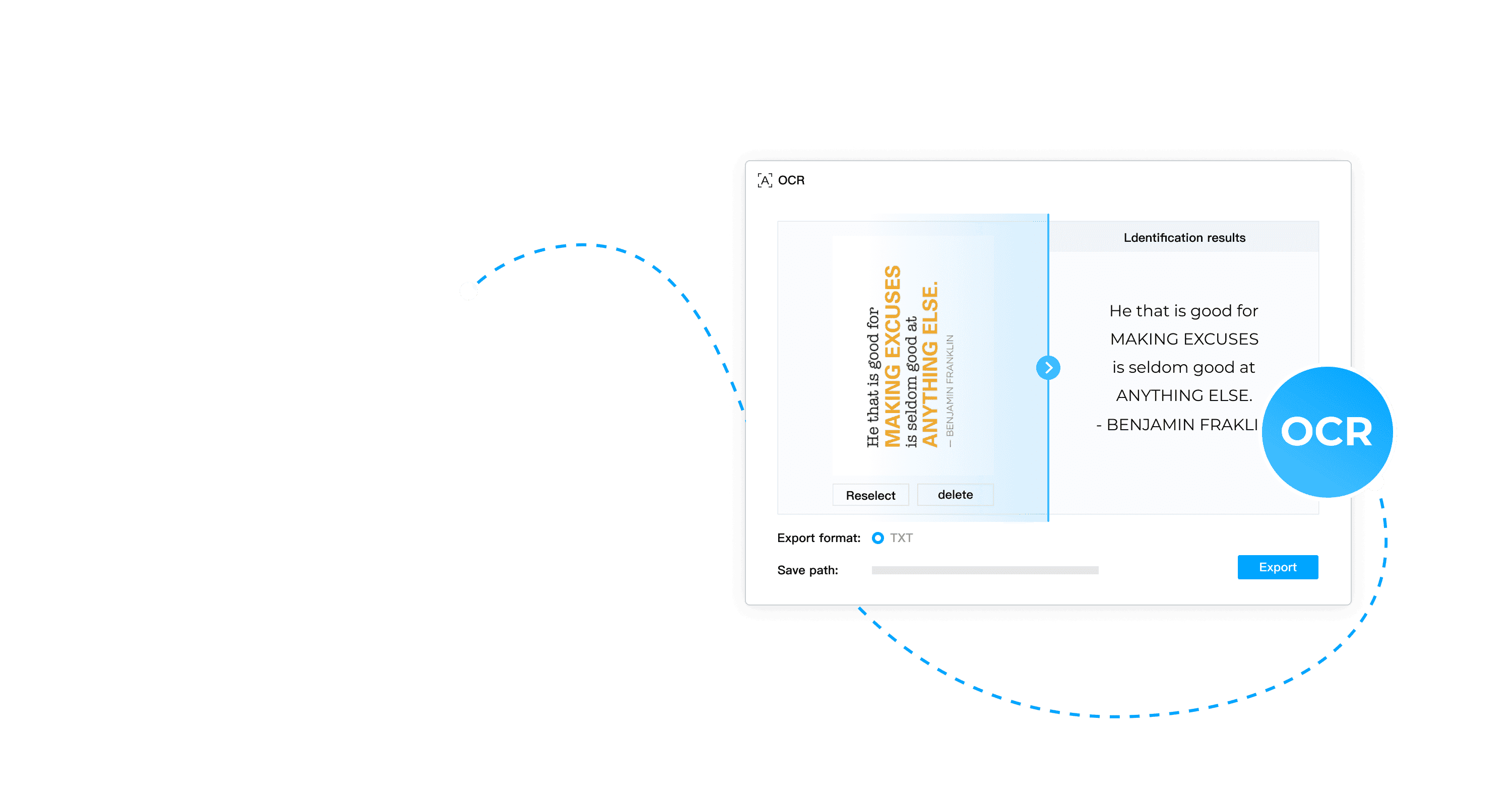
PDF Agile combines text and image editing, conversion, annotation, page organization and OCR for scanned documents. The vendor also lists password protection, redaction, document comparison and electronic signatures. For an independent professional, it can help correct a received PDF, assemble a file and recover text without collecting separate utilities. These functions are advertised, but ToolTrim has not verified their quality or whether redacted information is effectively removed.
PDF Agile has Windows and macOS versions. Official documentation lists Windows 7 or later and macOS 10.15 or later, with at least 2 GB RAM and 1 GB free disk space. That does not establish identical behavior for every feature on both systems. The lifetime licence is advertised at $119 at this check, as a promotion. This is a one-time payment, not a monthly amount. The price list also shows $39 for Semi-Annual and $59 for Annual, with six months and one year of upgrades and support respectively. The vendor states that purchases since 2023 have no recurring charges. Lifetime includes advertised lifetime upgrades. One licence supports activation on two computers through an account.
Before buying, try the free download with a non-sensitive document: check layout after conversion, characters after OCR and the exported result. The price table limits free conversion to two pages per task and five tasks. Do not equate adding an electronic signature with a workflow that meets your legal requirements. Also test redaction by searching for the text in the exported file. ToolTrim has not tested conversion fidelity, OCR quality or protection effectiveness; check how the online tools handle files before use.
Practical uses
Correct text in a received PDF.
Combine and rearrange a document pack.
Extract text from a scanned document.
Features & use cases
Signature
Pdf review
Document delivery
The case for and against. What PDF Agile does well, and when it costs too much.
For. What works in its favour.
Editing, conversion and OCR together.
Lifetime option without monthly payments.
Advertised activation on two computers.
Against. What to plan for.
Limited free conversion.
Promotional lifetime price may change.
Test OCR and layout on your own documents.
Our verdict. What to know about PDF Agile.
How the score breaks down
Added value
4/5
Editing, conversion and OCR with a one-time purchase. Desk research, no software test. https://www.pdfagile.com/pricing (2026-09-27).
Simplicity
3/5
Unified toolset; ease of use not tested. Desk research, no software test. https://www.pdfagile.com/pricing (2026-09-27).
Fit for purpose
4/5
Relevant to recurring document work. Desk research, no software test. https://www.pdfagile.com/pricing (2026-09-27).
Performance
4/5
Advertised OCR and conversion; fidelity not measured. Desk research, no software test. https://www.pdfagile.com/pricing (2026-09-27).
Reversibility
4/5
Reusable PDF files and exports; account-based activation. Desk research, no software test. https://www.pdfagile.com/pricing (2026-09-27).