There's no price threshold: it's free either way, so the decision is about scope (single page vs. ongoing monitoring), not cost.
About
In practice. What you can do with PageSpeed Insights.
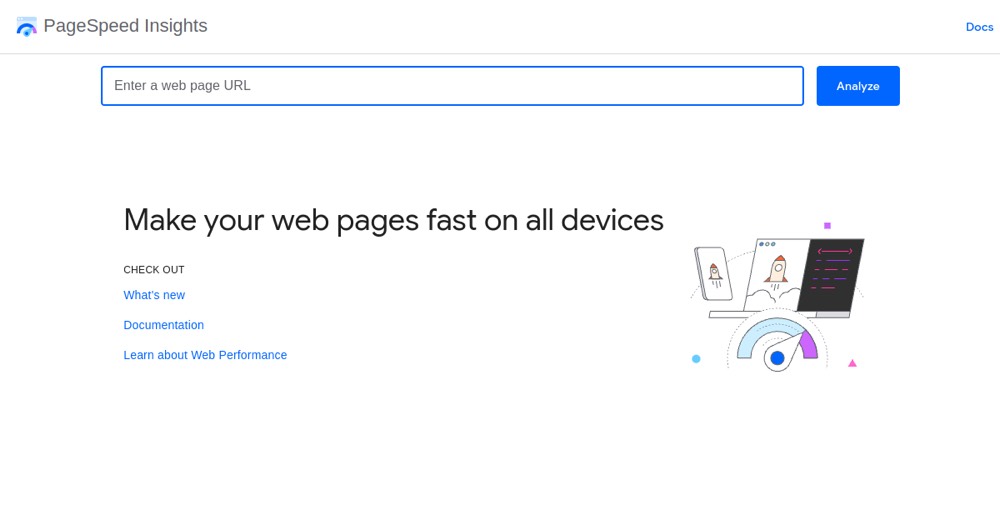
PageSpeed Insights reports on a page's user experience on mobile and desktop, combining real-world field data from the Chrome User Experience Report with lab data from a Lighthouse simulation. It scores Core Web Vitals (Largest Contentful Paint, Cumulative Layout Shift, Interaction to Next Paint) plus FCP, Speed Index and Total Blocking Time, and suggests concrete fixes.
It's entirely free, with no paid tier. Field data only exists for pages that are publicly crawlable with enough real traffic, and test locations are limited to a few regions. It fits anyone who needs a fast, free performance diagnosis of a specific page, not a full ongoing monitoring platform.
Practical uses
Use caseRun a client's homepage through PageSpeed Insights to get a concrete list of Core Web Vitals issues before a redesign.
Use caseCompare field data (CrUX) against lab data (Lighthouse) on a page to see whether real visitors experience the same slowness as the simulated test.
Features & use cases
Analytics
Pros and cons. What PageSpeed Insights does well, and what to expect.
Pros
Completely free with no account or paid tier needed.
Combines real-user field data with lab data for a fuller picture than a simulation alone.
Cons
Field data is missing for pages without enough real-user traffic in CrUX.
Test locations are limited to a few regions, which may not match every audience.
When it makes sense. Keep PageSpeed Insights, or challenge it?
Keep if
You need a quick, free, credible Core Web Vitals report for a specific page.
Challenge if
You need continuous monitoring across many pages or regions beyond what a single-page, single-run report covers.
Our verdict. What to know about PageSpeed Insights.
Why this verdict
Great
Added value
Completely free with no paid tier at all, for a report that scores real Core Web Vitals and suggests concrete fixes, a strong return for zero cost.
Simplicity
Entering a URL returns a usable report immediately, combining field and lab data with no setup or account needed.
Fit for purpose
It scores real Core Web Vitals metrics and gives concrete suggestions as promised, though field data is unavailable for pages without enough CrUX traffic.
Performance
Covers a solid set of Core Web Vitals and diagnostics, but stays a single-page audit tool, not a broader monitoring or dashboarding platform.
Reversibility
Neutral score: since it's a free diagnostic tool with no stored account data to migrate, portability isn't meaningfully covered by the collected sources.