Worth upgrading to Starter once the 180 dollars a year (15 dollars x 12) costs less than the time spent manually finding and cutting clips.
About
In practice. What you can do with Opus Clip.
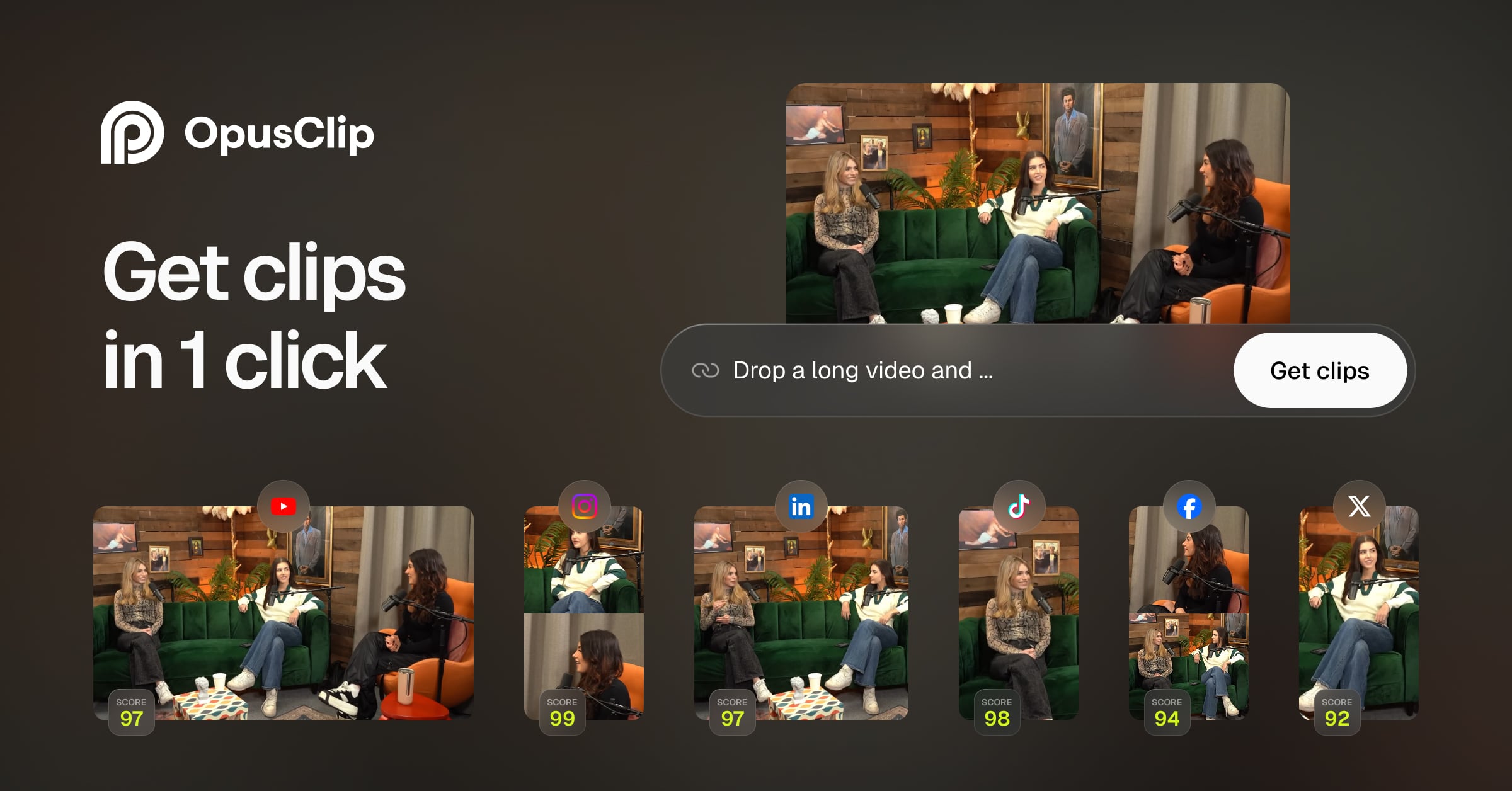
Opus Clip scans long-form video for spoken words, visible objects, sound and emotional cues to flag clip-worthy moments, then reframes them for short-form platforms and scores them for virality. Paid plans add AI B-roll, voiceover generation and a scheduler covering up to 6 social platforms.
The free plan allows one watermarked post a day with 3-day storage; the Starter plan starts at 15 dollars a month with 30-day watermark-free exports, while Pro at 29 dollars a month adds team workspace and bigger storage. It fits a solo creator repurposing podcasts or streams, with heavier AI generation needs pushing toward the on-quote Business plan.
Practical uses
Podcast repurposingUpload a long-form episode and let Opus Clip surface the clip-worthy moments, reframe them and schedule the result across social platforms.
Livestream highlightsTurn a recorded stream into several short clips with AI-generated captions, staying within the Starter plan's monthly AI B-roll and voiceover limits.
Features & use cases
Generation video
Montage video
Creation
Content repurposing
Montage video court
Short form video
+ 1 more features
Pros and cons. What Opus Clip does well, and what to expect.
Pros
Automated clip detection and reframing save real editing time compared to manual clipping.
Built-in scheduler posts to several social platforms without a separate tool.
Cons
The free plan is capped hard enough (one post a day, 3-day storage, watermark) to push most regular users to a paid plan quickly.
AI B-roll, stock clips and voiceovers stay metered by day or month even on the Pro plan.
When it makes sense. Keep Opus Clip, or challenge it?
Keep if
Keep Opus Clip if you regularly repurpose long-form video into short clips and want detection, reframing and scheduling in one tool.
Opus Clip becomes worthwhile when
+You use it at least once a week
+The monthly cost ($15) is small next to the time it saves you
Challenge if
Avoid staying on the free plan for regular output, since the daily post cap, 3-day storage and watermark make it unworkable past occasional use.
Opus Clip becomes too expensive when
−You use it less than once a month
−A simple free version or a tool already in your stack would do
Pricing. What does Opus Clip cost ?
Free
$0
Permanent free plan
Post one clip per day, 3-day media storage, watermarked animated captions, single 9:16 aspect ratio, no credit card required.
Starter
ToolTrim reference price
$15/mo
3 AI B-Roll clips/month, 3 stock clips/month, 20 AI voiceovers/day, watermark-free exports for 30 days, 29-day media storage.
Pro
$29/mo
Up to 30GB video files, 100GB fixed storage, unlimited stock B-roll, 50 AI image clips/day, team workspace for 2-4 users, scheduler for 6 platforms.
Business
Custom quote.
Unlimited storage and team members, dedicated processing queue, custom branding, priority support, full API access.
Automated detection and reframing of clip-worthy moments at 15 dollars a month replaces manual clipping work that otherwise takes real editing time.
Simplicity
The free plan requires no credit card and produces a first clip the same day, though it is watermarked and capped at one post per day.
Fit for purpose
Clip detection, reframing and the built-in scheduler work as described on paid plans, with limits clearly stated rather than hidden behind a workaround.
Performance
Covers detection, reframing, AI B-roll/voiceover and scheduling in one tool, but AI generation stays metered even on Pro, capping its ceiling below a dedicated video suite.
Reversibility
Neutral score: exporting account history or clip metadata when leaving the service is not covered by the collected sources.
Opus Clip Summary
Category
productivity tool.
Price from
$15/mo (Starter).
Best for
A content creator repurposing long-form video (podcasts, streams, interviews) into short clips for social platforms.
Avoid if
Avoid staying on the free plan for regular output, since the daily post cap, 3-day storage and watermark make it unworkable past occasional use.