

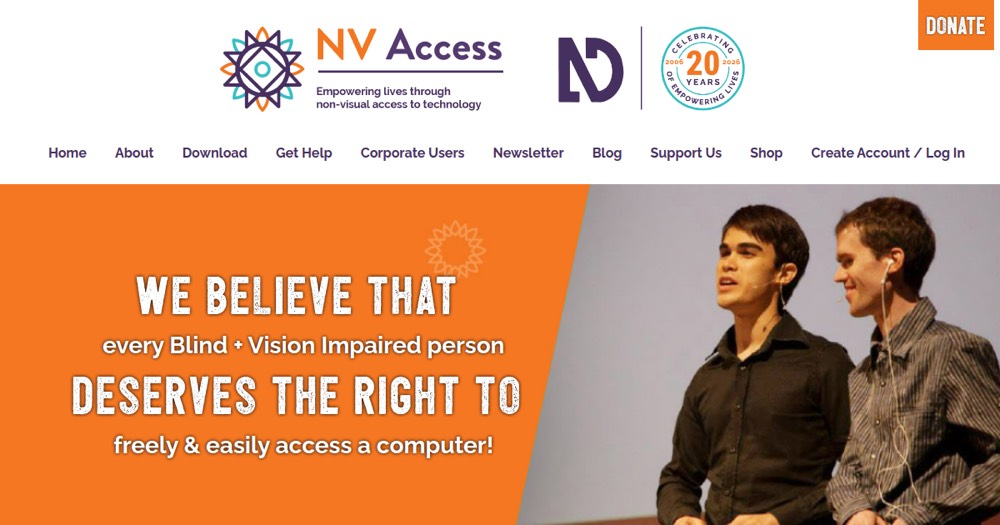
    NVDA preview

    NVDA Review and verdict 2026

    Free Windows screen reader for accessibility testing.

    NVDA

    ToolTrim Verdict
    4.4/5
    Very good

    NVDA is the reference free solution for blind/visually impaired accessibility; all blind users should know and use it.

    Pricing verified on

    Practical uses

    • Access computer and web if blind/visually impaired.
    • Read digital documents and emails.
    • Navigate accessible websites.

    Pros and cons

    What NVDA does especially well — and the limits to anticipate.

    Pros

    • Entirely free, no access cost.
    • Open-source and transparent.
    • Backed by major tech (Google, Microsoft, Adobe).
    • Active global community.

    Cons

    • Steep learning curve (requires training).
    • Optional trainings are paid.
    • Support mainly community-driven (not professional).

    NVDA: when it makes sense.

    NVDA is the reference free solution for blind/visually impaired accessibility; all blind users should know and use it.

    Keep if

    You're blind or visually impaired user.. You need free, reliable computer accessibility.

    Challenge if

    You have no accessibility needs.. You're looking for screen reader for non-accessibility use.

    Our verdict on NVDA.

    Why this verdict

    Very good

    NVDA is hard to replace short-term, a free tier to test before paying, clearly documented use cases.