Personal costs $119.88/year billed annually; compare that to how often the free plan's 100-item cap gets hit.
About
In practice. What you can do with Milanote.
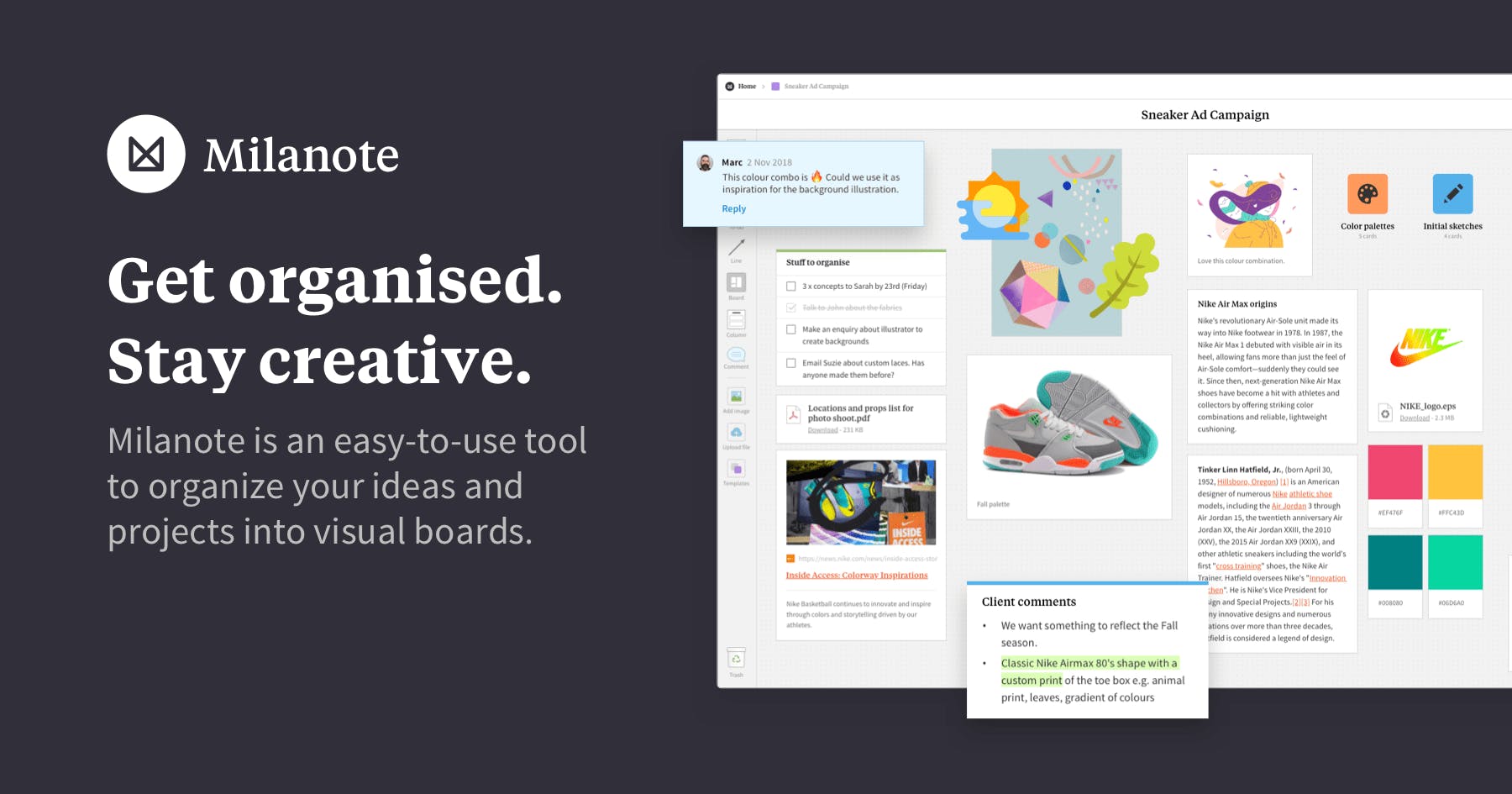
Milanote is a visual board tool for organizing notes, images, links, files and to-do lists into moodboards and project plans. Boards can be shared and edited in real time, and this collaboration works even on the free plan, unlike many competitors that gate it behind a paid tier.
The free plan caps content at 100 notes/images/links and 10 file uploads; Personal removes those caps starting at $9.99/month billed annually. Team is a flat $49/month for up to 50 people rather than per seat. It fits a designer or creative professional organizing references and ideas visually before moving into production tools.
Practical uses
MoodboardCollect images, links and notes on a visual board while researching a client's brand direction, free plan included.
BrainstormShare a board in real time with a client or collaborator to organize project ideas and to-do lists together.
Features & use cases
Brainstorming
Collaboration
Notes
Brief
Documentation
Moodboard
+ 2 more features
Pros and cons. What Milanote does well, and what to expect.
Pros
Real-time board sharing and collaboration available even on the free plan.
Simple, visual interface usable immediately for moodboards and project organization.
Team plan is a flat rate that can be cost-effective for a group approaching 50 people.
Cons
Free plan's 100-item cap is reached quickly on an active moodboard.
Team's flat fee for up to 50 people is inefficient for a team of just two or three.
When it makes sense. Keep Milanote, or challenge it?
Keep if
You organize visual references, moodboards or project ideas and want real-time sharing without a per-collaborator fee.
Milanote becomes worthwhile when
+You use it at least once a week
+The monthly cost ($9.99) is small next to the time it saves you
Challenge if
You need a full project management or design production tool, not just visual organization.
Milanote becomes too expensive when
−You use it less than once a month
−A simple free version or a tool already in your stack would do
Our verdict. What to know about Milanote.
Why this verdict
Average
Added value
The free plan already covers unlimited shared boards, so the value case for paying rests mainly on lifting the 100-item content cap.
Simplicity
Visual boards with notes, images and links are usable immediately without training.
Fit for purpose
Delivers visual organization and real-time collaboration as promised, even on the free tier.
Performance
Covers moodboards, notes and to-do lists well, but is a visual organizer rather than a full project or design production tool.
Reversibility
Neutral score: export or data portability options are not covered by the collected sources.