Worth the Basic plan ($29/month, $300/year) up to 1,000 members; above that, the 4% transaction fee on revenue matters more than the plan price itself.
About
In practice. What you can do with Memberstack.
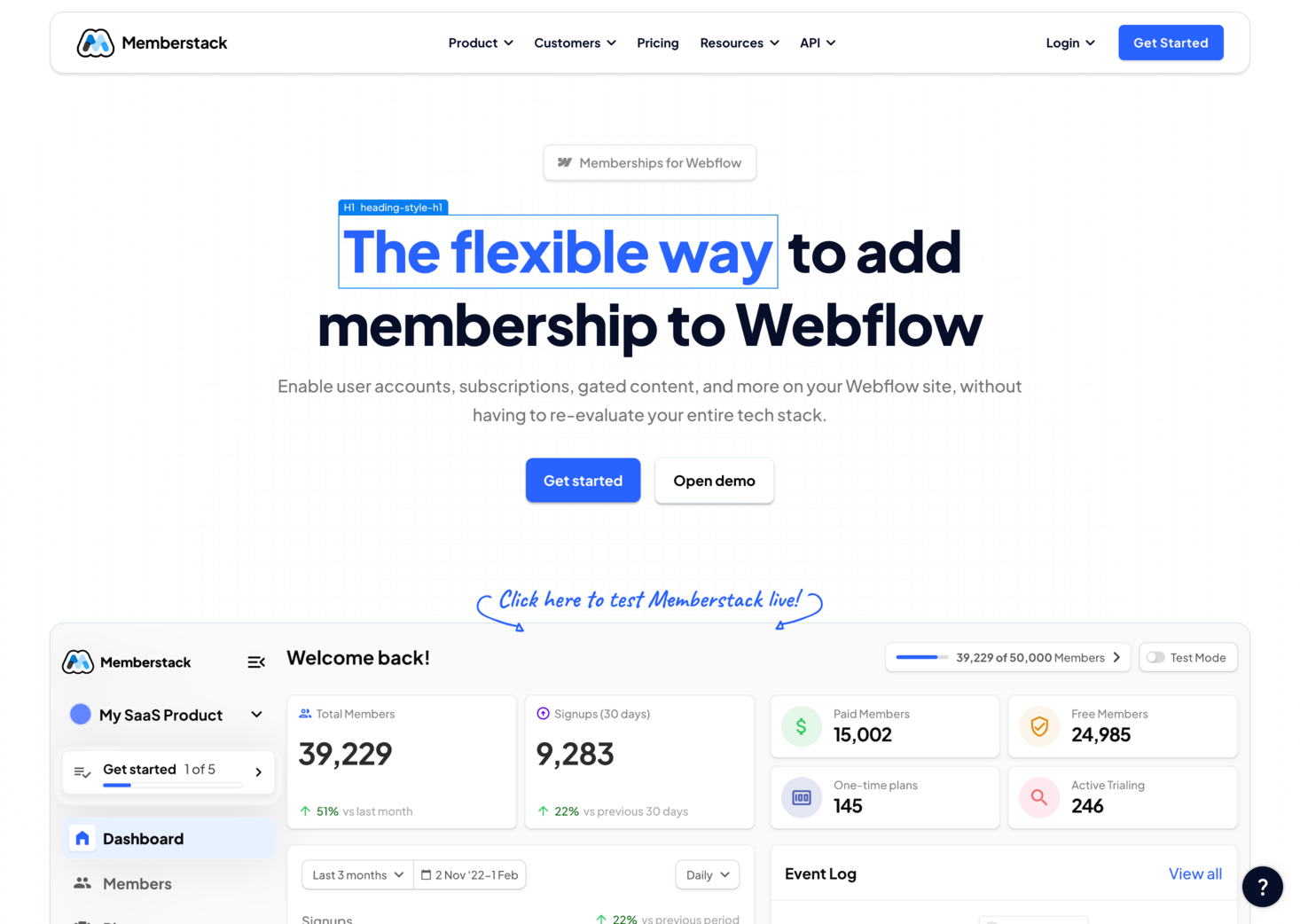
Memberstack adds no-code membership authentication (email/password, one-time login codes, social logins) and Stripe-based payments to a Webflow, WordPress or custom-coded site, with no-code content gating and developer tools (API, MemberScripts) for custom behavior.
It's free to use while a site stays in test/unlaunched mode; launching publicly requires a paid plan starting at $29/month ($25 annually) for up to 1,000 members. Every tier below the top plan also charges a per-transaction fee, from 4% down to 0.9%, on top of Stripe's own processing fees, which adds up for revenue-heavy sites.
Practical uses
Paid content gatingLock pages or sections of a Webflow site behind a subscription without writing backend code.
Member loginAdd email/password or social login to a site and manage member accounts through Memberstack's dashboard.
Features & use cases
App builder
Nocode web
Pros and cons. What Memberstack does well, and what to expect.
Pros
No-code setup embeds directly into Webflow, WordPress or a custom site without backend development.
Free to use while a site is still in test/unlaunched mode.
Cons
Per-transaction fees (4% down to 0.9%) apply on every tier except the most expensive one.
Launching a site publicly always requires moving to a paid plan; there's no free production tier.
When it makes sense. Keep Memberstack, or challenge it?
Keep if
You're building membership or paid-content gating into a Webflow or no-code site without writing backend auth code.
Memberstack becomes worthwhile when
+You use it at least once a week
+The monthly cost ($25) is small next to the time it saves you
Challenge if
Your site already generates significant revenue and the per-transaction fee would outweigh the flat monthly savings.
Memberstack becomes too expensive when
−You use it less than once a month
−A simple free version or a tool already in your stack would do
Pricing. What does Memberstack cost ?
Basic
ToolTrim reference price
$25/mo
Billed annually · $29/mo billed monthly.
Up to 1,000 members, 4% transaction fee plus Stripe fees; social logins, Stripe payments, custom SSO, branded emails, email campaigns.
Professional
$39/mo
Billed annually · $49/mo billed monthly.
Up to 5,000 members, 2% transaction fee plus Stripe fees.
Business
$79/mo
Billed annually · $99/mo billed monthly.
10,000+ members, 0.9% transaction fee plus Stripe fees.
Established
$399/mo
Billed annually · $499/mo billed monthly.
10,000+ members, zero Memberstack transaction fees (standard Stripe processing fees still apply).
Per-transaction fees stack on top of the flat monthly price on every tier except the top one, and only disappear entirely on the $499/month Established plan.
Every paid tier below the top plan charges a per-transaction fee (4% down to 0.9%) on top of the flat monthly price, so revenue-heavy sites pay significantly more than the sticker price.
Simplicity
Described as no-code membership authentication embeddable in Webflow, WordPress or a custom-coded site, aimed at quick setup without development work.
Fit for purpose
Social logins, Stripe payments and no-code content gating are documented as delivered features, matching the stated membership promise.
Performance
Covers core no-code membership needs (auth, payments, gating) but the sources give no evidence of a category-reference-level ceiling.
Reversibility
Neutral score: member-data export or migration-out options are not covered by the collected sources.
Memberstack Summary
Category
no-code & web tool.
Price from
$25/mo (Basic).
Best for
No-code site builders adding membership and payment gating to a Webflow or custom site.
Avoid if
Your site already generates significant revenue and the per-transaction fee would outweigh the flat monthly savings.
Worth the Basic plan ($29/month, $300/year) up to 1,000 members; above that, the 4% transaction fee on revenue matters more than the plan price itself.
Frequently asked questions.
What to know before choosing Memberstack.
What is Memberstack used for?
No-code membership and payment gating for Webflow, WordPress or custom sites, with per-transaction fees on most paid tiers.
How much does Memberstack cost?
Memberstack costs $25/month (Basic plan). Price verified on 2026-09-25.
Is Memberstack suitable for beginners?
No-code site builders adding membership and payment gating to a Webflow or custom site.
Is Memberstack worth the price?
Worth the Basic plan ($29/month, $300/year) up to 1,000 members; above that, the 4% transaction fee on revenue matters more than the plan price itself.
What are the best alternatives to Memberstack?
The main alternatives to Memberstack are: Memberful.