The annual subscription costs $2,010/year ($168/month), the entry point for the full professional toolset without the monthly plan's higher rate.
About
In practice. What you can do with Maya.
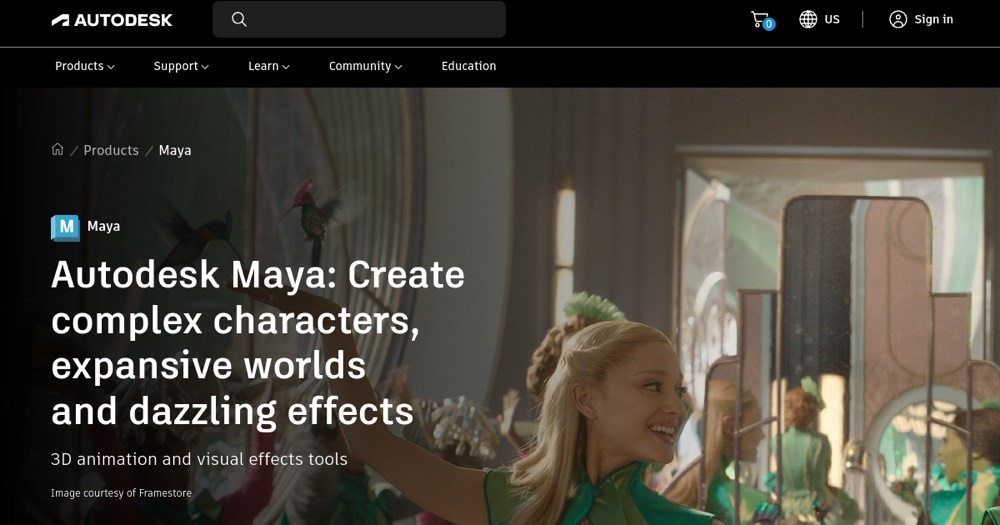
Maya covers the full 3D pipeline: modeling, rigging and character animation, procedural effects via Bifrost, look development and rendering, with scripting in MEL/Python and OpenUSD support for pipeline interoperability. MotionMaker adds AI-assisted motion generation for humans, dogs and horses.
The annual subscription costs $168/month ($2,010/year), or $255/month without commitment; a token-based Flex option exists ($99 for 33 tokens, 6 tokens/day). A discounted Maya Indie tier exists for creators earning under $100,000/year, but its price could not be read on the official page. A 30-day free trial is available. It fits a 3D animator or small studio doing professional character, effects or rendering work.
Practical uses
AnimateRig a character and generate pre-viz motion with MotionMaker instead of hand-keying a full walk cycle.
SimulateBuild a procedural effect such as an explosion or cloth simulation in Bifrost using a pre-built graph instead of hand animation.
Features & use cases
3D
Animation 2d 3d
Pros and cons. What Maya does well, and what to expect.
Pros
Covers the full professional pipeline (modeling, rigging, effects, rendering) in one tool, referenced by major studios.
Open standards support (OpenUSD) and MEL/Python scripting reduce lock-in to a closed pipeline.
Cons
Steep learning curve: a first useful result requires real training, unlike a single-purpose tool.
Full-price subscription ($168-255/month) is expensive for a solo artist not eligible for the Indie tier.
When it makes sense. Keep Maya, or challenge it?
Keep if
You need a full professional 3D pipeline (modeling, rigging, animation, effects, rendering) inside a studio workflow.
Maya becomes worthwhile when
+You use it at least once a week
+The monthly cost ($168) is small next to the time it saves you
Challenge if
You're a hobbyist or solo learner on a tight budget and don't qualify for (or can't get a price on) Maya Indie.
Maya becomes too expensive when
−You use it less than once a month
−blender (free) already covers the essentials for occasional use
Our verdict. What to know about Maya.
Why this verdict
Average
Added value
At $168-255/month, the cost is justified for a studio pipeline but heavy for a solo artist unless eligible for the Indie tier (its price could not be read on the official page).
Simplicity
A full modeling, rigging, animation, effects and rendering pipeline requires significant training before a first useful result, unlike a single-purpose tool.
Fit for purpose
Case quotes from Disney, Framestore and SEGA describe Maya delivering production environments, flight sequences and customizable animation pipelines as promised.
Performance
Used by major studios (Disney, Framestore, SEGA, Fortiche) across modeling, rigging, effects, look development and rendering, with procedural (Bifrost) and AI-assisted (MotionMaker) tooling beyond the category basics.
Reversibility
Supports open standards (OpenUSD) explicitly for pipeline interoperability and scripting via MEL/Python, reducing lock-in to Maya-only workflows.