Lucidchart makes sense for teams creating recurring, collaborative diagrams; for very light use, the free tier or a simpler tool works fine.
About
In practice. What you can do with Lucidchart.
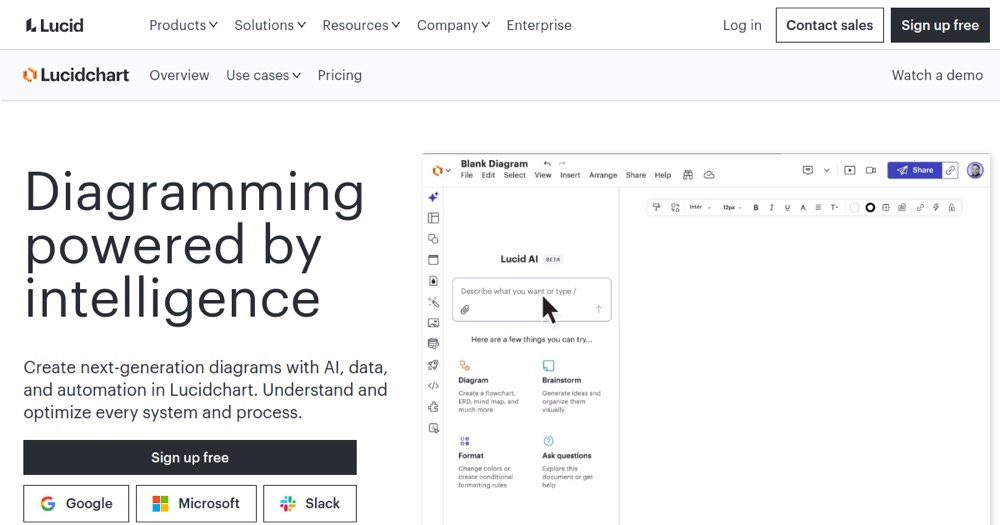
Lucidchart covers flowcharts, org charts, wireframes, network diagrams and UML, with AI generation from a text description and real-time collaboration. 50+ integrations cover Jira, Confluence, Google Drive and Microsoft Teams.
The free plan caps you at 3 editable documents and a reduced shape set, fine for very occasional use but quickly limiting for regular use. The Team plan requires a 3-user minimum, so a solo freelancer pays the Individual tier or stays free.
Practical uses
Design and maintain a system architecture diagram.
Visualize an org chart or business process.
Generate ERD from live database data.
Features & use cases
Consulting workflow
Pros and cons. What Lucidchart does well, and what to expect.
Pros
Free tier is fully functional for getting started.
Real-time collaboration and commenting.
AI to auto-generate diagrams.
Live data linking (Sheets, CSV).
Rich integration ecosystem.
Cons
Free tier limited to 3 documents.
Cost scales with team size.
Learning curve for advanced templates.
Per-seat pricing impacts budgets.
When it makes sense. Keep Lucidchart, or challenge it?
Keep if
Your team creates technical, process, or architecture diagrams.
You need real-time collaboration on diagramming.
Lucidchart becomes worthwhile when
+You use it at least once a week
+The monthly cost ($7.88) is small next to the time it saves you
Challenge if
You need a permanently free tool without limits.
You only diagram occasionally.
Lucidchart becomes too expensive when
−You use it less than once a month
−A simple free version or a tool already in your stack would do
Pricing. What does Lucidchart cost ?
Free
$0
3 editable documents, limited shapes
Individual
€7.88/mo
Individual €7.88/mo; Team €8.76/mo/user (3 min); Enterprise from €14.53/mo/user (annual)