

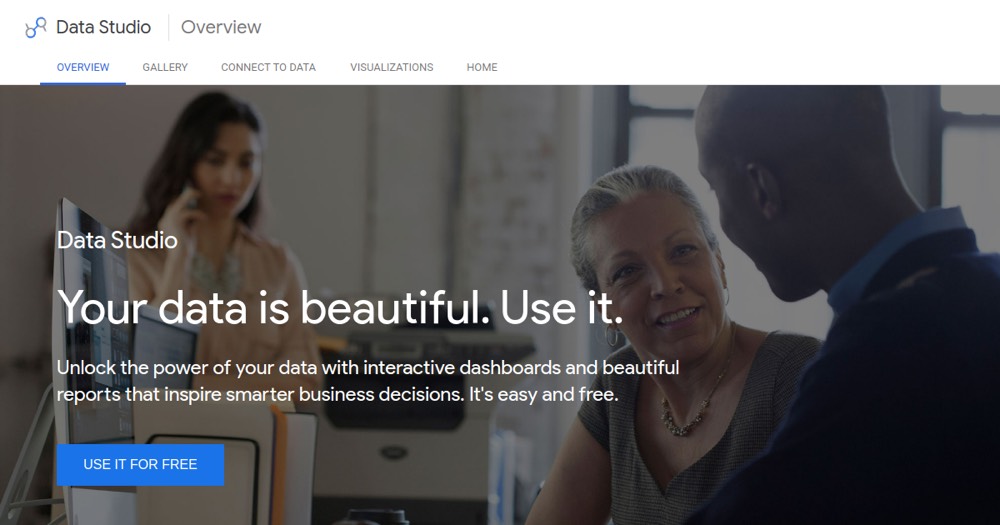
    Looker Studio preview

    Looker Studio Reviews, pricing and alternatives 2026

    Free Google reporting and dashboard tool, connected to GA4, Sheets and BigQuery.

    Best for
    MarketingData AnalystCommunity Manager

    Solo / Freelance

    Can work

    Team

    Can work

    What it does
    Dashboards
    Reporting
    Visualisation donnees
    Analytics produit

    Looker Studio

    ToolTrim Verdict
    3.8/5
    Decent

    The free reference for reporting on Google data.

    Pricing verified on

    Our take

    Understanding Looker Studio.

    Looker Studio (formerly Google Data Studio) is Google's free dashboard tool. You connect your sources, especially those in the Google ecosystem (GA4, Google Ads, Sheets, BigQuery), and build visual reports shareable with a single link. For a monthly client report or an acquisition dashboard, it's quick to set up and costs nothing.

    Its strength is also its limit: it's unbeatable when your data lives at Google, but the moment you step outside that ecosystem, connectors become paid (via third parties) or flaky, and the tool shows its limits on complex data models. The Pro version, around $9/user/month, mostly adds collaboration and support, not power.

    Who it's for: marketers, community managers and freelancers who report on Google data and want a clean deliverable without paying. If your data is elsewhere (SQL database, product), a tool like Metabase will be more flexible. But for free Google reporting, Looker Studio remains the reference.

    Practical uses

    • Monthly client reporting on Google Analytics and Google Ads
    • Acquisition and traffic dashboard
    • Visualize data from Google Sheets
    • Share an up-to-date dashboard via a single link

    Pros and cons

    What Looker Studio does especially well — and the limits to anticipate.

    Pros

    • Free, with no limit on reports or sharing
    • Native connection to Google tools (GA4, Ads, Sheets, BigQuery)
    • Reports shareable with a link, perfect for a client deliverable
    • Library of templates and connectors to start fast

    Cons

    • Mostly relevant in the Google ecosystem: other sources need paid connectors
    • Can lag on large volumes or complex data models
    • Less flexible than a real BI tool on SQL data
    • The Pro version ($9/user/month) mostly adds collaboration and support, not power

    Looker Studio: when it makes sense.

    The free reference for reporting on Google data. If your data lives elsewhere, a tool like Metabase will be more flexible.

    Keep if

    Your data lives in the Google ecosystem (GA4, Ads, Sheets, BigQuery). You want a clean, free client reporting deliverable

    Challenge if

    Your data is mostly elsewhere (SQL database, product): Metabase is more flexible. You need a real BI tool for complex data models

    How much does Looker Studio cost?

    Free0 €

    Completely free, unlimited reports and sharing

    Free

    Looker Studio Pro at around $9/user/month (collaboration, support)

    Official pricing sourceverified on

    Best alternatives to Looker Studio.

    Looker Studio preview
    Looker Studio logo

    Looker StudioCurrent

    Free Google reporting and dashboard tool, connected to GA4, Sheets and BigQuery.

    3.8ToolTrim score
    Monthly price
    Free
    Free plan
    Included
    Metabase preview
    Metabase logo
    Metabase

    Open-source BI tool. Create dashboards from your database without SQL.

    3.9ToolTrim score
    Monthly price
    433€
    Free plan
    Included
    The AI angle

    Looker Studio vs AI

    AI augments this tool
    Go further with AI

    Looker Studio added AI summaries to interpret dashboards, but remains a free data visualization tool connected to real sources (Google Analytics, Sheets) — a reporting infrastructure need.

    Can AI replace it?

    Replace Looker Studio with an AI? No: visualizing real data connected to multiple sources in real time remains a reporting infrastructure need. AI helps summarize a dashboard, it doesn't replace the connection to real data. Verdict: AI augments interpretation, connected reporting remains the product.

    Looker Studio Summary

    Category
    productivity tool.
    Price from
    Free (Free).
    Best for
    professionals.
    Avoid if
    Your data is mostly elsewhere (SQL database, product): Metabase is more flexible; You need a real BI tool for complex data models.
    Alternatives
    Metabase.
    ToolTrim verdict
    The free reference for reporting on Google data.

    Our verdict on Looker Studio.

    Why this verdict

    Decent

    Looker Studio is fairly easy to replace with an alternative, a free tier to test before paying, clearly documented use cases.

    Tool FAQ

    Frequently asked questions about Looker Studio

    Pricing, usage, alternatives, and context: useful answers before adding one more tool to your stack.

    What is Looker Studio used for?

    Free Google reporting and dashboard tool, connected to GA4, Sheets and BigQuery.

    How much does Looker Studio cost?

    Looker Studio costs €0 (free) (Free plan). Price verified on 2026-06-15.

    Is Looker Studio suitable for beginners?

    Looker Studio suits most professionals. See the "Who is it for" section for details.

    Is Looker Studio worth the price?

    The free reference for reporting on Google data. If your data lives elsewhere, a tool like Metabase will be more flexible.

    What are the best alternatives to Looker Studio?

    The main alternatives to Looker Studio are: Metabase.