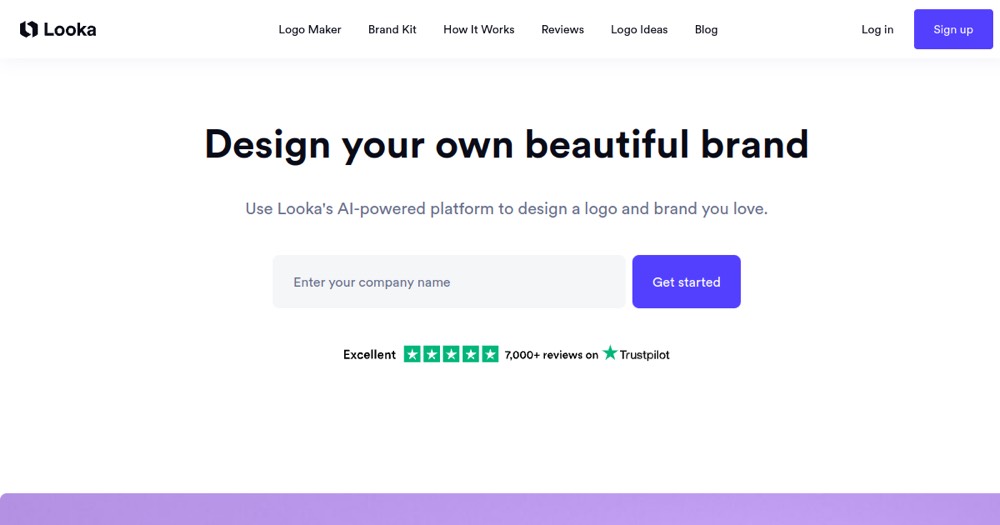
Looka works for a quick, affordable logo; for a truly differentiating identity, a human designer is still preferable.
About
In practice. What you can do with Looka.
Looka generates several logo proposals from the company name and style, color, and symbol preferences, with a catalog of over 550,000 symbols and 470 premium fonts. The Brand Kit adds brand asset templates (social media, business cards) to stay consistent everywhere.
The classic trap: the $20 Basic plan only delivers a PNG with a colored background — no vector file, no transparent background, unusable for printing or merchandise. The $65 Premium plan is needed for usable professional files.
Practical uses
Create a first logo for a small business.
Generate a consistent brand kit.
Adapt a logo for social and print.
Features & use cases
Logo maker
Pros and cons. What Looka does well, and what to expect.
Pros
Fast results, no design skills needed.
Vector files available for print.
Consistent brand kit beyond the logo.
You only pay when you download.
Cons
Results can look similar across users.
Limited customization versus a designer.
Kit and site are annual subscriptions.
When it makes sense. Keep Looka, or challenge it?
Keep if
You want a decent logo quickly, without a designer.
You're launching a small brand on a tight budget.
Looka becomes worthwhile when
+You use it at least once a week
+The monthly cost ($20) is small next to the time it saves you
Challenge if
You want a bespoke, distinctive identity.
You want a unique result not based on templates.
Looka becomes too expensive when
−You use it less than once a month
−A simple free version or a tool already in your stack would do
Our verdict. What to know about Looka.
Why this verdict
Average
Looka is fairly easy to replace with an alternative, no free tier to test before paying, clearly documented use cases.