What is Krita used for?
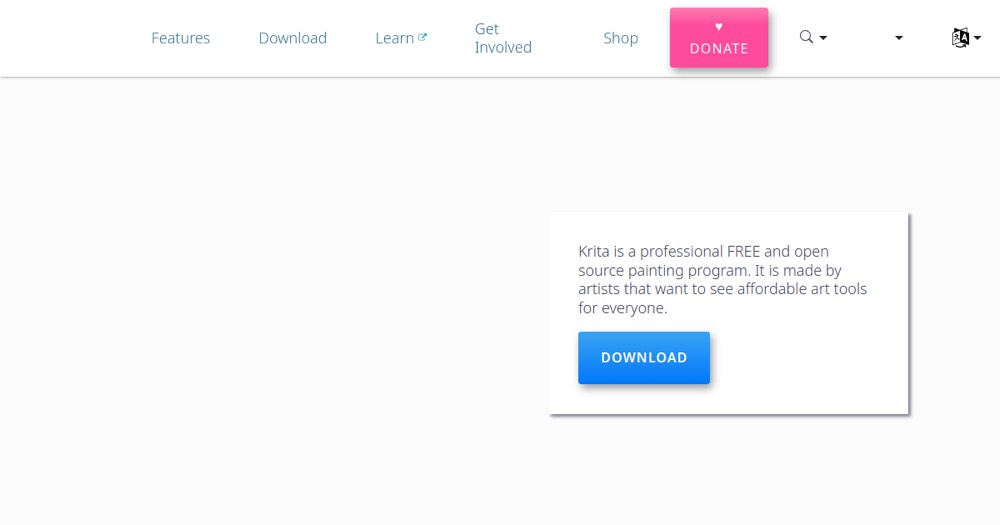
Open-source application for digital painting, illustration and concept art.
How much does Krita cost?
Krita costs $0 (free). Price verified on 2026-07-08.
Is Krita suitable for beginners?
Krita suits most professionals. See the "Who is it for" section for details.
Is Krita worth the price?
Krita is the best free choice for digital artists; for pro photo retouching, Photoshop or Affinity Photo fit better.
What are the best alternatives to Krita?
The main alternatives to Krita are: Clip Studio Paint, Procreate, Adobe Fresco. Free alternatives: Clip Studio Paint, Procreate, Adobe Fresco.