Consider Kit when newsletters are a consistent channel for growing and monetizing your audience. Start with the free plan if its feature limits fit your workflow. Before upgrading to Creator or Pro, check pricing for your subscriber count and confirm you need the additional sequences, automations or analytics.
About
In practice. What you can do with Kit.
Kit, formerly ConvertKit, is an email marketing platform for creators, authors, educators and independent businesses building an audience. It brings together signup forms and landing pages, newsletters, subscriber segmentation and visual automations. Creators can also sell digital products and subscriptions. The free plan covers up to 10,000 subscribers but does not include email sequences or visual automations. Paid plans add those features, with prices based on subscriber count. Kit is most relevant when email plays a regular role in growing, engaging or monetizing an audience. For occasional email use or a strongly multi-channel marketing strategy, compare your requirements and total costs with other platforms first.
Practical uses
Create signup forms and landing pages to grow an email list.
Send newsletters and segment subscribers by interest.
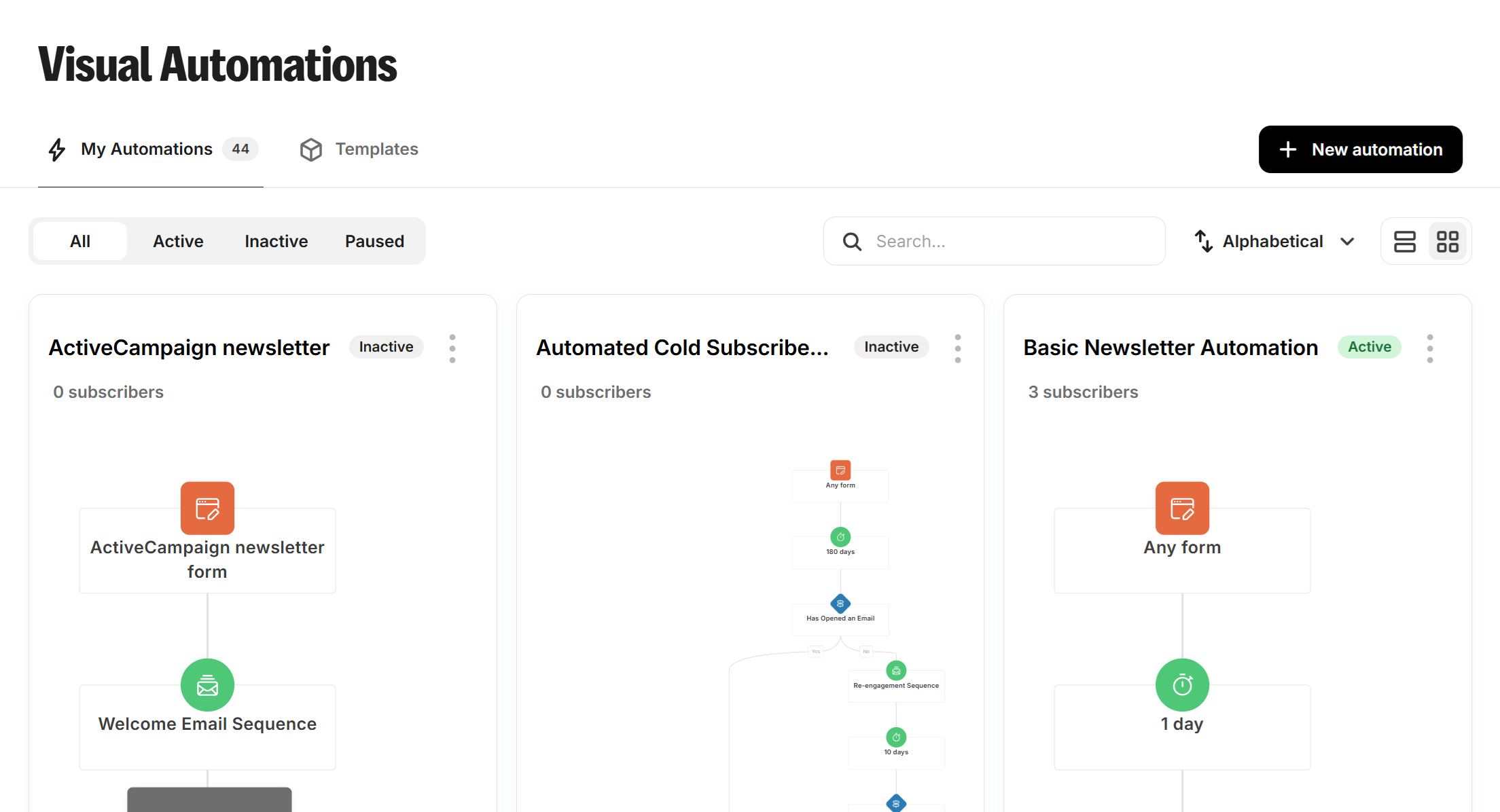
Automate a welcome sequence or launch campaignCreator.
Sell digital products or offer a paid newsletter.
Monitor subscriber engagementPro features.
Features & use cases
Automation email
Creator commerce
Email marketing
Newsletter
Pros and cons. What Kit does well, and what to expect.
Pros
Free plan for up to 10,000 subscribers.
Landing pages, forms, broadcasts and audience segmentation in one platform.
Digital product and subscription sales are supported.
Creator adds visual automations and email sequences.
Creator and Pro include Kit MCP.
Free migration is advertised by Kit.
Cons
The free plan does not include visual automations or email sequences.
Paid plans scale with subscriber count, so the displayed entry price is not universal.
The product is centered on creator email workflows, not a complete multichannel marketing suite.
When it makes sense. Keep Kit, or challenge it?
Keep if
You are building an owned audience and send newsletters regularly.
You want forms, segmentation and email sequences in one platform.
Kit becomes worthwhile when
+You use it at least once a week
+The monthly cost ($32.50) is small next to the time it saves you
Challenge if
You only need to send occasional emails without automations or audience management.
You need a full multi-channel marketing suite rather than creator-focused email tools.
Kit becomes too expensive when
−You use it less than once a month
−brevo (free) already covers the essentials for occasional use
Our verdict. What to know about Kit.
Why this verdict
Great
Kit is fairly easy to replace with an alternative, a free tier to test before paying, clearly documented use cases.