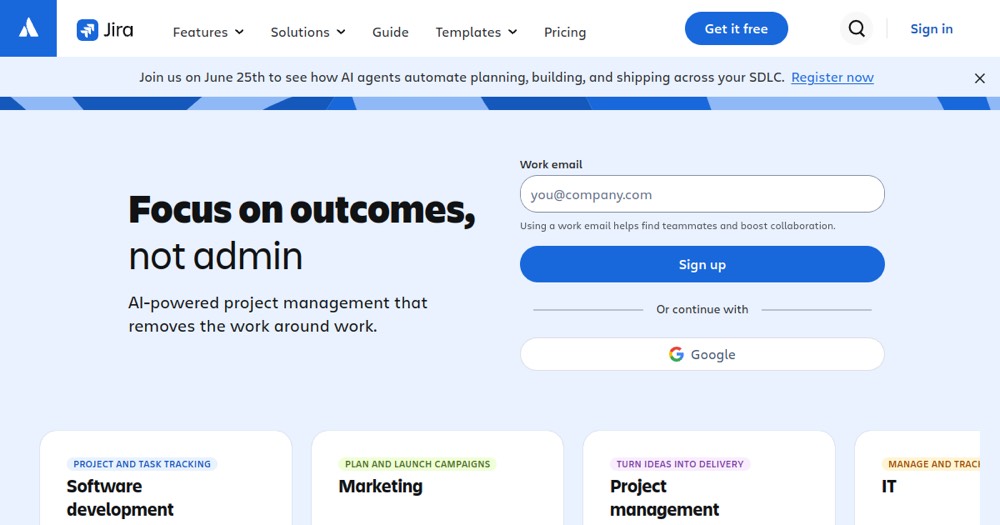
Free up to 10 users; beyond that, each user adds $7.91 a month on annual billing.
About
In practice. What you can do with Jira.
Jira tracks issues and sprints with Scrum and Kanban boards and workflows you shape to your team. The free plan covers up to 10 users, enough for a freelancer working with a small client team.
The flexibility has a cost in setup time: for a small team that wants to move fast, Linear gets there with less configuration. Jira earns its place when workflows get complex or when the client already runs on Atlassian.
Practical uses
Sprint planningBacklog, sprint board and review for a team of up to 10 on the free plan
Client project trackingIssues and bugs reported by the client in one board
Features & use cases
Bug tracking
Project management
Roadmap produit
Sprint planning
Pros and cons. What Jira does well, and what to expect.
Pros
Free plan up to 10 users
Workflows shaped to how the team works
The tool many client teams already use
Cons
Setup takes time before the team is productive
Heavy for a solo developer's own projects
When it makes sense. Keep Jira, or challenge it?
Keep if
Keep it if your clients run on Jira or your team needs custom workflows.
Jira becomes worthwhile when
+You use it at least once a week
+The monthly cost ($7.91) is small next to the time it saves you
Challenge if
Skip it for solo work or a small team that wants to start tracking in minutes.
Jira becomes too expensive when
−You use it less than once a month
−A simple free version or a tool already in your stack would do
Our verdict. What to know about Jira.
Why this verdict
Average
Added value
Free up to 10 users, then $7.91 per user a month on annual billing.
Simplicity
Customizable workflows and boards take setup before a team is productive.
Fit for purpose
Scrum and Kanban tracking work as advertised for software teams.
Performance
Custom workflows, advanced roadmaps and enterprise scale set the ceiling of the category.
Reversibility
Neutral score: export options were not covered by the collected sources.