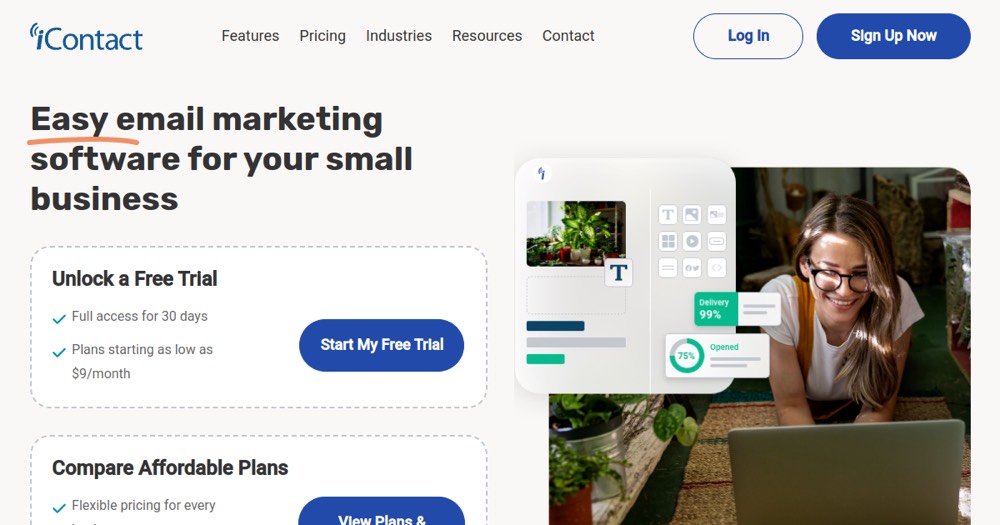
iContact fits SMBs seeking support/deliverability; for automation/modern UX, Mailchimp/MailerLite better.
About
In practice. What you can do with iContact.
iContact uses AI ("Smart Sending") to determine the best send time for each subscriber individually based on their engagement history, with automatic multivariate subject line testing that optimizes the winner in real time.
The free plan was severely cut in January 2026 (250 contacts, only 500 emails/month), and multi-step automations only unlock from the Standard plan at $20/month — growing teams often end up upgrading to Premium faster than expected.
Practical uses
Simple newsletter for SMBs.
Email campaignsBasic segmentation.
A/B testing subject lines and content.
Welcome and re-engagement automation.
Simple opens/clicks analytics.
Features & use cases
Email marketing
Pros and cons. What iContact does well, and what to expect.
Pros
Dedicated and responsive support.
Solid deliverability reputation.
Simple but functional automation.
A/B testing included.
30-day free trial.
Accessible interface for beginners.
Cons
Dated and less modern interface.
Less flexible automation than competitors.
No multi-channel (email only).
Very limited free plan.
Fewer integrations than Mailchimp/Brevo.
Pricing can escalate quickly with subscribers.
When it makes sense. Keep iContact, or challenge it?
Keep if
You're an SMB seeking robust deliverability.
You prioritize human support over complex features.
iContact becomes worthwhile when
+You use it at least once a week
+The monthly cost ($20) is small next to the time it saves you
Challenge if
You need very advanced automation.
You want multi-channel (SMS, SMS, etc).
iContact becomes too expensive when
−You use it less than once a month
−A simple free version or a tool already in your stack would do
Our verdict. What to know about iContact.
Why this verdict
Average
iContact is fairly easy to replace with an alternative, no free tier to test before paying, clearly documented use cases.