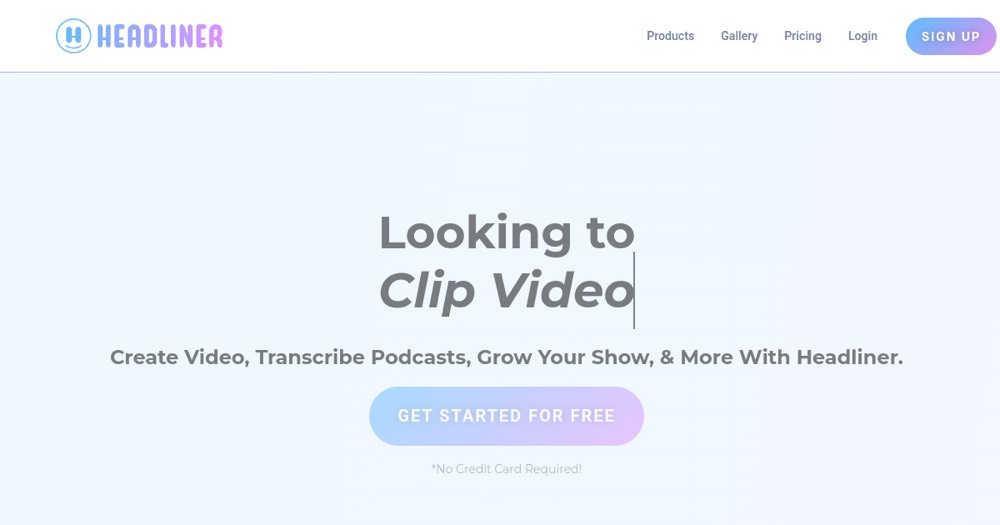
Headliner is ideal for turning audio into social clips; for advanced video editing, a dedicated editor fits better.
About
In practice. What you can do with Headliner.
Headliner solves a problem specific to podcasters: turning an audio episode into a shareable social media video, with an animated waveform, automatic captions, and a customizable background visual.
For a podcaster who wants to promote episodes on Instagram or TikTok without shooting a separate video, it's a fast way to create a visual format from purely audio content.
Practical uses
Create an audiogram to tease an episode.
Add captions to an audio snippet.
Repurpose a podcast into social clips.
Features & use cases
Content repurposing
Creator workflow
Podcast promotion
Social media
Sous titrage
Pros and cons. What Headliner does well, and what to expect.
Pros
Fast audiogram and clip creation.
Automatic transcription and captions.
Free tier with no credit card required.
Ready-made templates for social media.
Cons
Free tier limited in volume.
Video editing is limited versus a pro editor.
Creative customization framed by templates.
When it makes sense. Keep Headliner, or challenge it?
Keep if
You produce a podcast and want to promote it in video.
You need quick audiograms for social media.
Headliner becomes worthwhile when
+You use it at least once a week
+The monthly cost ($9.99) is small next to the time it saves you
Challenge if
You do complex video editing (use a dedicated editor).
You never publish audio snippets.
Headliner becomes too expensive when
−You use it less than once a month
−A simple free version or a tool already in your stack would do
Our verdict. What to know about Headliner.
Why this verdict
Average
Headliner is fairly easy to replace with an alternative, no free tier to test before paying, clearly documented use cases.