The free Community edition covers a solo developer on public/local repos at no cost; budget EUR 8/seat/month (billed annually) for Pro once private-repo access is actually needed. The page only shows EUR, so confirm the USD charge at checkout.
About
In practice. What you can do with GitLens.
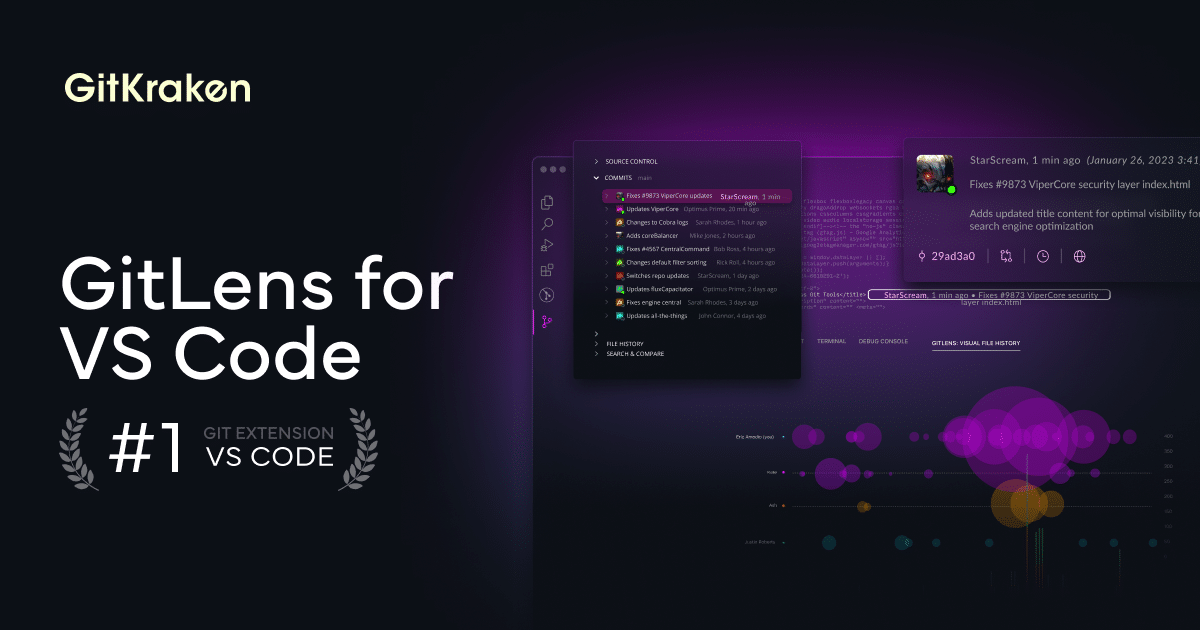
GitLens layers on top of Git inside VS Code: inline blame annotations, a Commit Graph showing branches and worktrees, Visual File History, and a Launchpad that centralizes pull requests across repositories. AI-assisted commit messages, PR descriptions and merge-conflict help round it out.
The free Community edition covers public and local repositories with basic blame and history views. Private repositories require the paid Pro tier (up to 2 seats) at EUR 8/seat/month billed annually, with Advanced (EUR 14/seat/month) and Business (EUR 18/seat/month) adding SSO, self-hosted Git integrations and higher AI-credit caps as a team grows, and Enterprise for 20+ seats on quote. Prices are shown in EUR on the official page with no region selector, and exclude tax.
Practical uses
Code review prepCheck inline blame and Visual File History to understand why a line changed before reviewing a PR.
Cross-repo trackingUse Launchpad to keep tabs on open pull requests across several repositories from one place.
Features & use cases
Nocode web
Pros and cons. What GitLens does well, and what to expect.
Pros
Inline blame, Commit Graph and file history work directly inside VS Code without switching tools.
The free Community edition already covers public and local repositories with real blame and history features.
Cons
Private repository access requires a paid Pro seat (EUR 8/month, annual); the page only prices in EUR, with no confirmed USD figure.
Advanced Git and AI features (Worktrees, Visual File History extras, GitKraken AI) are gated behind paid tiers.
When it makes sense. Keep GitLens, or challenge it?
Keep if
You work mainly with public or local Git repositories in VS Code and want blame, history and a commit graph without leaving the editor.
GitLens becomes worthwhile when
+You use it at least once a week
+The monthly cost (€8) is small next to the time it saves you
Challenge if
You need more than 2 seats or enterprise features (SSO, self-hosted integrations) right away, since that means Advanced (EUR 14/seat/month) or Business (EUR 18/seat/month) instead of the cheaper Pro tier.
GitLens becomes too expensive when
−You use it less than once a month
−Git natif dans VS Code (free) already covers the essentials for occasional use
Our verdict. What to know about GitLens.
Why this verdict
Great
Added value
The Community edition covers public/local repos for free, and private-repo access costs EUR 8/seat/month (annual) on Pro, which is a modest add-on for a solo developer already working in VS Code.
Simplicity
Neutral score: how long it takes a new user to get a useful first result inside VS Code is not covered by the collected sources.
Fit for purpose
Inline blame, Commit Graph, file history and Launchpad work as described inside VS Code, without needing a separate Git GUI for the covered features.
Performance
Commit Graph, Visual File History, AI-assisted commit messages and PR tracking together cover more ground than a basic blame extension.
Reversibility
GitLens only visualizes and annotates the existing Git history and repository data; it doesn't store code or history in a proprietary format, so nothing is lost by uninstalling it.