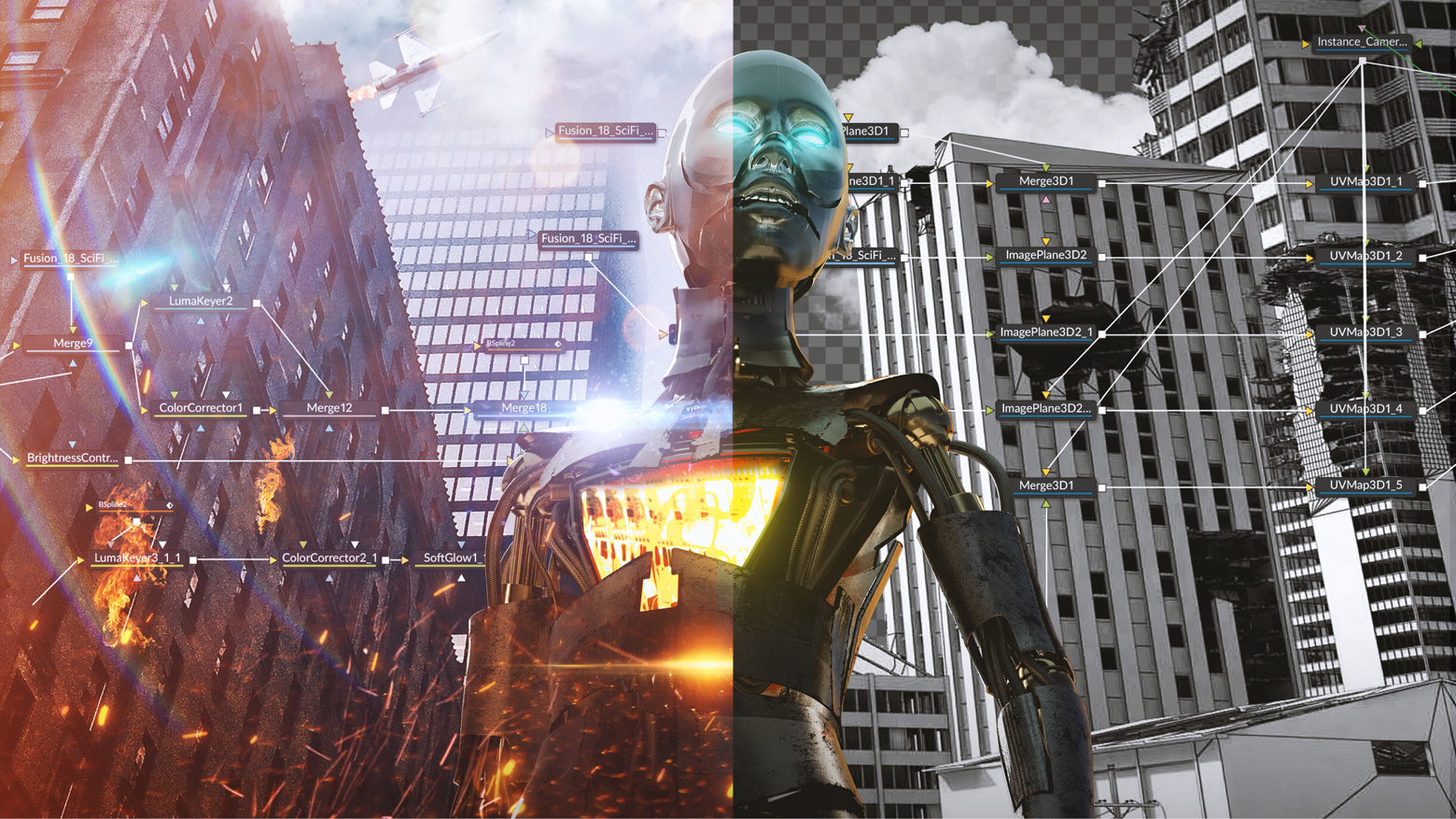
Fusion is the studio standard for professional VFX and experienced compositors; the free version is solid for learning, Fusion Studio for demanding commercial work.
About
In practice. What you can do with Blackmagic Fusion.
Professional node-based 2D/3D compositing software used in VFX, motion graphics, and post-production to composite and process complex visual elements.
Key strengths: Robust free version included in DaVinci Resolve Free.; Extremely flexible and powerful node-based architecture.; Hundreds of advanced tools in Studio (tracking, 3D, particles).; Seamless integration with DaVinci Resolve workflow..
Fusion is the studio standard for professional VFX and experienced compositors; the free version is solid for learning, Fusion Studio for demanding commercial work.
Practical uses
VFX post-production for film and television.
Complex motion graphics and animations.
Professional node-based compositing.
Integration into DaVinci Resolve pipelines.
Features & use cases
Compositing
Effets visuels
Motion design
Animation
Color grading
Pros and cons. What Blackmagic Fusion does well, and what to expect.
Pros
Robust free version included in DaVinci Resolve Free.
Extremely flexible and powerful node-based architecture.
Hundreds of advanced tools in Studio (tracking, 3D, particles).
Seamless integration with DaVinci Resolve workflow.
Cons
Steep learning curve for node-based paradigm.
Less intuitive than layer-stack software for beginners.
High GPU requirements for real-time performance.
When it makes sense. Keep Blackmagic Fusion, or challenge it?
Keep if
You do professional-level post-production or VFX work.
You need powerful node-based compositing.
Challenge if
You're new to compositing (steep learning curve).
You prefer traditional layer-stack interfaces.
Our verdict. What to know about Blackmagic Fusion.
Why this verdict
Great
Blackmagic Fusion is fairly easy to replace with an alternative, a free tier to test before paying, clearly documented use cases.