

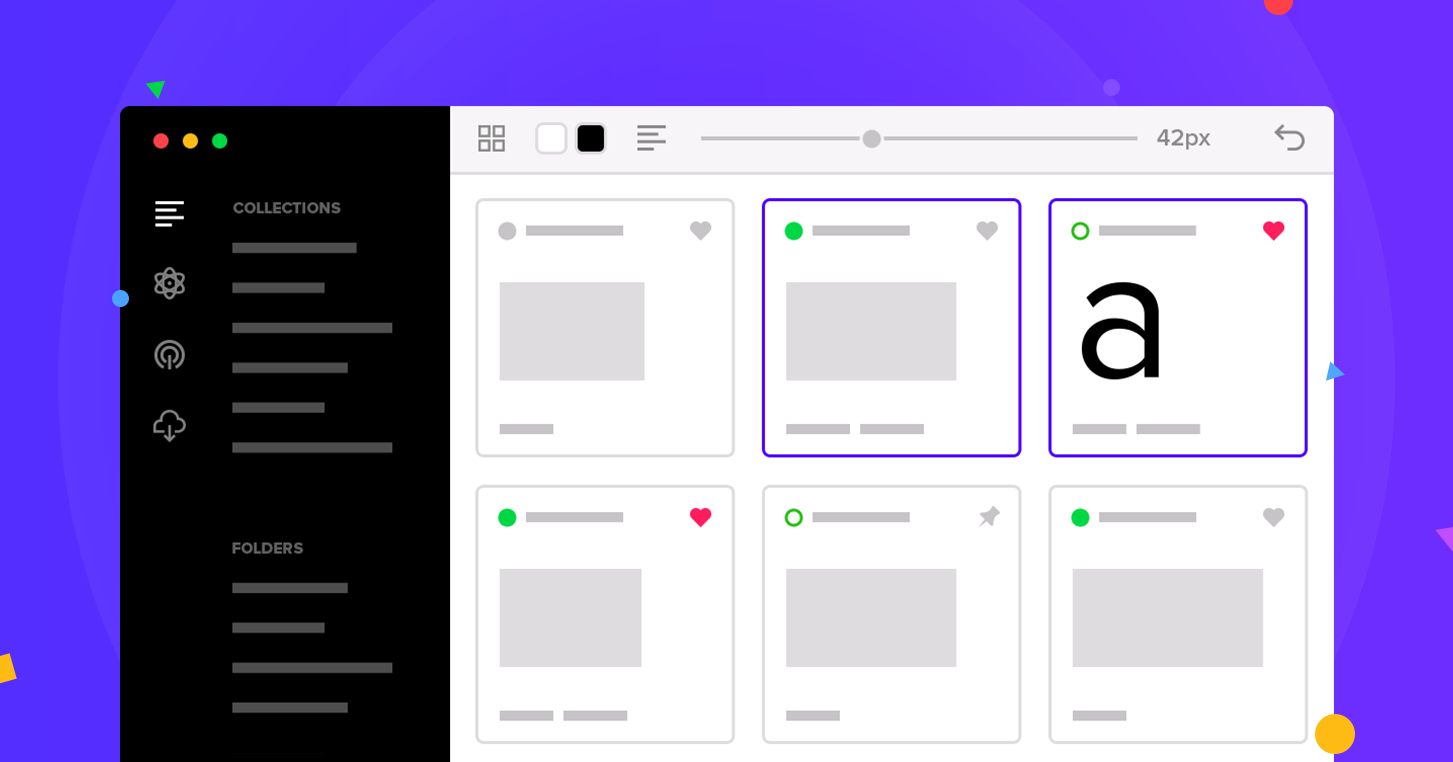
    FontBase preview

    FontBase Review and verdict 2026

    Simple font manager to organize, activate, and test typefaces.

    Free.

    FontBase

    ToolTrim Verdict
    3.8/5
    Decent

    FontBase dominates for free font management across all OS.

    Pricing verified on

    Our take

    Understanding FontBase.

    Free cross-platform font manager (Mac, Windows, Linux) to organize, activate, and preview fonts. Includes Google Fonts, collections, watched folders, and advanced search.

    Practical uses

    • Organize a large font collection by project.
    • Preview fonts before activation.
    • Access Google Fonts without manual download.
    • Sync team fonts (Awesome).
    • Search quickly among hundreds of fonts.

    Pros and cons

    What FontBase does especially well — and the limits to anticipate.

    Pros

    • Completely free for core needs.
    • Works identically on Mac, Windows, and Linux.
    • Google Fonts integrated and free.
    • Activate without system font installation.
    • CSS playground to preview before use.
    • Fast and intuitive interface.

    Cons

    • No font editing (organizer only).
    • Team features are paid (Awesome).
    • Fewer advanced features than FontLab or Glyphs.

    FontBase: when it makes sense.

    FontBase dominates for free font management across all OS. For team collaboration, consider Awesome.

    Keep if

    You have a large font collection to organize.. You use fonts on Mac, Windows, AND Linux.

    Challenge if

    You have very few fonts (system finder suffices).. You need font editing features (use FontLab).

    Our verdict on FontBase.

    Why this verdict

    Decent

    FontBase is fairly easy to replace with an alternative, a free tier to test before paying, clearly documented use cases.