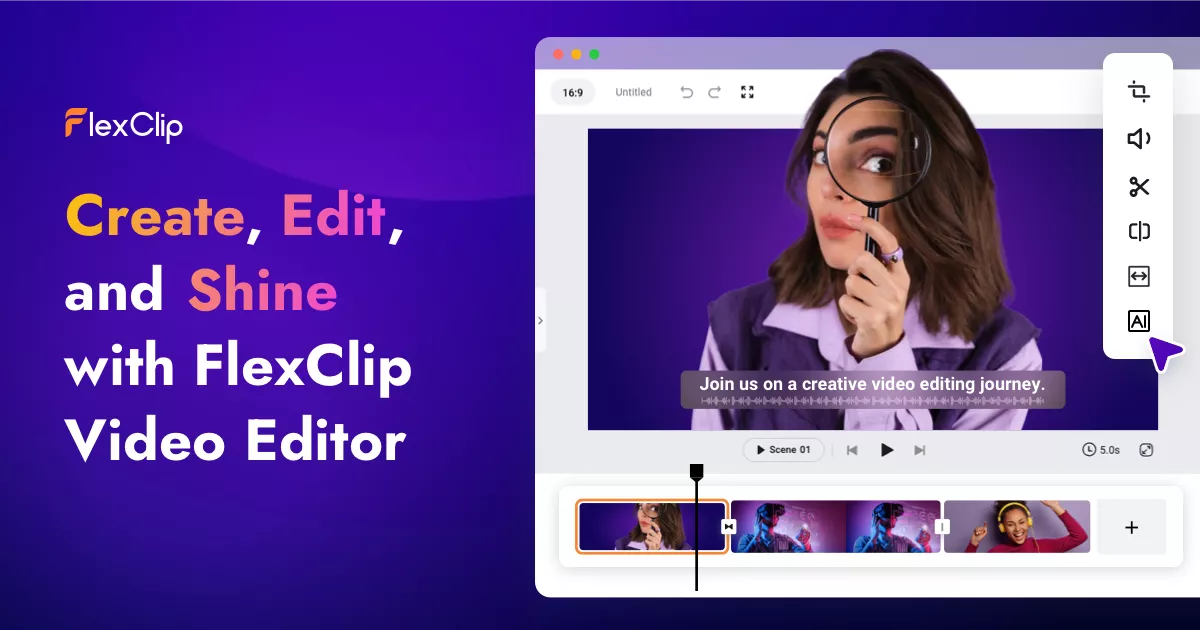
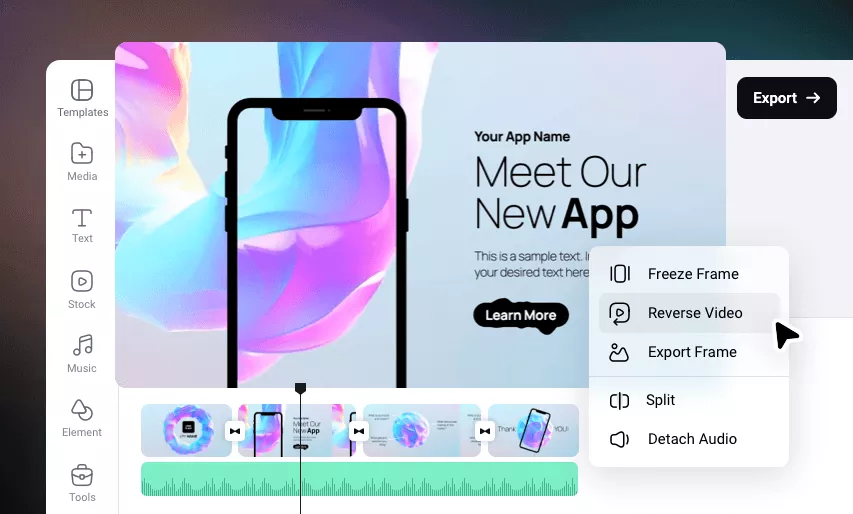
FlexClip combines a browser-based video editor, templates and AI tools for marketing videos, social posts and tutorials. Assemble footage, add text, voiceovers and subtitles, then export without installing desktop editing software.
For a small team, its appeal is combining templates, stock media and features such as text-to-video, text-to-speech and automatic subtitles. AI features have their own credits: a video subscription does not mean unlimited AI generation.
Free lets you check the output with 720p exports, 12 projects and videos up to 10 minutes. Plus offers 1080p, five stock videos and five stock audio tracks per project, 30GB of storage and no FlexClip watermark. Business adds 4K, more storage and unlimited stock video/audio.
Our advice: export a representative video first. Plus is enough if 1080p and its stock quotas fit; Business is mainly justified by 4K and heavier stock use. This review is based on public documentation, not hands-on testing.
Practical uses
Create a social media promotional video from a template.
Auto-subtitle a raw video before publishing.
Generate a video from text or a script for a product announcement.
Record a screen or webcam for a quick tutorial.
Features & use cases
Video editing
Creation contenu video
Sous titrage video
The case for and against. What FlexClip does well, and when it costs too much.
For. What works in its favour.
Browser editing with built-in templates and media.
Free plan to check the output before paying.
Subtitles, text-to-speech and video generation in one environment.
1080p export on Plus and 4K on Business.
You want to start from a template rather than a blank timeline.
The AI tools (subtitles, text-to-video, background removal) cover most of your editing needs.
Against. What to plan for.
Free is limited to 720p, 12 projects and 10 minutes per video.
Plus allows five stock videos and five stock audio tracks per project.
AI credits are limited even with a paid video subscription.
Annual pricing is paid upfront; monthly pricing is separate.
You already have an advanced editor (Premiere Pro, DaVinci Resolve) built into your workflow.
The free plan isn't enough and the $11.99/month annual rate doesn't fit your budget.
Our verdict. What to know about FlexClip.
How the score breaks down
Added value
4/5
Templates, stock, editing and AI combined for marketing videos. Free allows a 720p export check. Documentary review of the official website and pricing, 2026-09-27.
Simplicity
4/5
Templates and browser access reduce setup. Usability has not been tested in a production session.
Fit for purpose
4/5
Editing, text, voiceovers and subtitles cover social videos and tutorials. Value depends on actual publishing volume.
Performance
4/5
1080p on Plus, 4K on Business and integrated AI tools. AI credits and stock quotas limit usage by plan.
Reversibility
3/5
Finished videos can be exported. An editable project format transferable to another editor was not confirmed in the sources reviewed.