Eneroth Face Creator is essential for architects/modelers importing CAD plans; otherwise useful occasionally.
About
In practice. What you can do with Eneroth Face Creator.
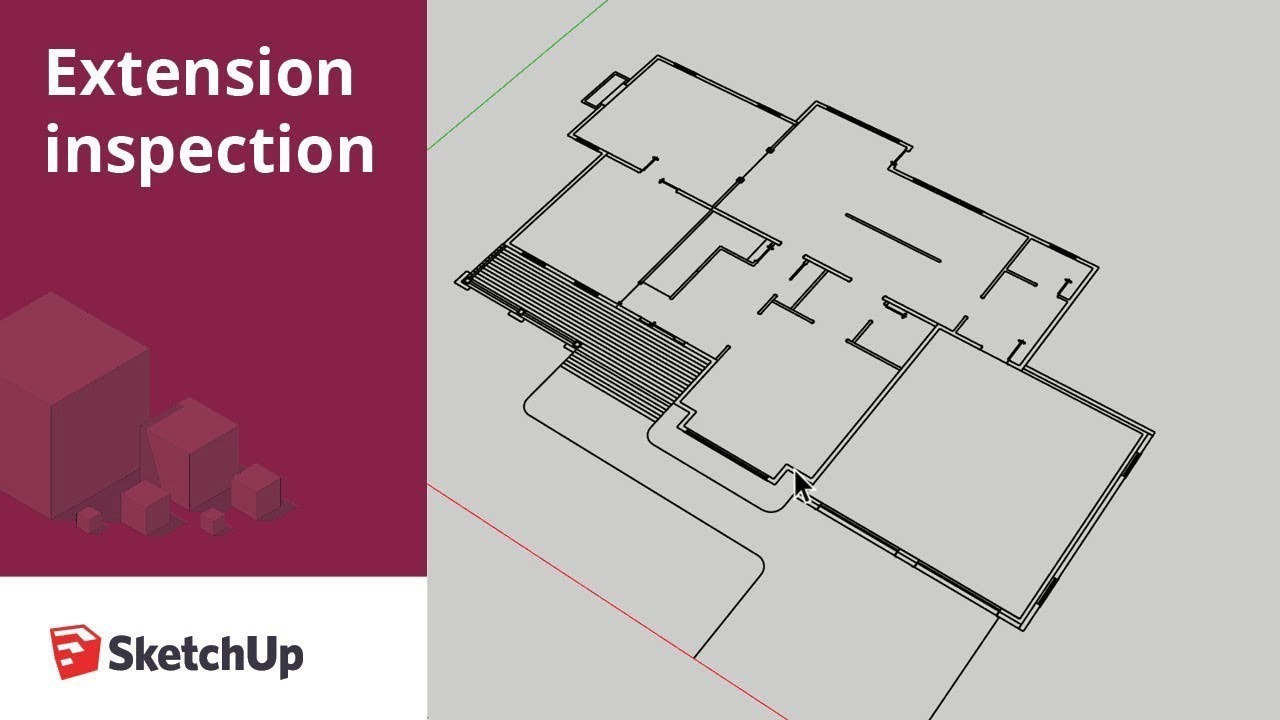
Free SketchUp extension by Christina Eneroth that automatically generates all possible faces from a selection of edges.
Key strengths: Entirely free, no cost.; Saves enormous time on manual face tracing.; Official stable extension from SketchUp Extension Warehouse.; Simple interface: select and click..
Eneroth Face Creator is essential for architects/modelers importing CAD plans; otherwise useful occasionally.
Practical uses
Import and convert a CAD plan into a SketchUp surface model.
Quickly handle complex wireframe geometries.
Model preparation before export or visualization.
Features & use cases
Plugin sketchup
Pros and cons. What Eneroth Face Creator does well, and what to expect.
Pros
Entirely free, no cost.
Saves enormous time on manual face tracing.
Official stable extension from SketchUp Extension Warehouse.
Simple interface: select and click.
Cons
Useful only if you import wireframe CAD files.
Basic automation: generates all faces, no selectivity.
Depends on SketchUp (not standalone).
When it makes sense. Keep Eneroth Face Creator, or challenge it?
Keep if
You regularly import DWG/DWF files or wireframe into SketchUp.
You work with complex geometries and manual face tracing is time-consuming.
Challenge if
You never work with wireframe files.
Your SketchUp projects lack complex multi-face geometries.
Our verdict. What to know about Eneroth Face Creator.
Why this verdict
Great
Eneroth Face Creator is fairly easy to replace with an alternative, no free tier to test before paying, clearly documented use cases.