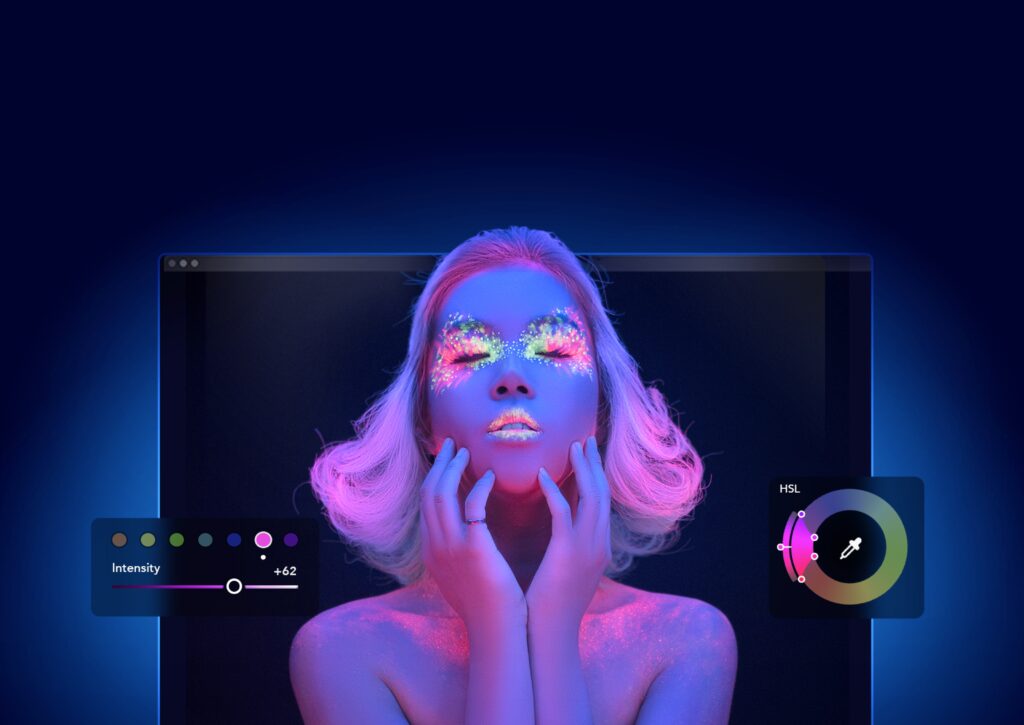
darktable is a free, open-source application for non-destructive RAW photo development, image management and tethered shooting, licensed under the GPL.
There is no price threshold to weigh: darktable stays free at every scale, so the real question is whether community-based support is enough for your workflow.
About
In practice. What you can do with darktable.
darktable processes RAW photos non-destructively: edits are stored separately and only applied at export, so the original file is never touched. A zoomable lighttable manages large photo collections, and tethered shooting lets a connected camera feed images straight into the app during a session.
The software is entirely free and open source under the GPL, with no paid tier, account or subscription at any point. It runs on Windows, macOS and Linux and suits any photographer who wants a serious RAW workflow without a Lightroom-style subscription, though support comes from documentation and community forums rather than a vendor help desk.
Practical uses
UseDevelop RAW photos non-destructively, adjusting exposure and color before exporting without altering the original files.
UseShoot tethered from a camera directly into darktable and review images immediately during a shoot.
Features & use cases
Catalogue photo
Color grading
RAW files
Photo editing
Photo
Pros and cons. What darktable does well, and what to expect.
Pros
Completely free and open source, with no account or subscription ever required.
Non-destructive editing keeps original RAW files untouched at every step.
Tethered shooting support, uncommon among free RAW tools.
Cons
Desktop only, with no official mobile app.
Support relies on community forums and documentation rather than a vendor help desk.
When it makes sense. Keep darktable, or challenge it?
Keep if
You want a serious RAW workflow without ever paying a subscription.
Challenge if
You need official vendor support or a mobile editing app.
Pricing. What does darktable cost ?
Open source
$0license
Infrastructure and operations on you
Entirely free, no limitations, GNU GPL v3 licensed.
Entirely free and open source with non-destructive RAW processing, image management and tethered shooting, a feature set that competes with paid tools at zero cost.
Simplicity
Neutral score: time and skill needed for a first useful result are not covered by the collected sources.
Fit for purpose
Delivers its stated promise of non-destructive RAW development, collection management and tethered shooting without a documented need for third-party tools.
Performance
Covers basic to advanced color and effect modules, a floating-point pipeline and tethered shooting, a capability set the project itself describes as rare among free tools.
Reversibility
Non-destructive editing keeps the original RAW file untouched at every step, and the GPL license removes any vendor lock-in risk, though specific export format options were not detailed.
darktable Summary
Category
productivity tool.
Price from
Free.
Best for
Hobbyist to semi-professional photographer who processes RAW files and wants a serious workflow without a subscription.
Avoid if
You need official vendor support or a mobile editing app.
There is no price threshold to weigh: darktable stays free at every scale, so the real question is whether community-based support is enough for your workflow.
Frequently asked questions.
What to know before choosing darktable.
What is darktable used for?
darktable is a free, open-source application for non-destructive RAW photo development, image management and tethered shooting, licensed under the GPL.
How much does darktable cost?
darktable costs $0 (free). Price verified on 2026-09-25.
Is darktable suitable for beginners?
Hobbyist to semi-professional photographer who processes RAW files and wants a serious workflow without a subscription.
Is darktable worth the price?
There is no price threshold to weigh: darktable stays free at every scale, so the real question is whether community-based support is enough for your workflow.
What are the best alternatives to darktable?
The main alternatives to darktable are: Adobe Lightroom, Capture One, DxO PhotoLab. Free alternatives: DxO PhotoLab.