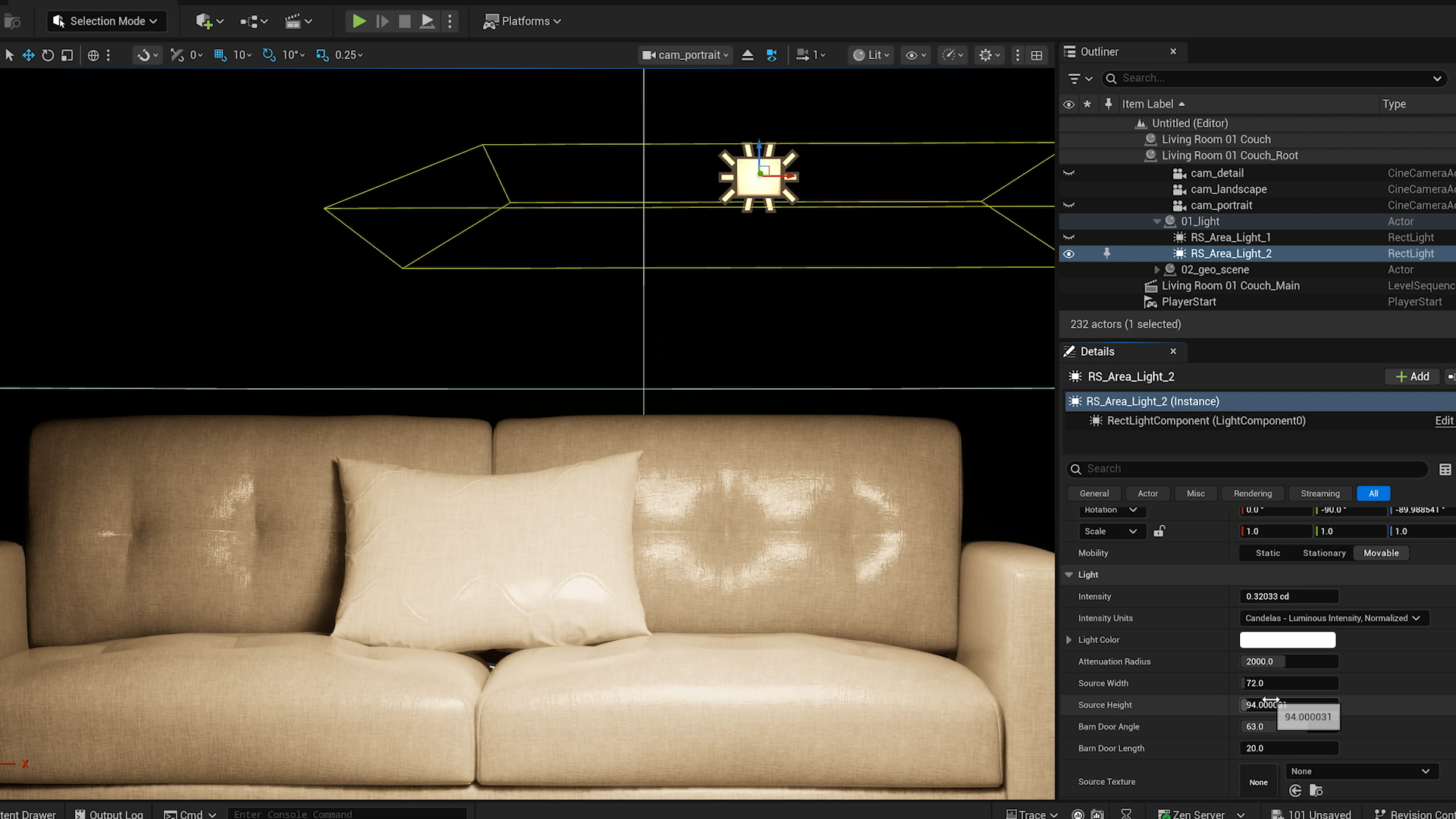
In practice. What you can do with Cineware pour Unreal Engine.
Cineware for Unreal Engine: A bridge for transferring Cinema 4D scenes into Unreal Engine.
Cineware for Unreal supports moving a Cinema 4D scene into a real-time environment. Current documentation refers to Interchange and Datasmith Direct Link. Before using it in a project, check supported Cinema 4D and Unreal versions along with the materials and animations that actually transfer.
Before choosing, check hardware requirements, delivery formats and licences already included in your stack. This listing is based on official documentation, not hands-on testing.
Practical uses
A bridge for transferring Cinema 4D scenes into Unreal Engine.
Features & use cases
Motion design
The case for and against. What Cineware pour Unreal Engine does well, and when it costs too much.
For. What works in its favour.
A bridge for transferring Cinema 4D scenes into Unreal Engine.
Against. What to plan for.
Check compatibility and licensing for your workstation and workflow.
ToolTrim has not measured usability or performance.
Our verdict. What to know about Cineware pour Unreal Engine.
How the score breaks down
Added value
3/5
A bridge for transferring Cinema 4D scenes into Unreal Engine. Documentary review of official sources; not a hands-on test.
Simplicity
2/5
The documented workflow requires understanding the product functions. Documentary review of official sources; not a hands-on test.
Fit for purpose
3/5
Usefulness depends on how often this need occurs in production. Documentary review of official sources; not a hands-on test.
Performance
3/5
Scope assessed from documented functions, without benchmarking. Documentary review of official sources; not a hands-on test.
Reversibility
2/5
Check project portability and licence availability before archiving. Documentary review of official sources; not a hands-on test.