

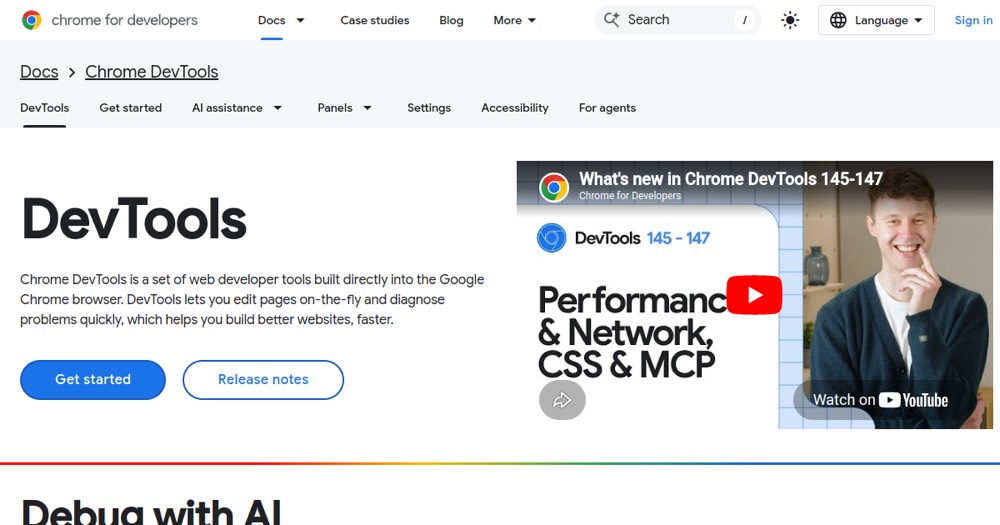
    Chrome DevTools preview

    Chrome DevTools Review and verdict 2026

    Browser tools for debugging, performance, network, accessibility, and CSS.

    Chrome DevTools

    ToolTrim Verdict
    4.4/5
    Very good

    Chrome DevTools is the standard daily tool for modern web developers; it's the industry baseline.

    Pricing verified on

    Practical uses

    • Debug JavaScript bugs in real-time.
    • Analyze performance and network latency.
    • Audit page accessibility (A11y).
    • Inspect and modify CSS on-the-fly.
    • Record and replay user flows.

    Pros and cons

    What Chrome DevTools does especially well — and the limits to anticipate.

    Pros

    • Completely free and native in Chrome.
    • DOM and CSS inspection/editing live.
    • Full JavaScript debugging with breakpoints.
    • Real-time performance analysis (Core Web Vitals).
    • Native AI (Gemini) for code suggestions.
    • No learning curve (intuitive tools).

    Cons

    • Limited to development in Chrome (use Firefox/Safari DevTools elsewhere).
    • Interface can be complex for beginners.
    • No long-term monitoring (session-based).

    Chrome DevTools: when it makes sense.

    Chrome DevTools is the standard daily tool for modern web developers; it's the industry baseline.

    Keep if

    You develop websites or web applications.. You already use Google Chrome (free).

    Challenge if

    You exclusively use Firefox or Safari (use native DevTools instead).. You're looking for external specialized tools (Lighthouse, WebPageTest).

    Our verdict on Chrome DevTools.

    Why this verdict

    Very good

    Chrome DevTools is hard to replace short-term, a free tier to test before paying, clearly documented use cases.