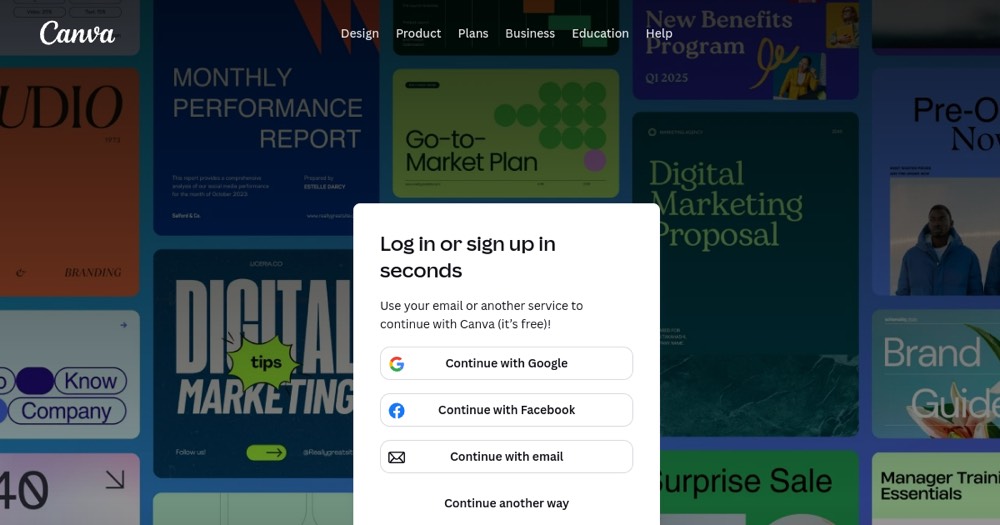
    Canva AI preview

    Canva AI Reviews, pricing and alternatives 2026

    AI-powered design features built into Canva: image generation, background removal, Magic Write.

    Free.

    Best for

    Canva AI

    ToolTrim Verdict
    3.9/5
    Decent

    Canva AI is ideal for SMBs, freelancers, and content creators; for pro designers wanting fine-grained control, full suites (Photoshop, Affinity) offer more.

    Pricing verified on

    Our take

    Understanding Canva AI.

    Suite of AI tools (Magic Studio) integrated into Canva for image generation, background removal, object editing, and AI-powered layout suggestions, accessible through paid plans.

    Practical uses

    • Social media post creationAI graphics.
    • Quick design of presentations and pitch decks.
    • Branding and marketing templates for SMBs.
    • Content creationText-to-image and magic design.

    Pros and cons

    What Canva AI does especially well — and the limits to anticipate.

    Pros

    • Complete AI suite (Magic Studio) fully integrated in Canva.
    • Very accessible: free plan with included AI allocations.
    • Huge asset library (141M+) for rapid design.
    • Affinity Free included since 2026 (pro software at no cost).
    • Collaborative and multi-device (web + mobile).

    Cons

    • Less creative control and pixel-perfect than pro tools.
    • Monthly AI credits limited per plan.
    • Generic AI models vs. Midjourney/DALL-E.
    • Coarser typography and composition control.

    Canva AI: when it makes sense.

    Canva AI is ideal for SMBs, freelancers, and content creators; for pro designers wanting fine-grained control, full suites (Photoshop, Affinity) offer more.

    Keep if

    You create visual content regularly (social media, presentations, graphics).. You want accessible AI generation integrated into a design tool.

    Challenge if

    You're a professional designer (lacks pixel-perfect control).. You need advanced, separate AI tools (Photoshop, etc.).

    Included inCanva Pro logo

    Canva Pro

    View full bundle

    Other tools in bundle

    Canva AI Summary

    Category
    productivity tool.
    Price from
    Free.
    Best for
    professionals.
    Avoid if
    You're a professional designer (lacks pixel-perfect control).; You need advanced, separate AI tools (Photoshop, etc.)..
    ToolTrim verdict
    Canva AI is ideal for SMBs, freelancers, and content creators; for pro designers wanting fine-grained control, full suites (Photoshop, Affinity) offer more.

    Our verdict on Canva AI.

    Why this verdict

    Decent

    Canva AI is fairly easy to replace with an alternative, a free tier to test before paying, clearly documented use cases.

    Tool FAQ

    Frequently asked questions about Canva AI

    Pricing, usage, alternatives, and context: useful answers before adding one more tool to your stack.

    What is Canva AI used for?

    AI-powered design features built into Canva: image generation, background removal, Magic Write.

    How much does Canva AI cost?

    Canva AI costs €0 (free). Price verified on 2026-03-29.

    Is Canva AI suitable for beginners?

    Canva AI suits most professionals. See the "Who is it for" section for details.

    Is Canva AI worth the price?

    Canva AI is ideal for SMBs, freelancers, and content creators; for pro designers wanting fine-grained control, full suites (Photoshop, Affinity) offer more.

    What are the best alternatives to Canva AI?

    No direct alternative listed.